
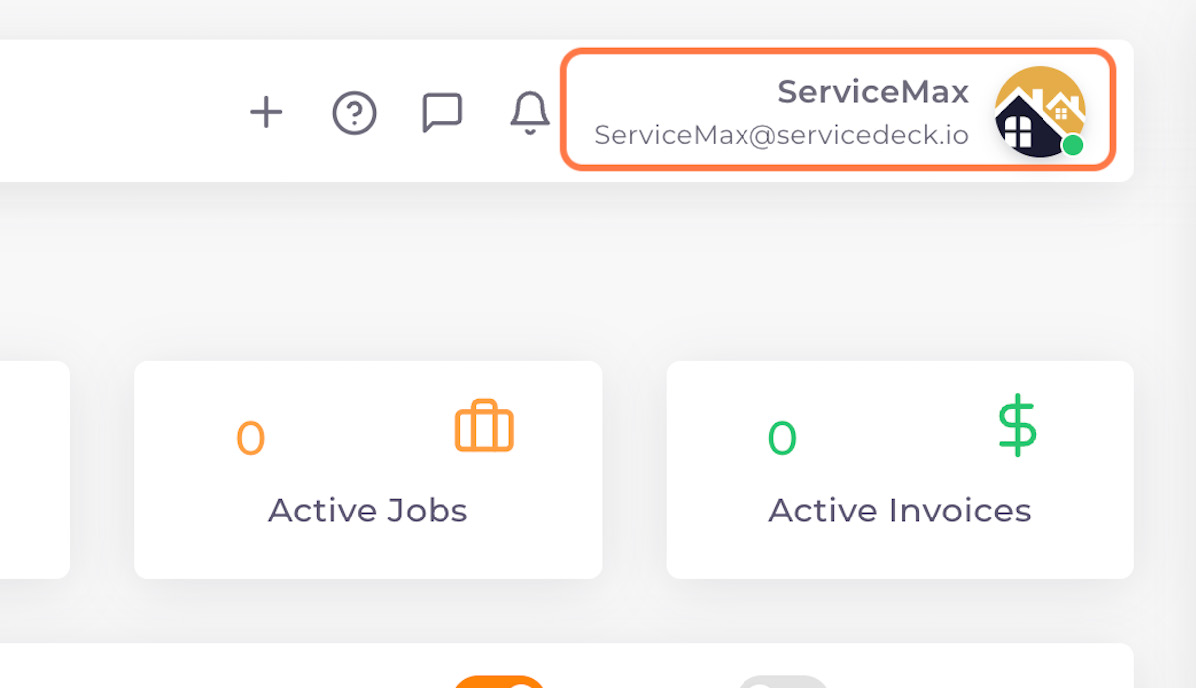
01. Click on Profile
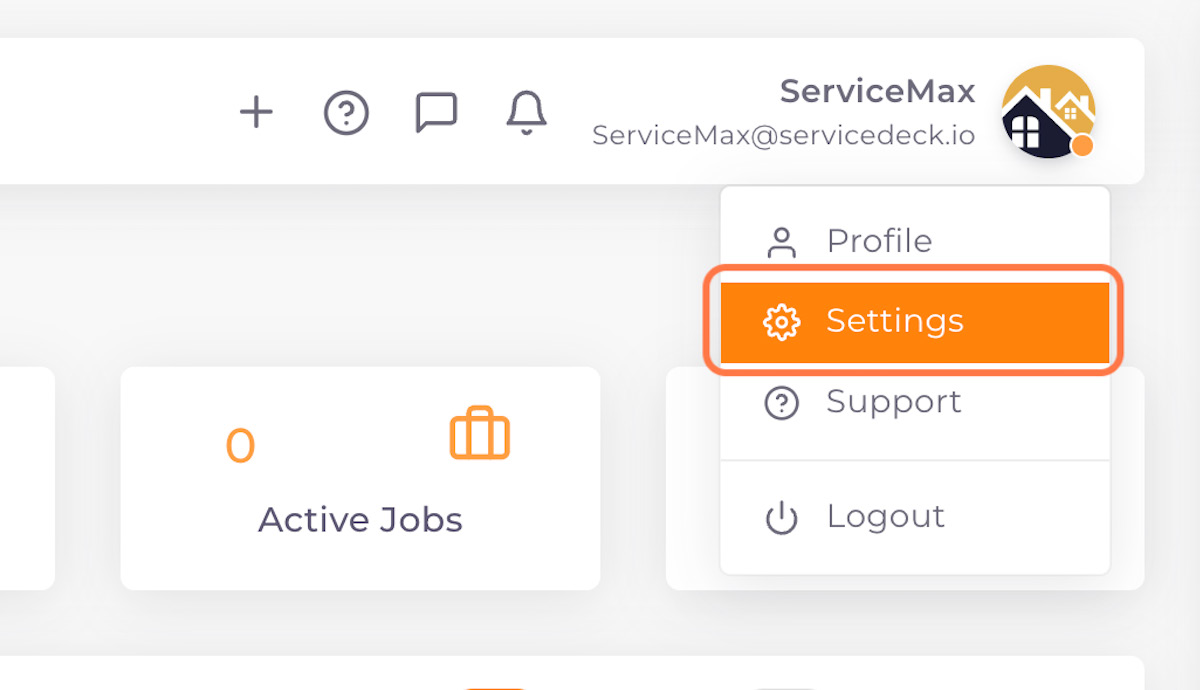
02. Click on Settings
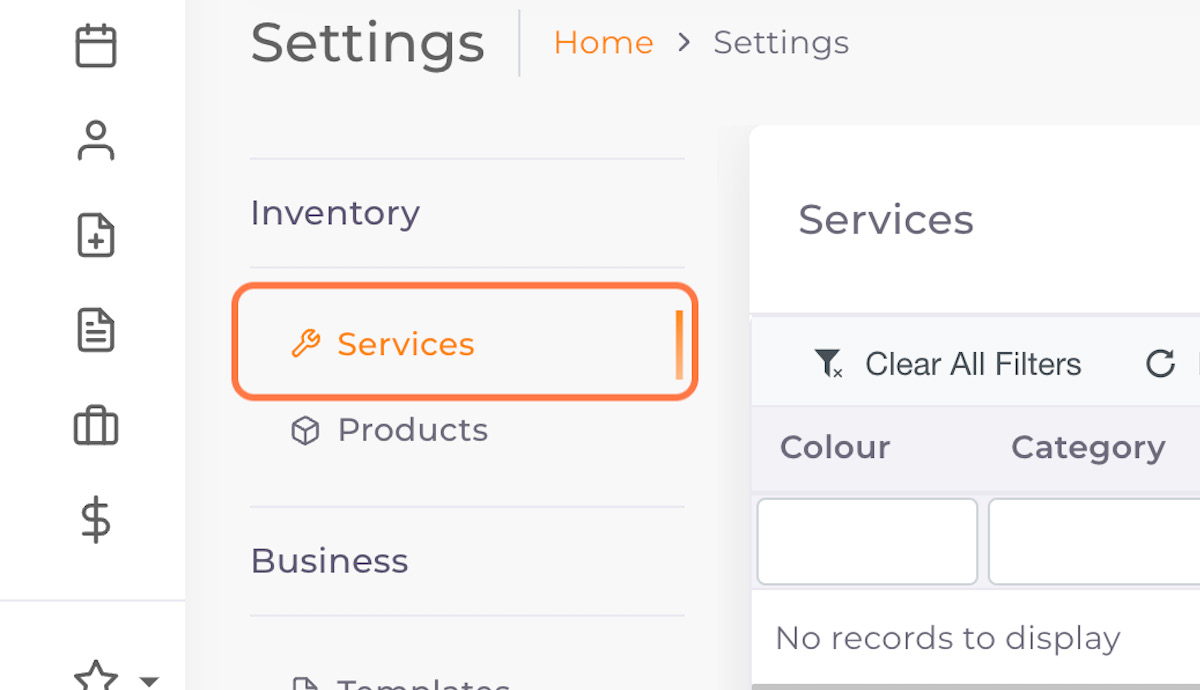
03. Click on Services
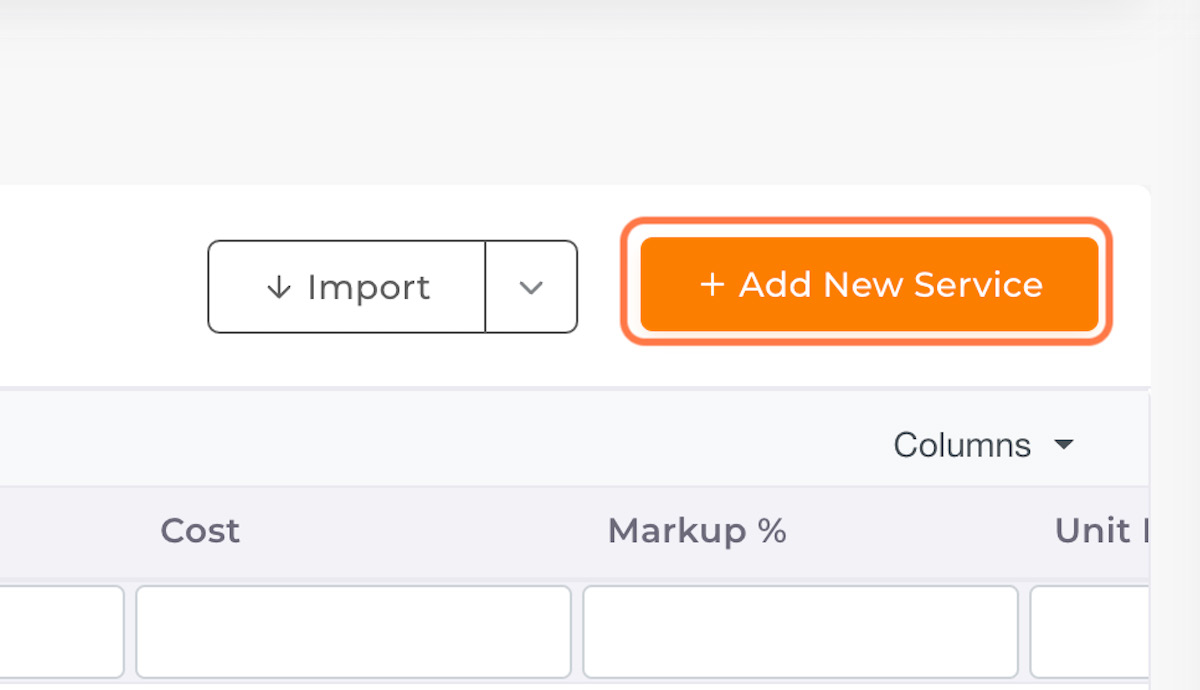
04. Click on Add New Service
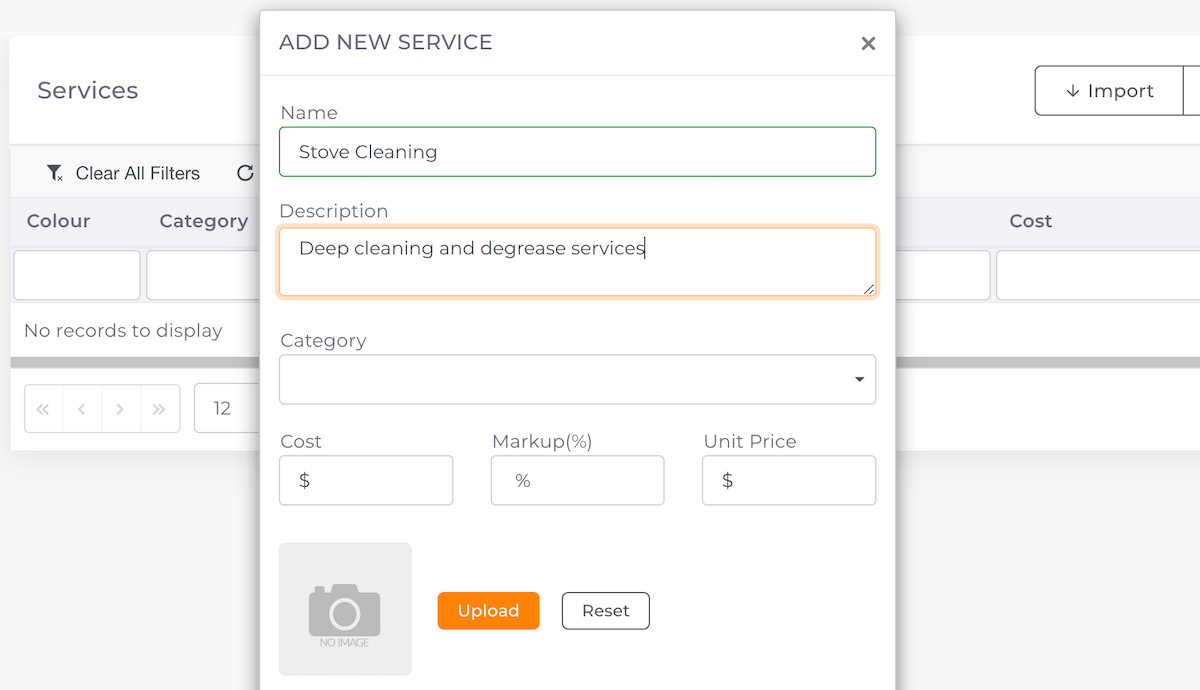
05. Fill in Service Details
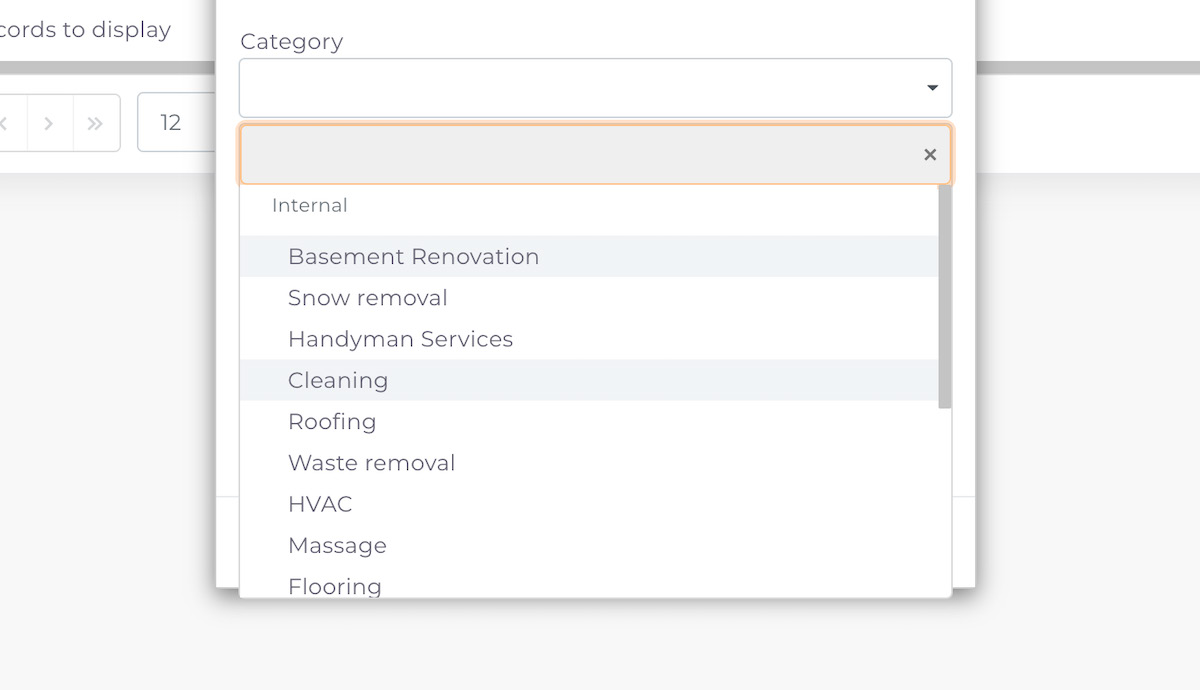
06. Select a Service Category
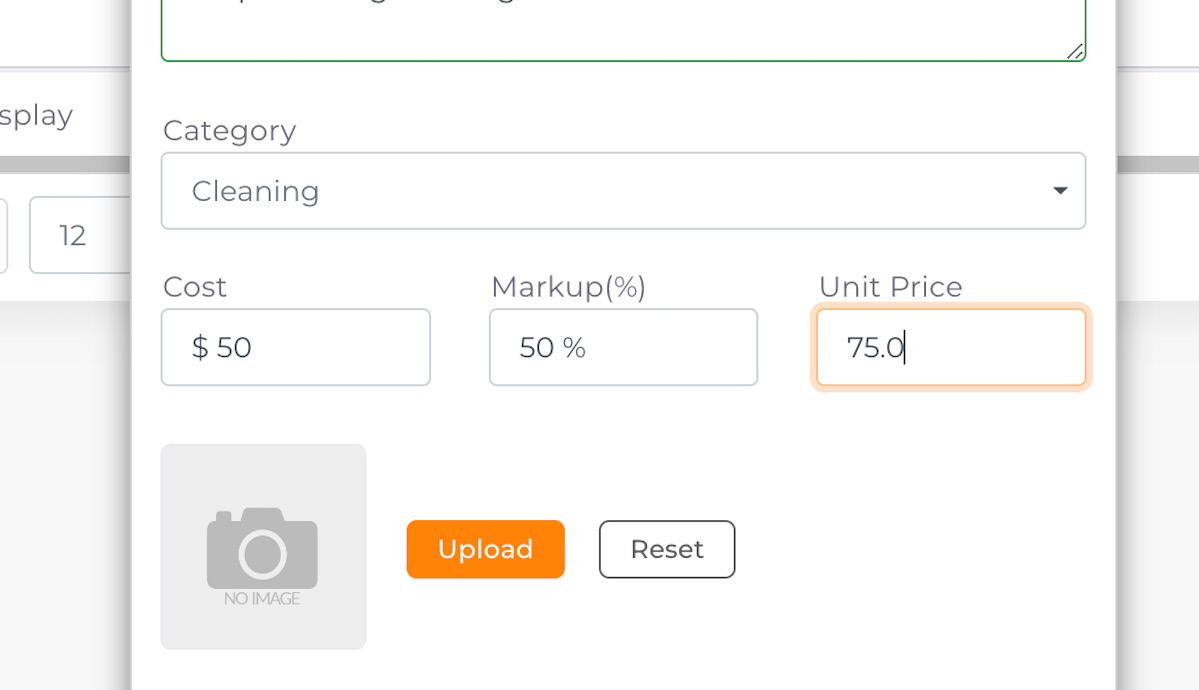
07. Add Cost and Markup %
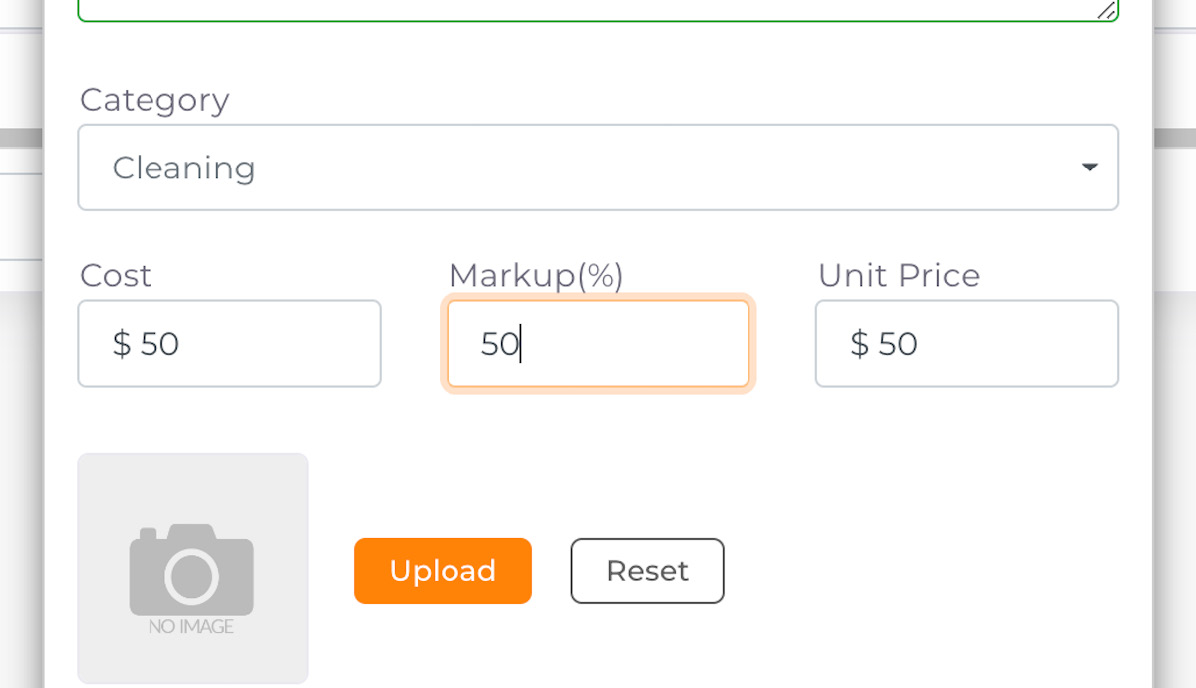
08. Unit Price will be calculated automatically based on Cost and Markup %
If you change the unit price, the Markup % will change accordingly
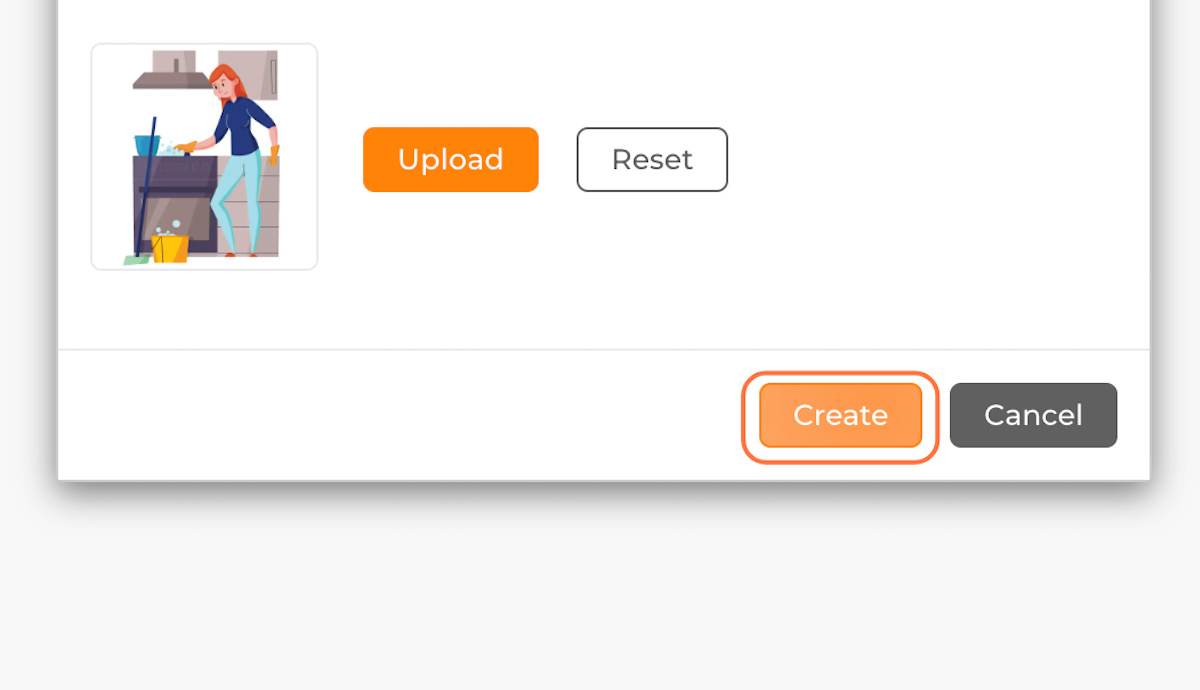
09. Click on Upload to upload service image
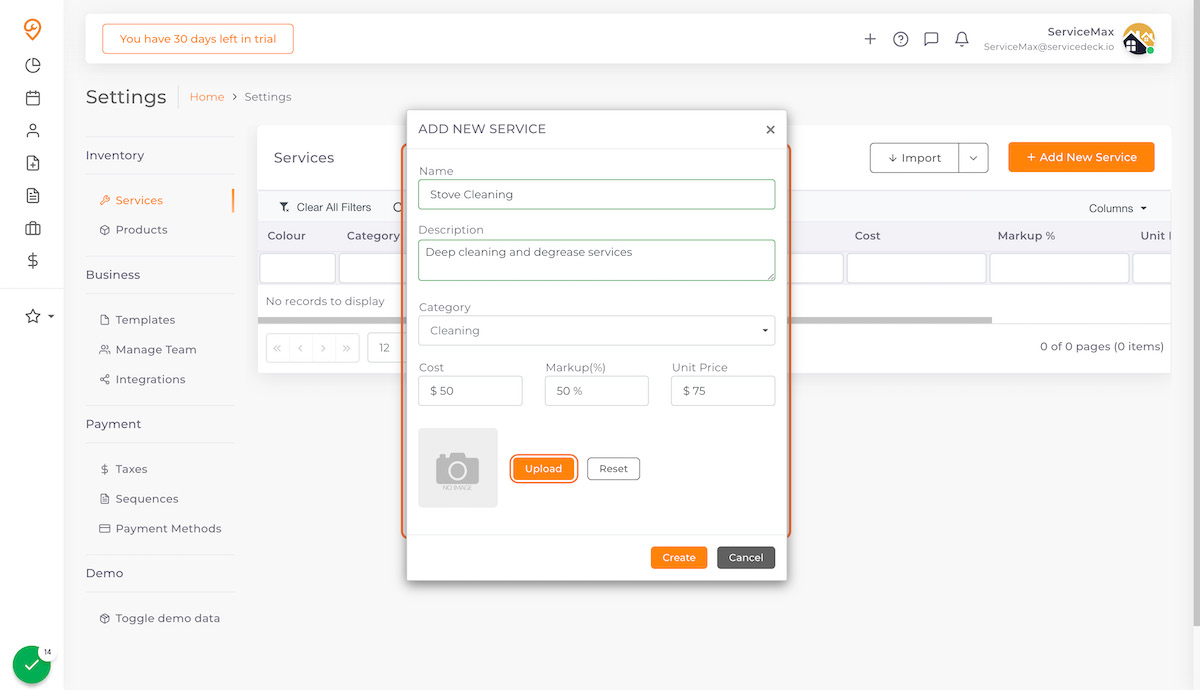
10. Click on Create
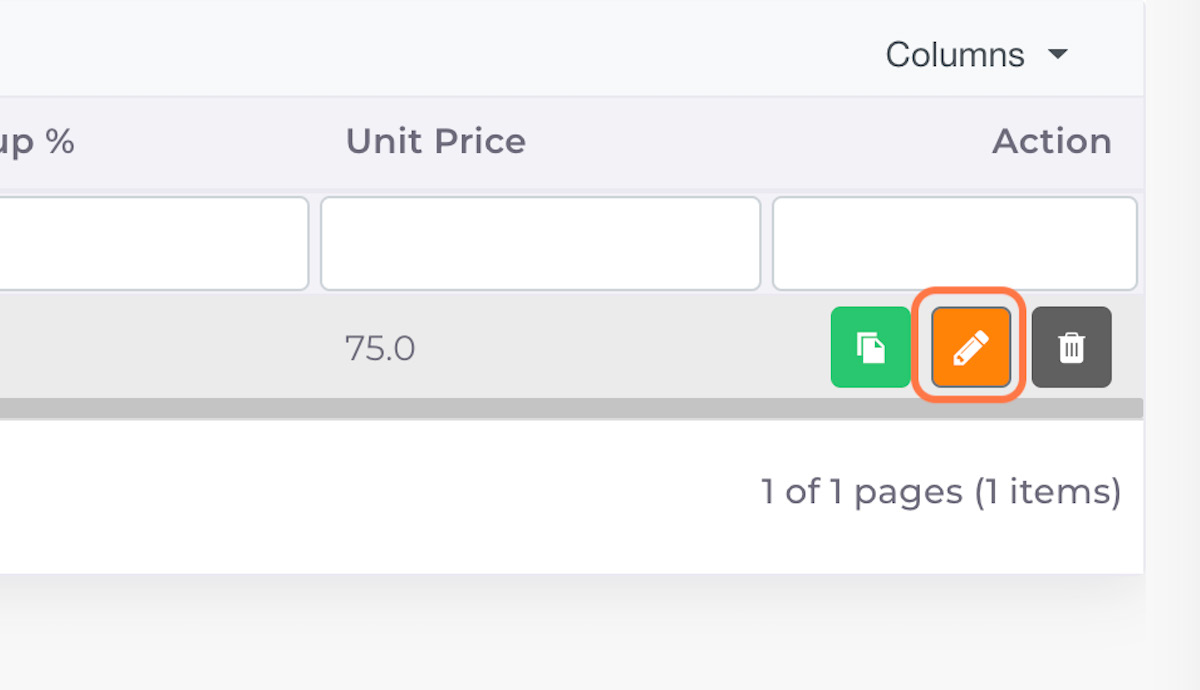
11. Click on Edit Button to assign custom colour
12. In edit mode, navigate to Colour Picker
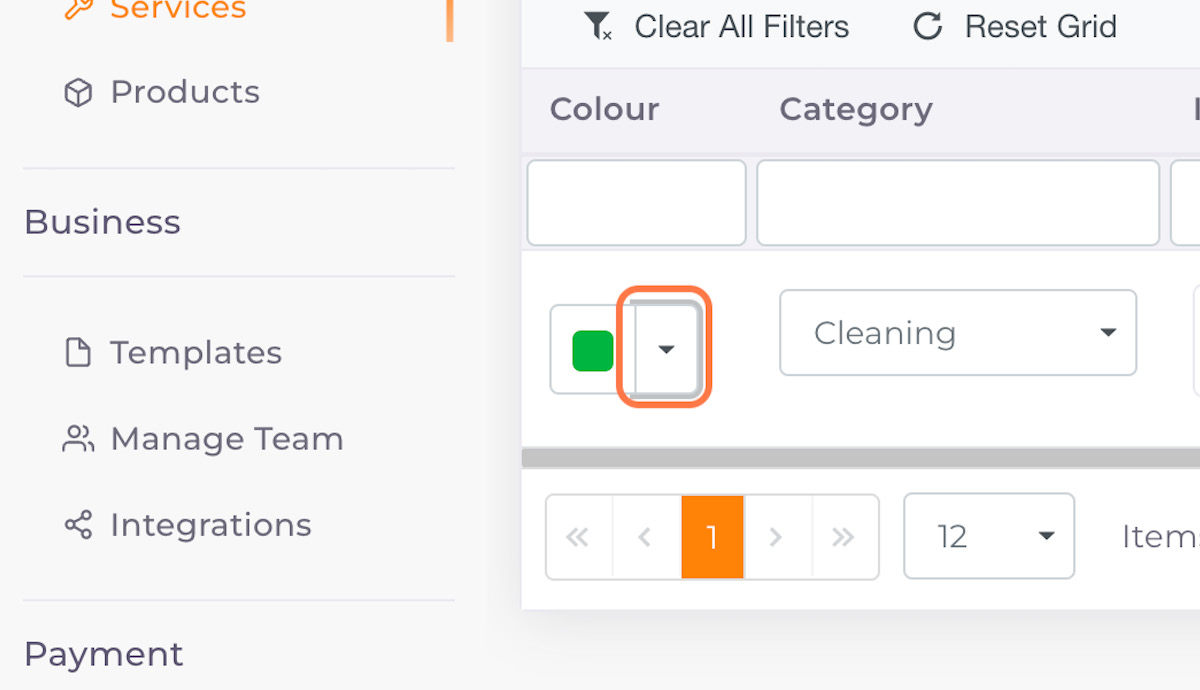
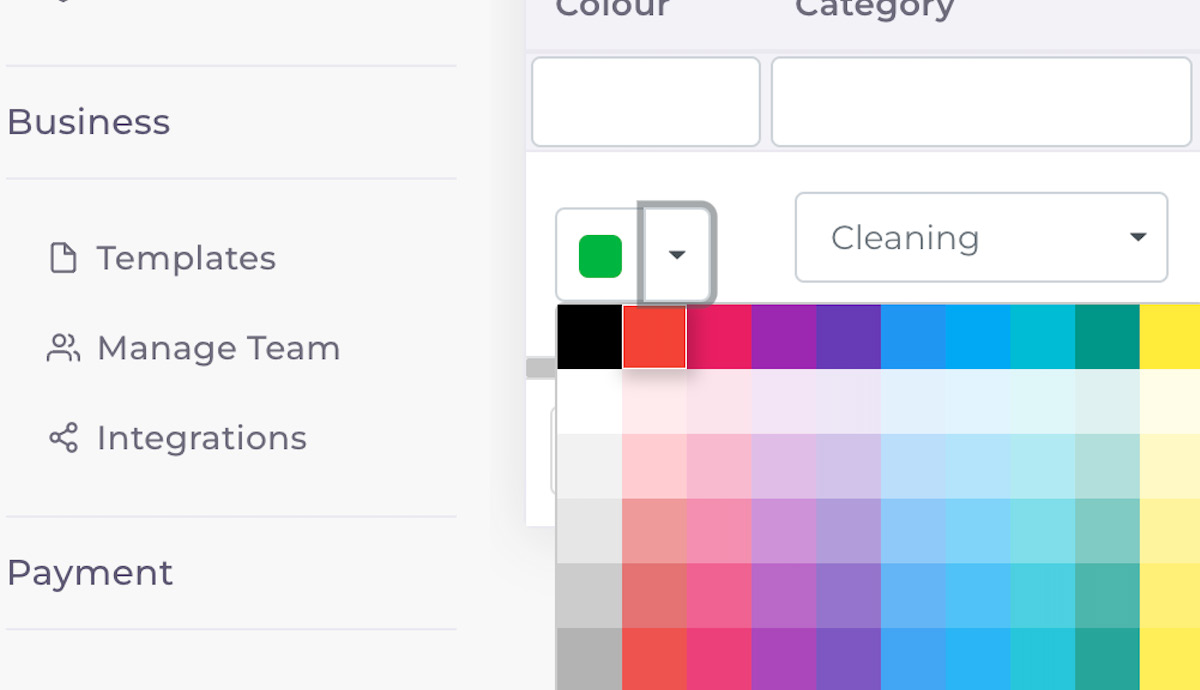
13. Select colour from the dropdown
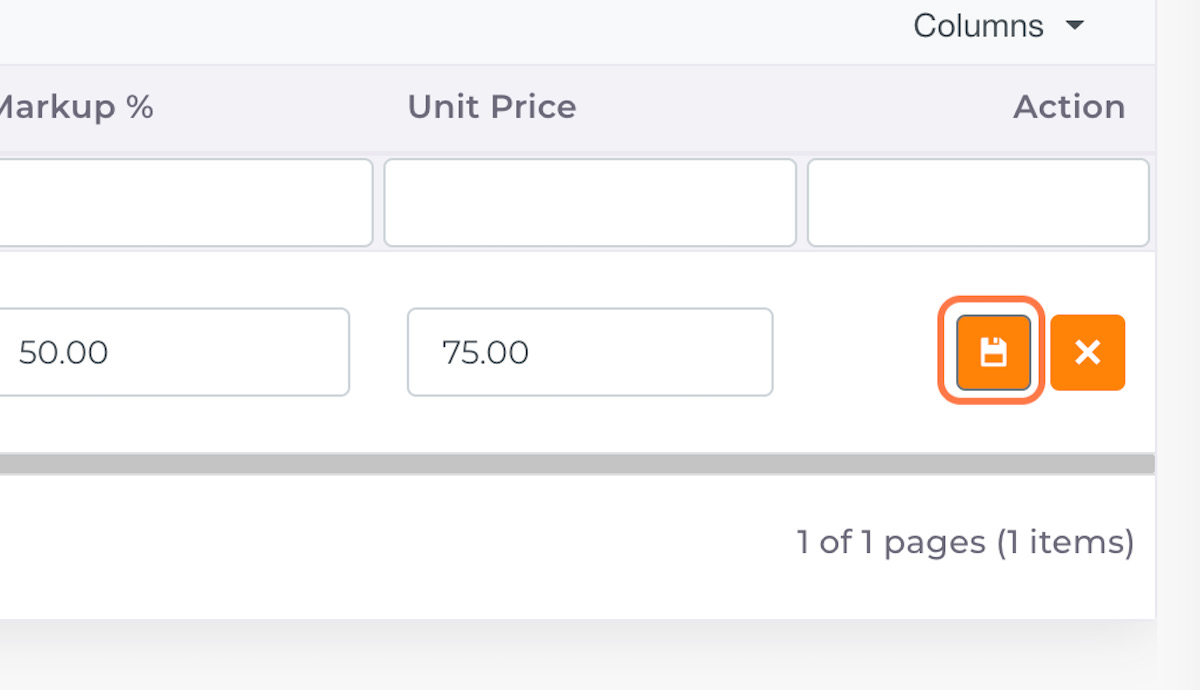
14. Click on Save