
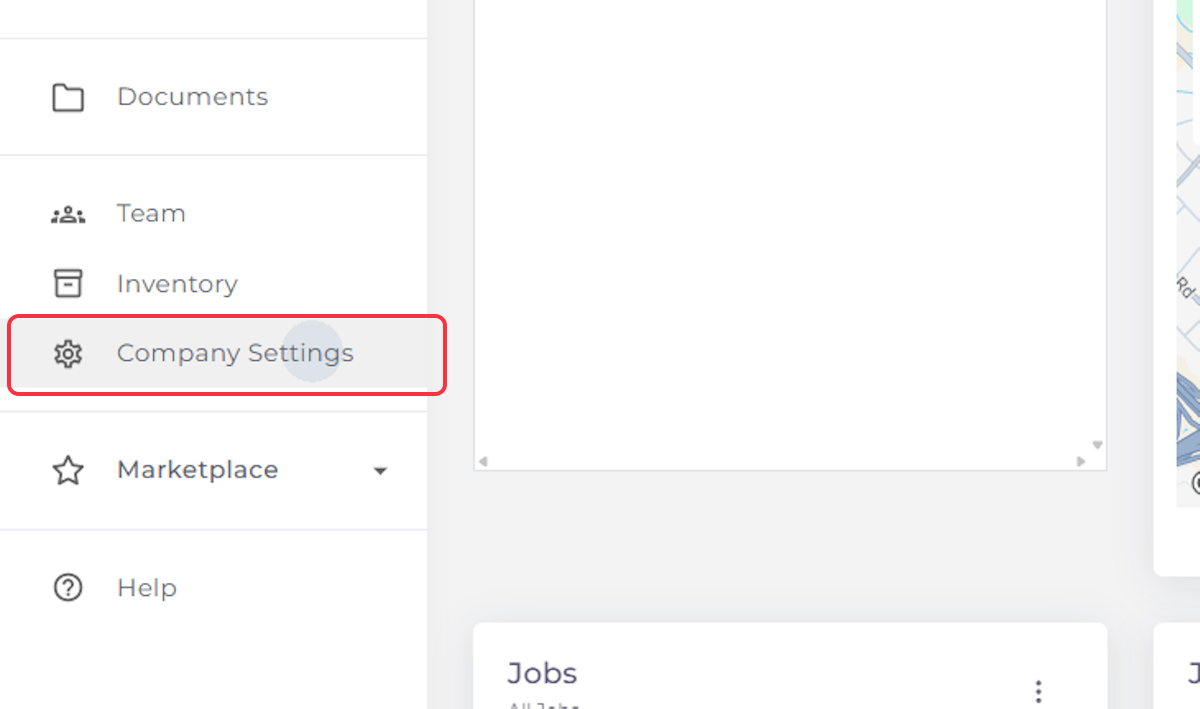
1. Click on Company Settings
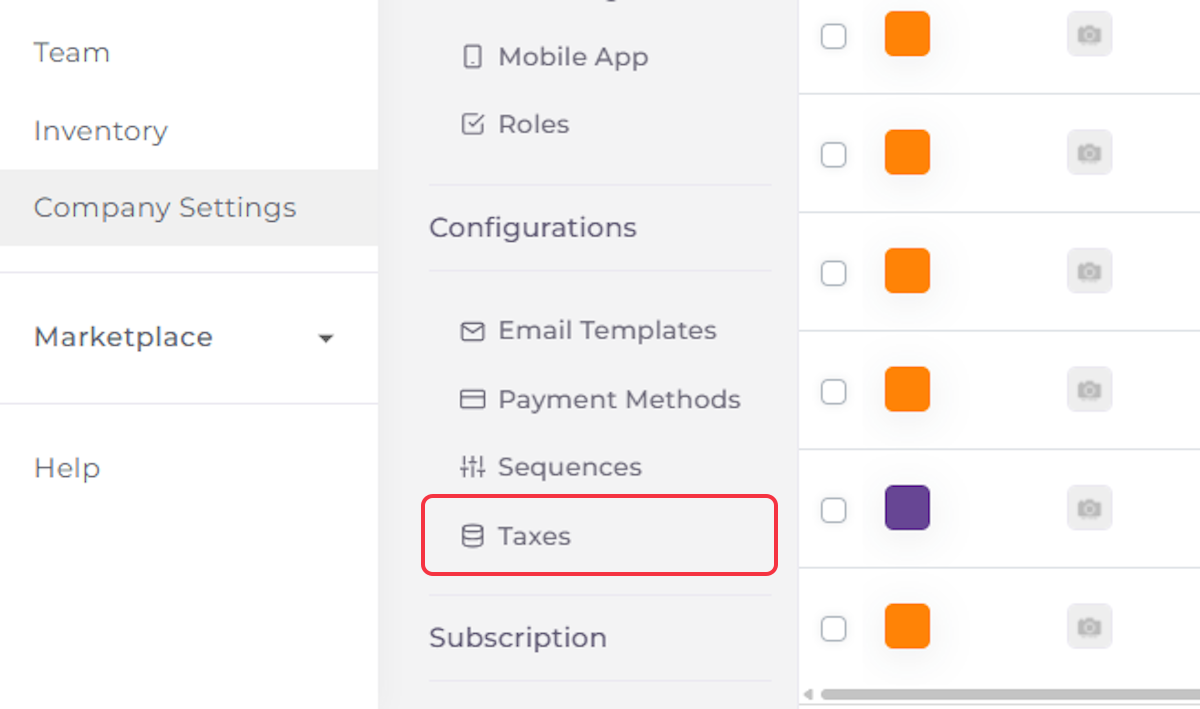
2. Click on Configurations

3. Click on Taxes
4. Add Name of the First Tax
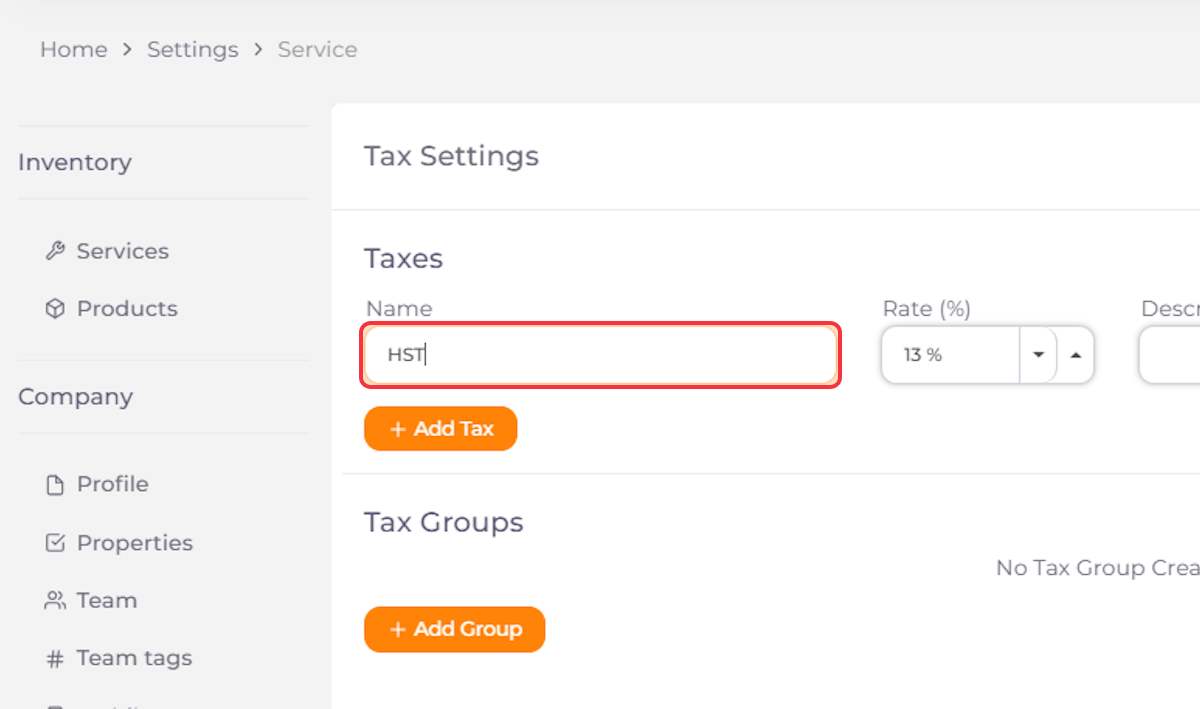
5. Add Value of the First Tax
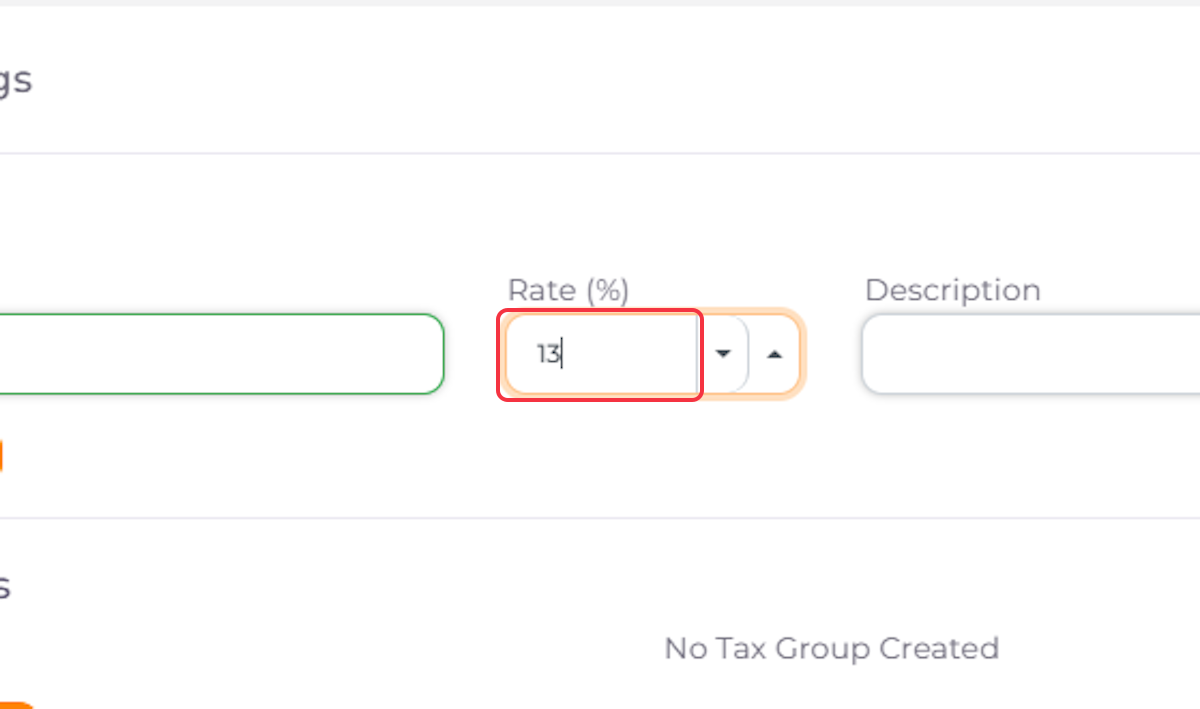
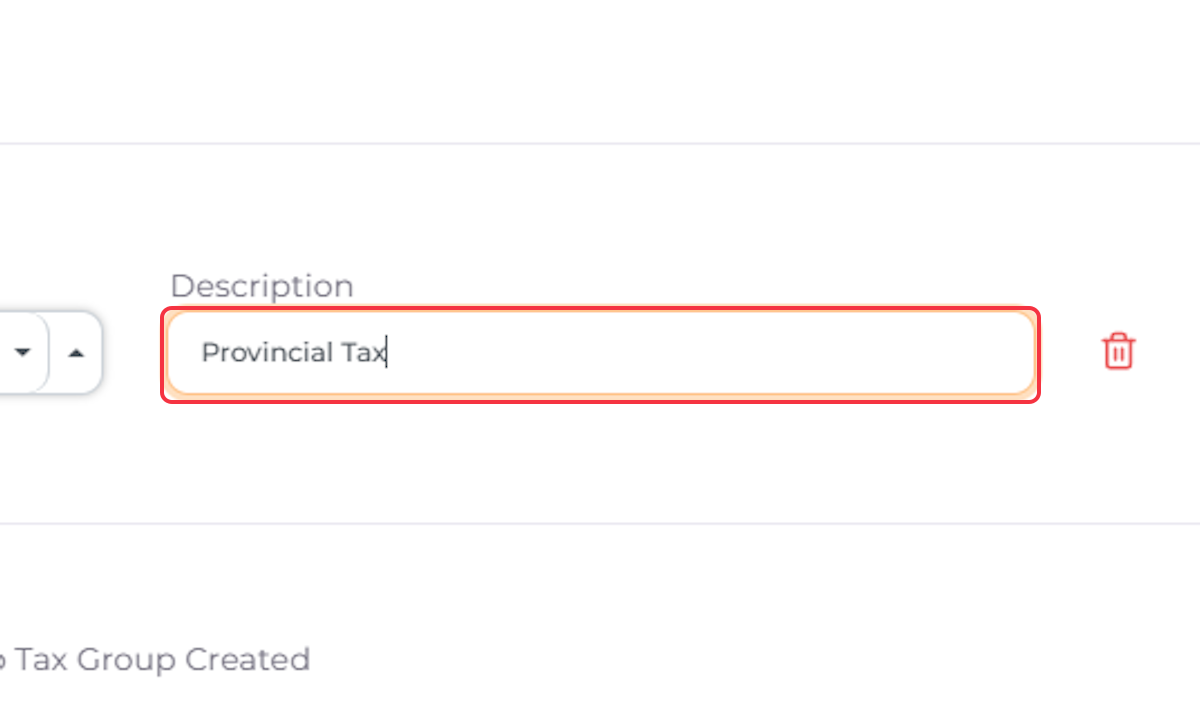
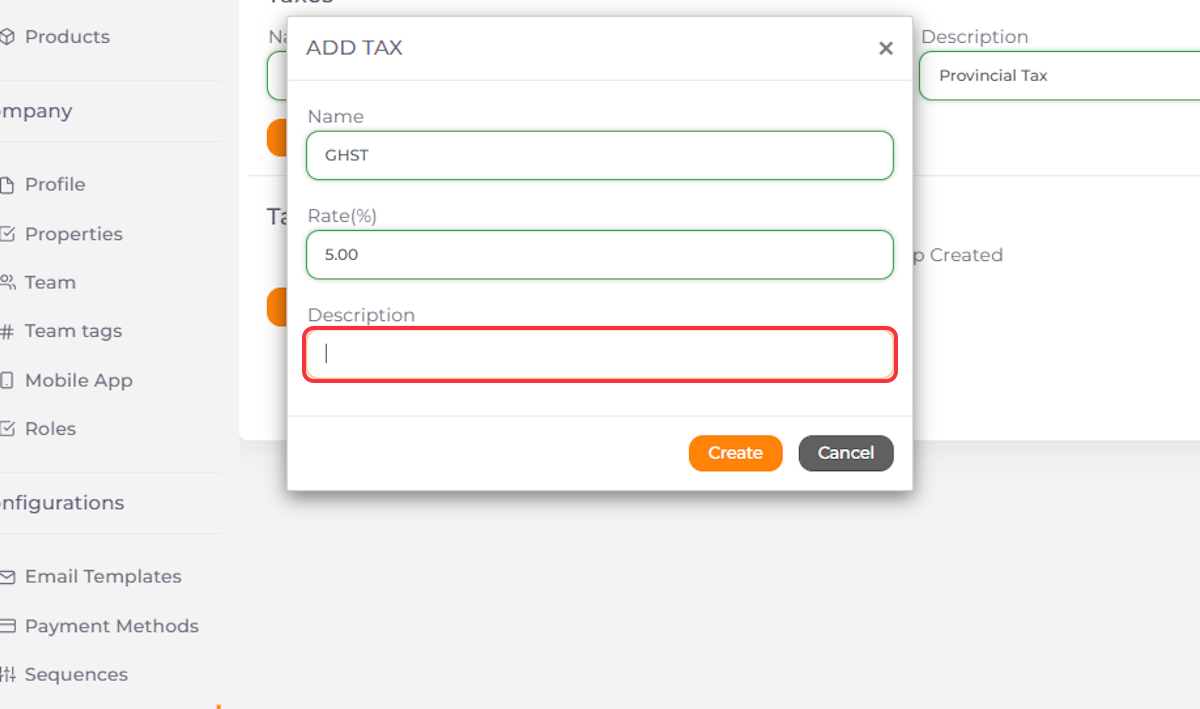
6. Enter a Description for the First Tax
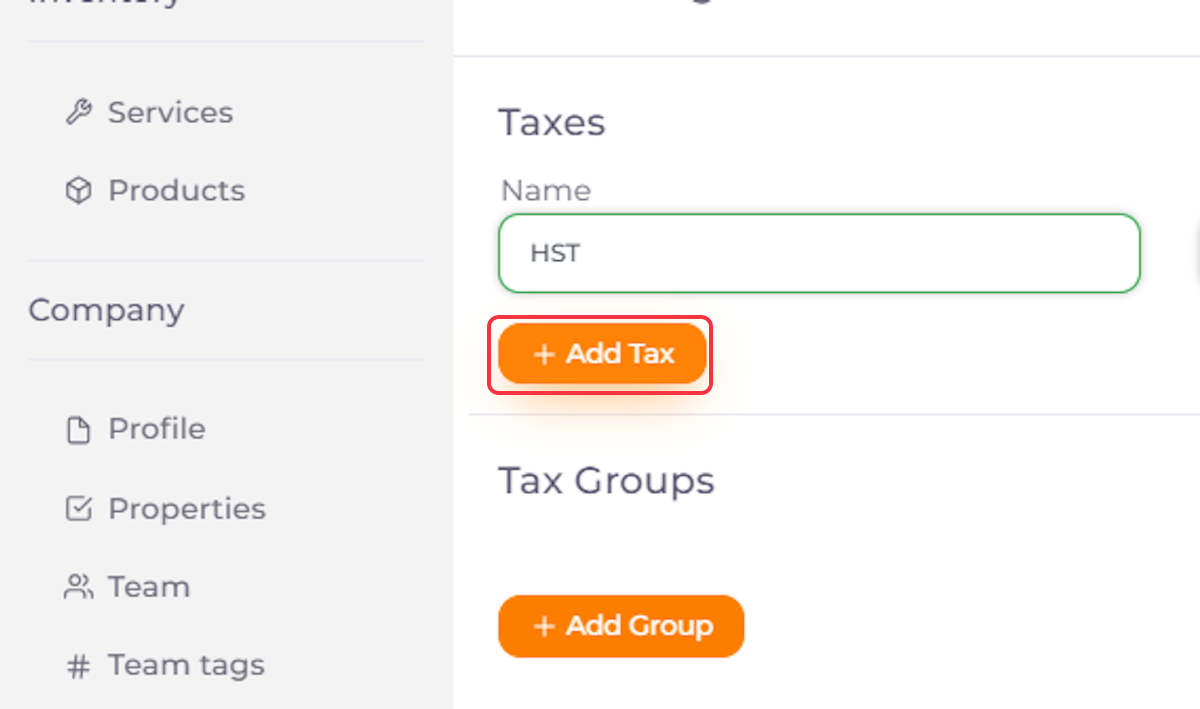
7. Click on Add Tax if You Want to Add a Second Tax
8. Add Name of the Second Tax
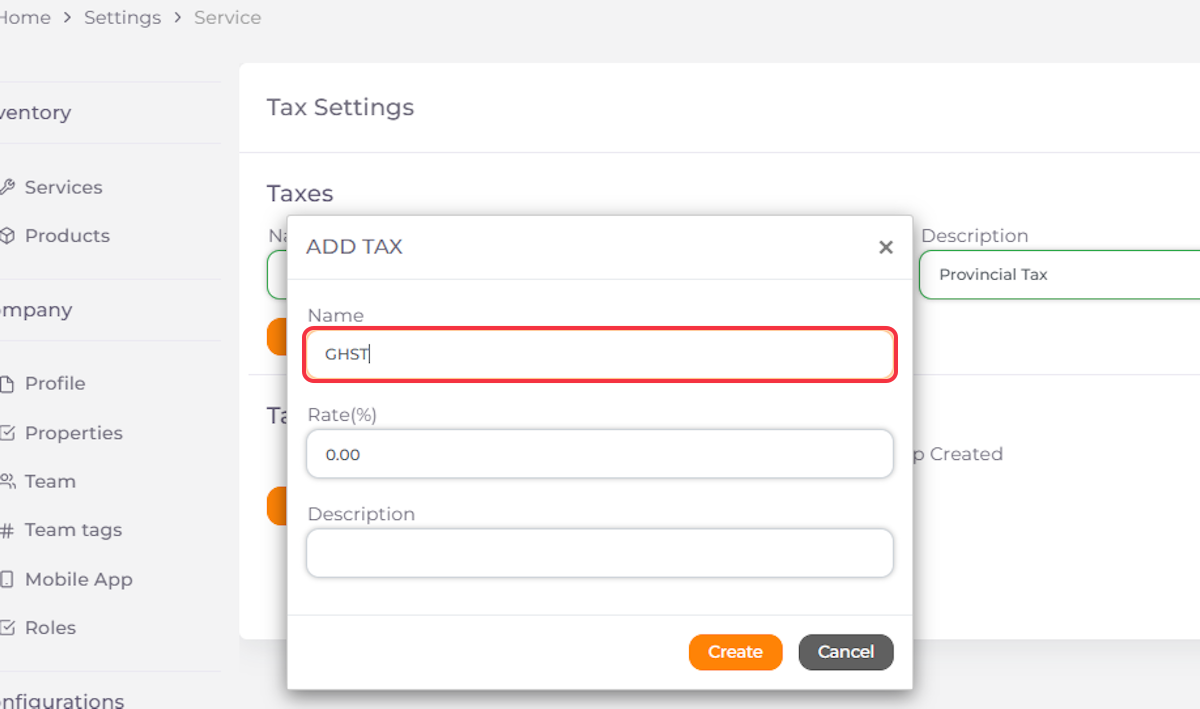
9. Add Value of the Second Tax
10. Enter a Description for the Second Tax
11. Click on Create

12. Click on Add Group if Needed

13. Add a Name to Your Tax Group
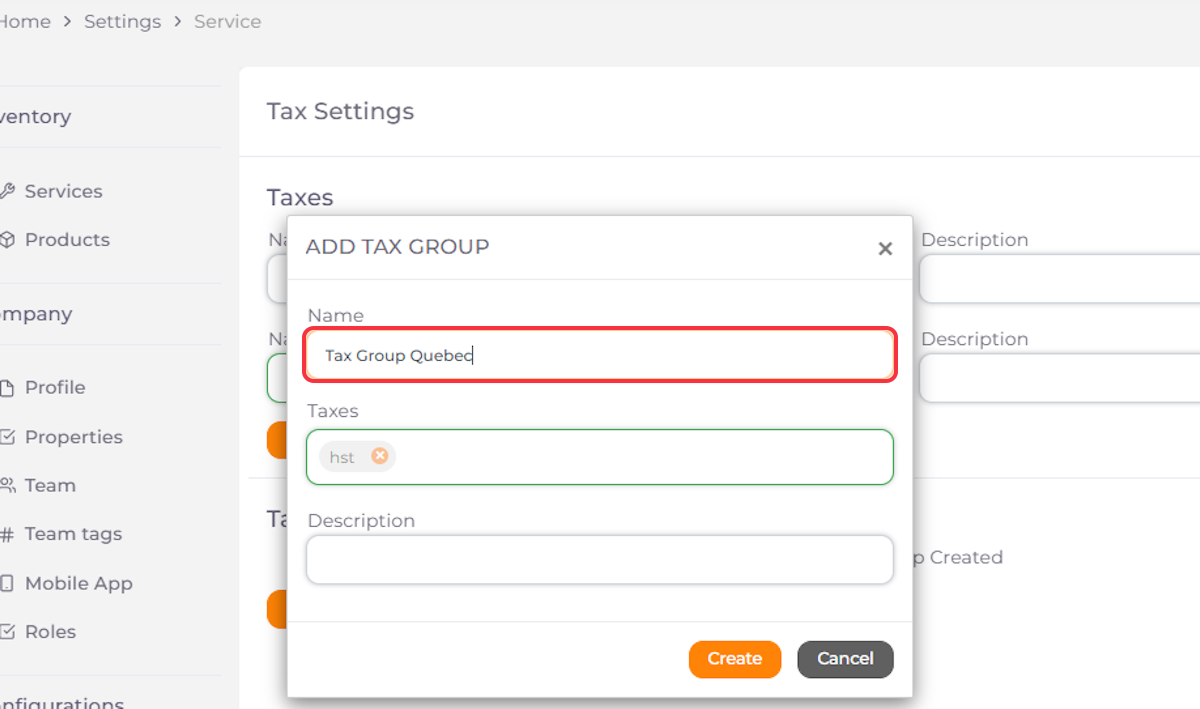
14. Add the Taxes You Want to Include in Your Tax Group

15. Enter a Description for the Tax Group

16. Click on Create

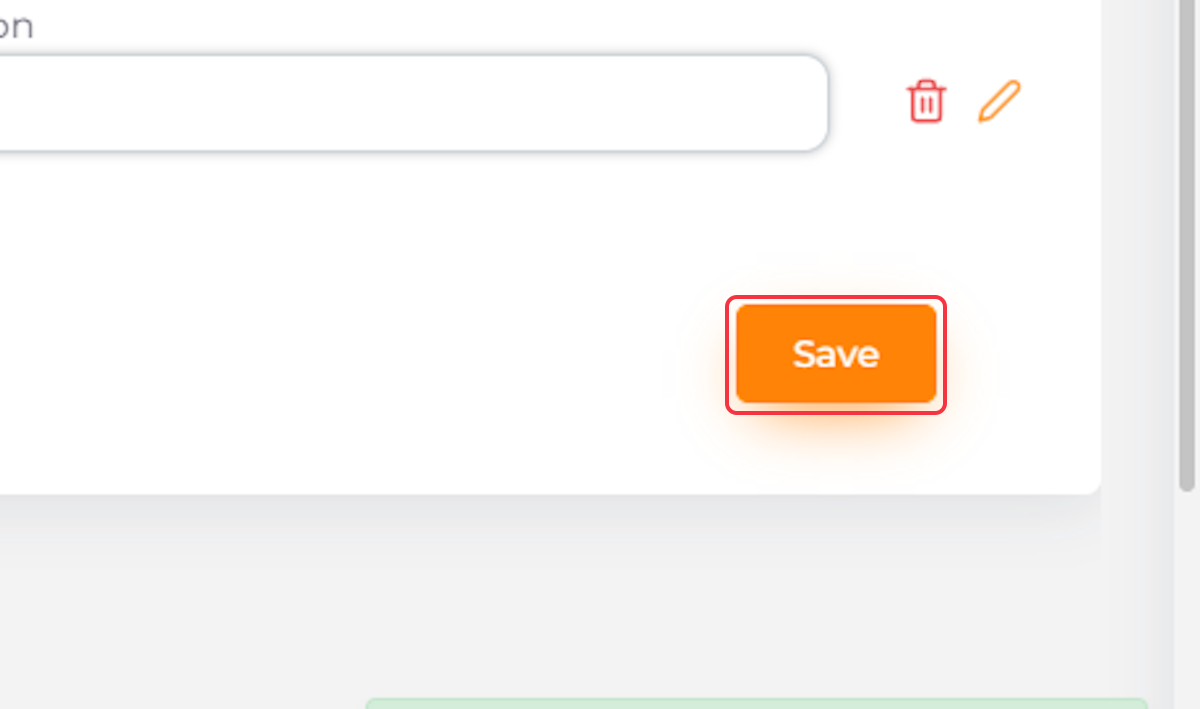
17. Click on Save