

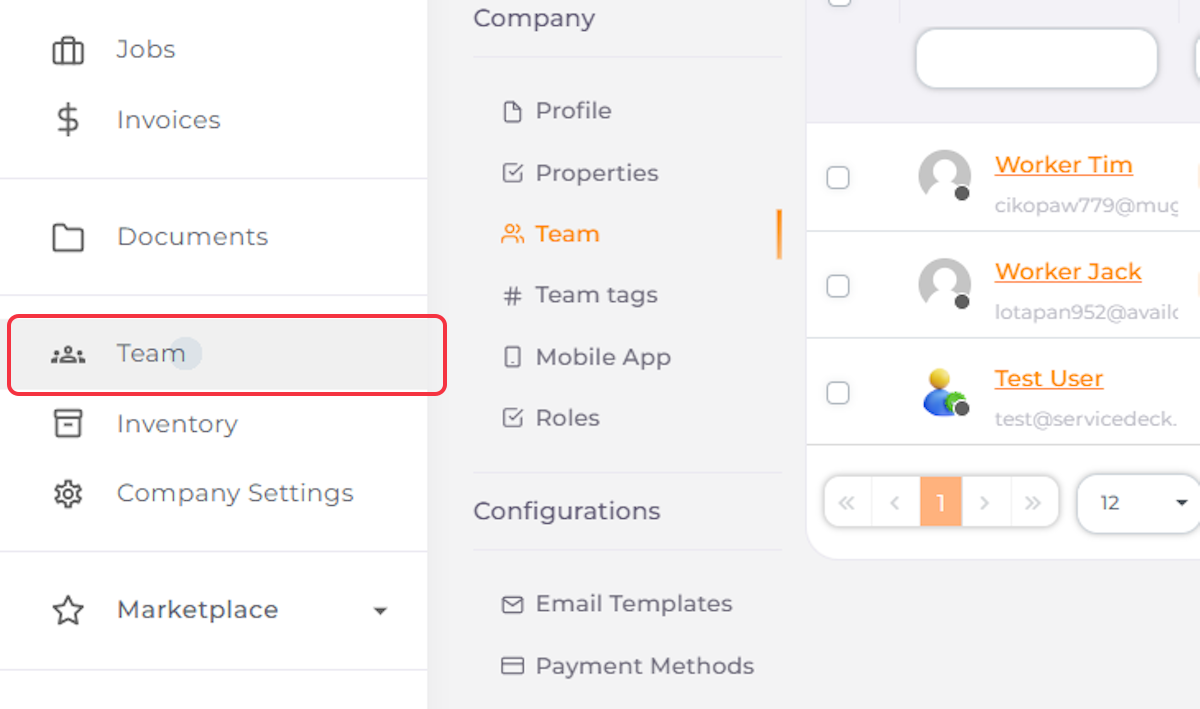
1. Navigate to Team
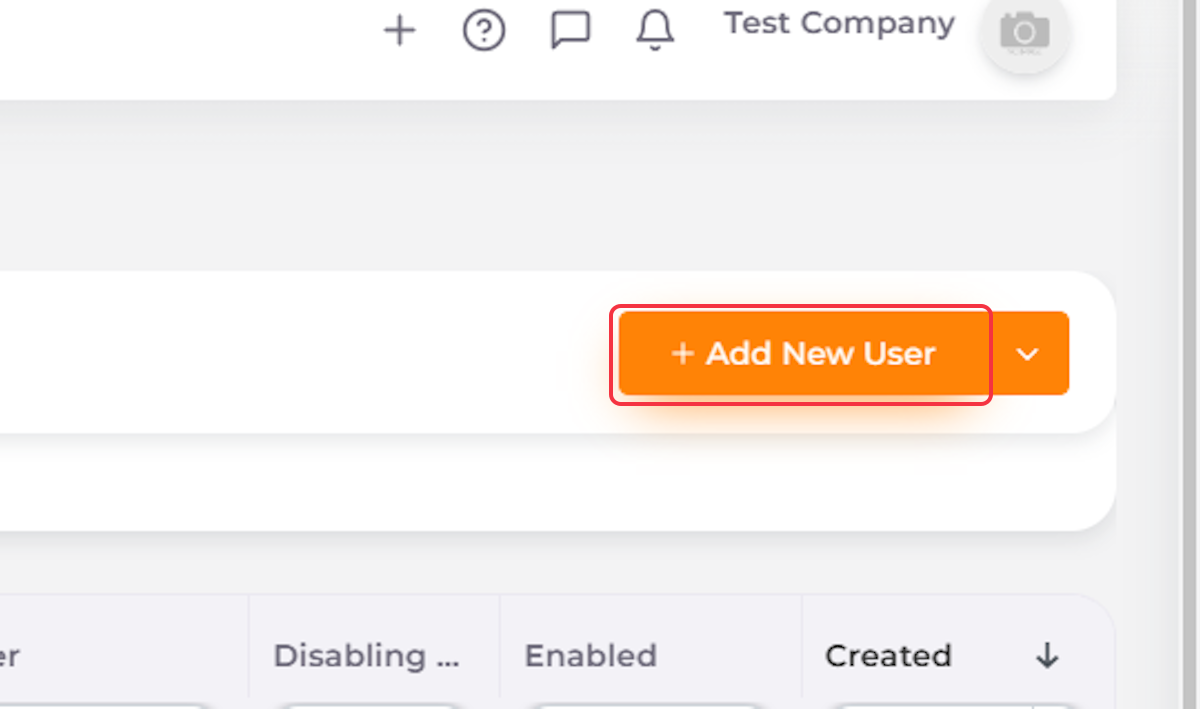
2. Click on Add New User
3. Enter User’s Name

4. Enter User’s Email

5. Enter User’s Phone Number

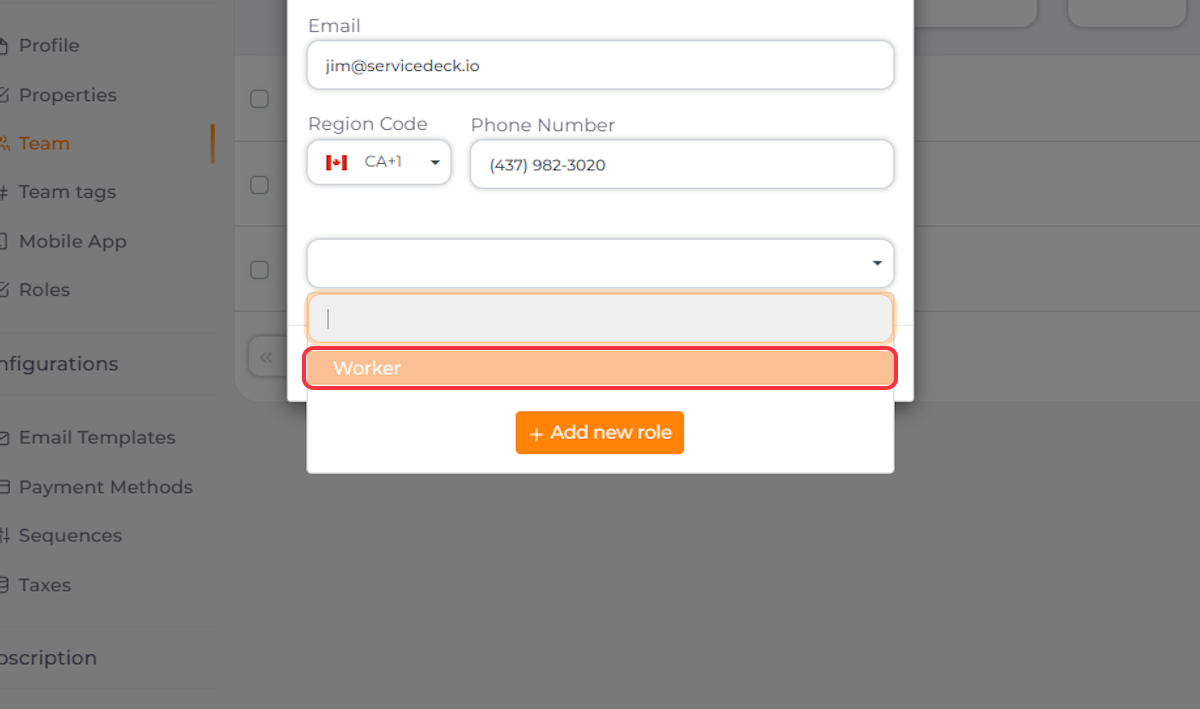
6. Select User’s Role
Worker is a default role designed for users who go to the worksite and need access to the Mobile App. You can also create custom roles for office administrators, accountants, and other team members, with access to additional features such as Invoicing, Quotes, and more.
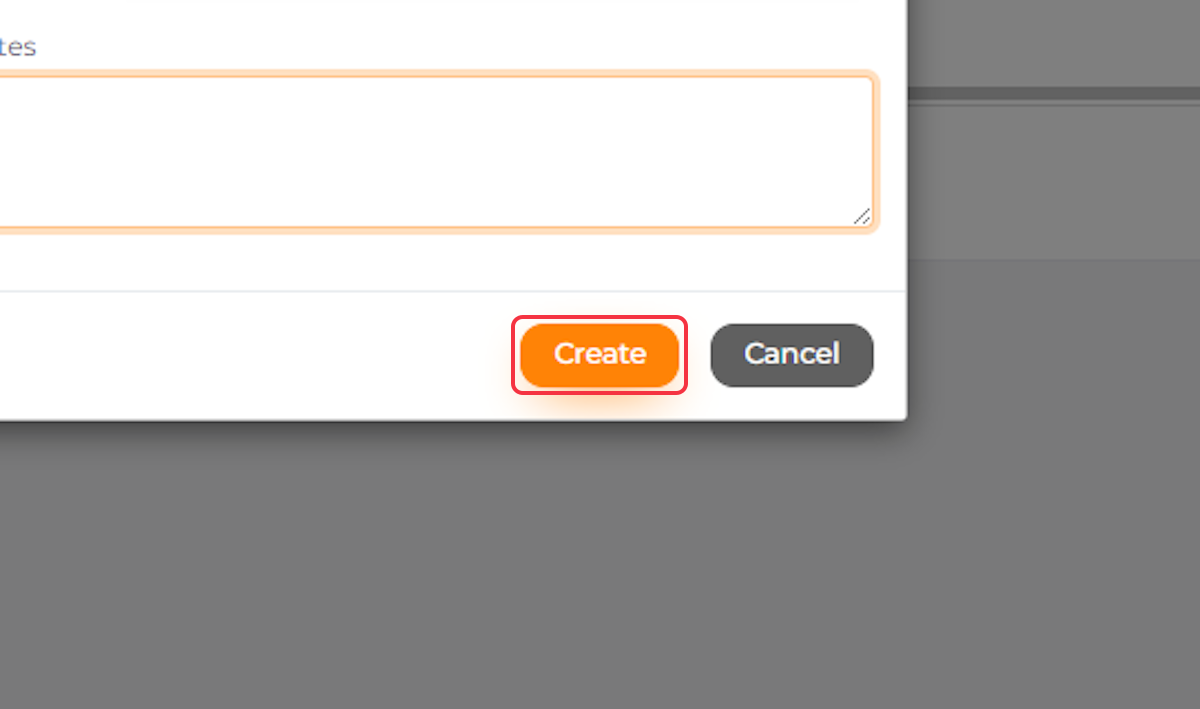
7. Click Create

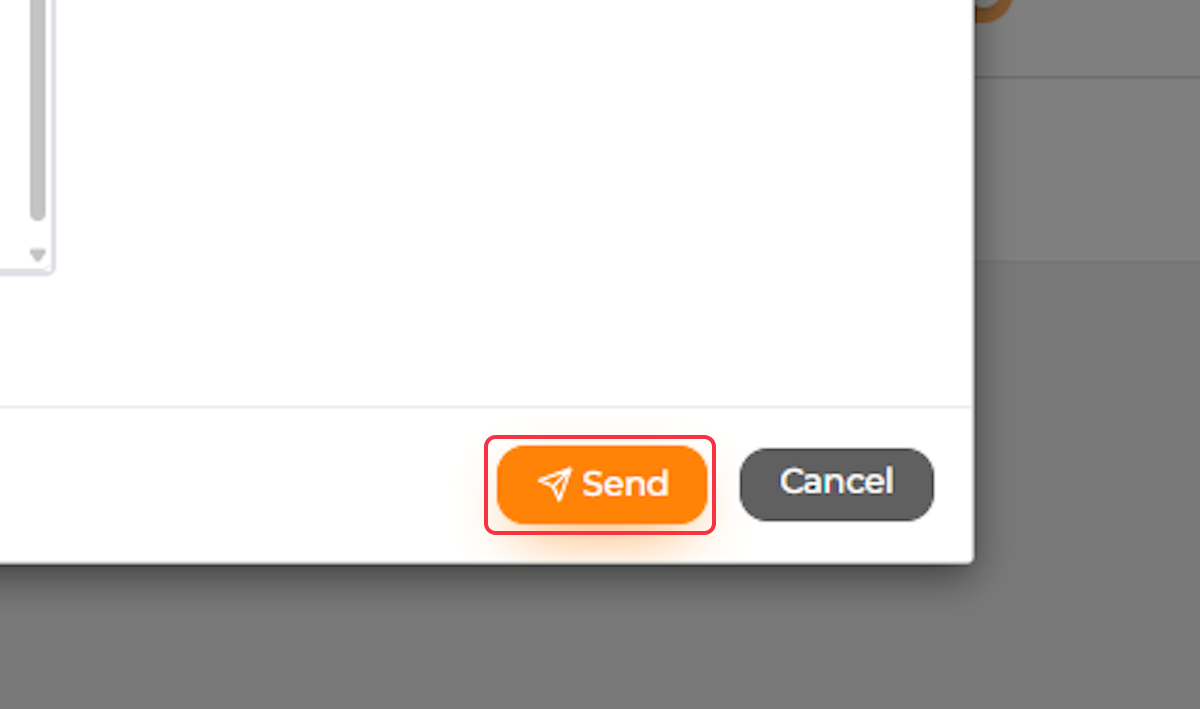
8. Send an Email Invitation to Your Worker
It is important to send this email to your worker, as it contains a personalized link to register and download the mobile app.

9. Click Send
10. Your Team Member Will Now Appear on the Team Members List
11. Always Double-Check That Your Team Member Is Enabled


