
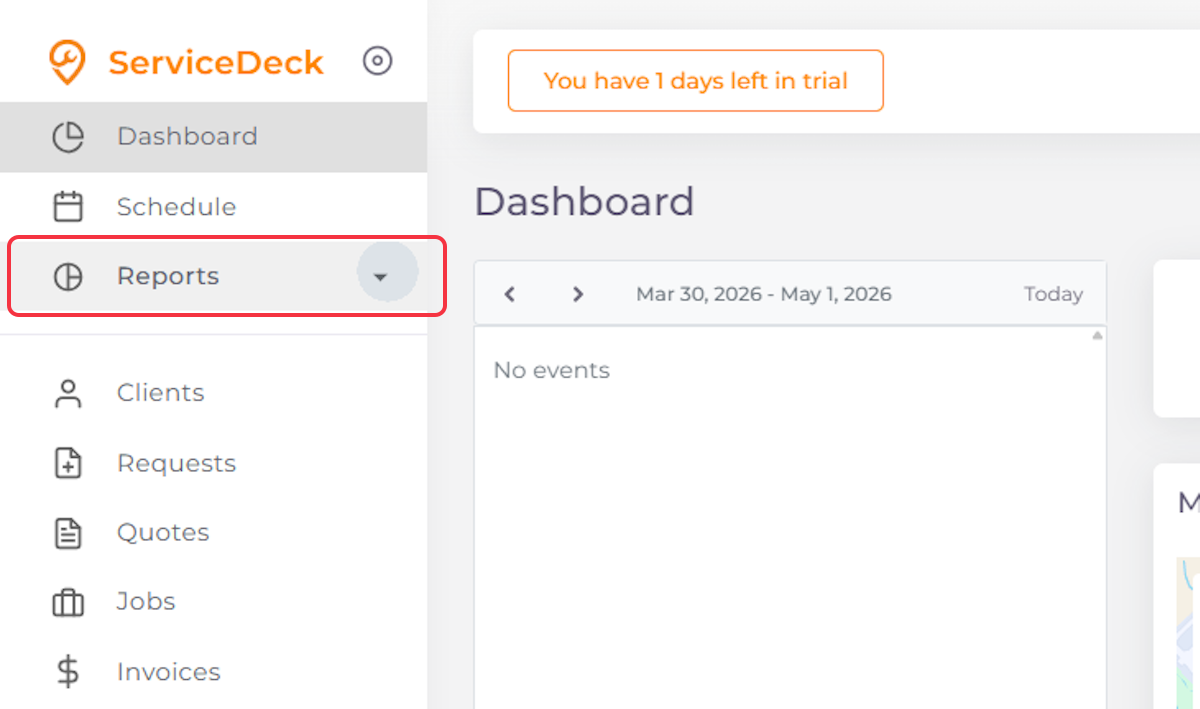
1. Click on Reports
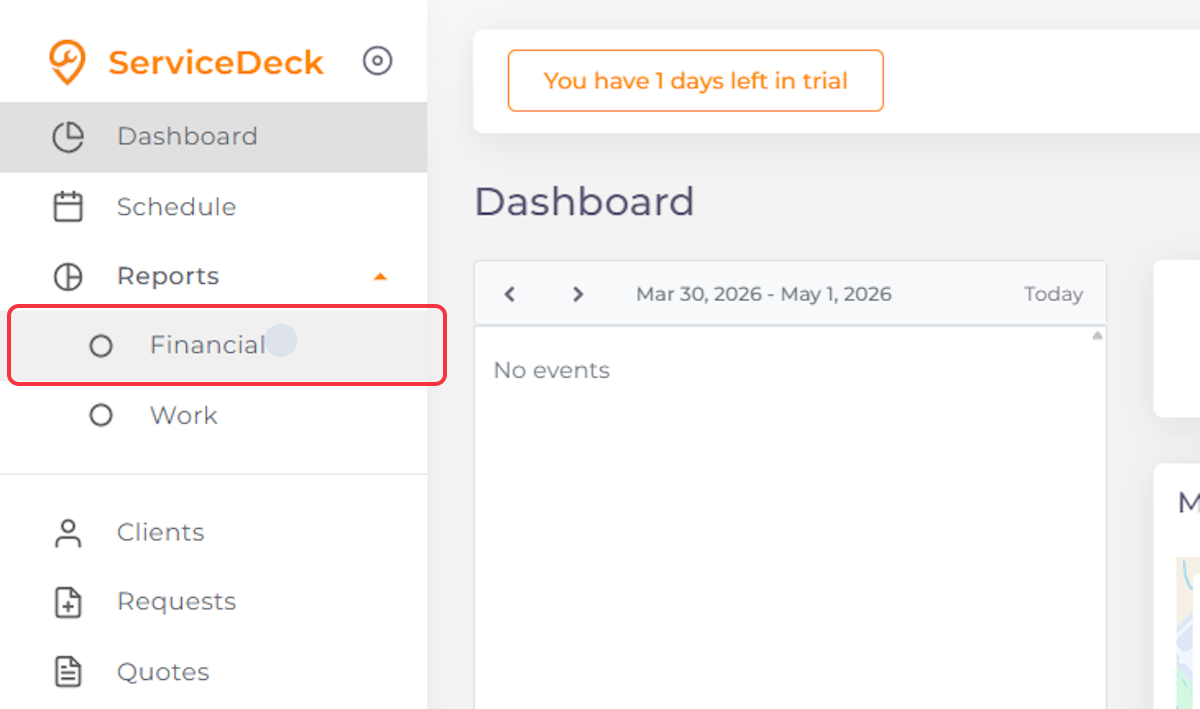
2. Click on Financial
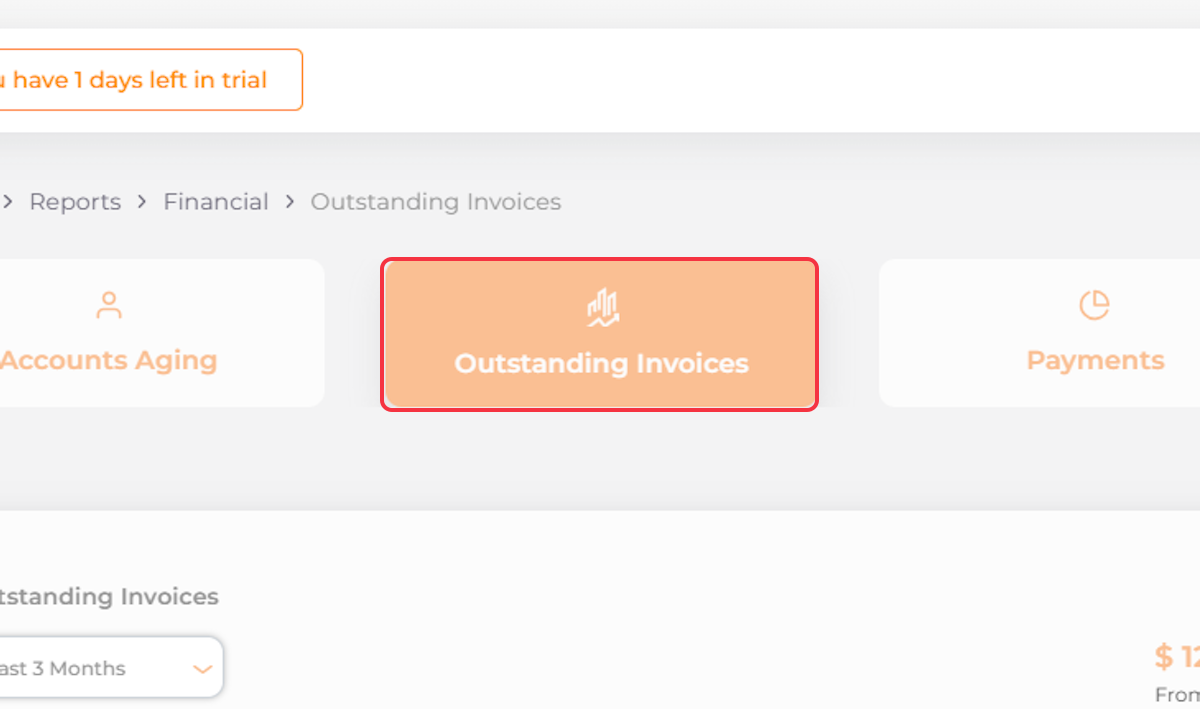
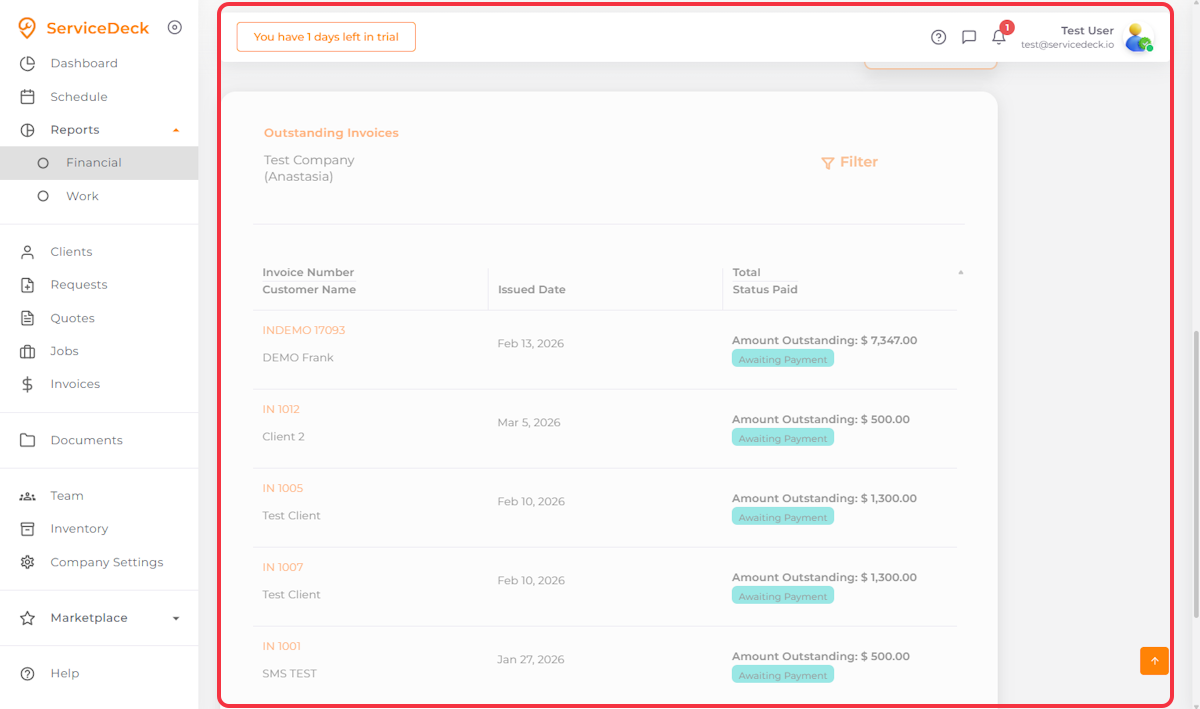
3. Click on Outstanding Invoices
4. Click on Filter
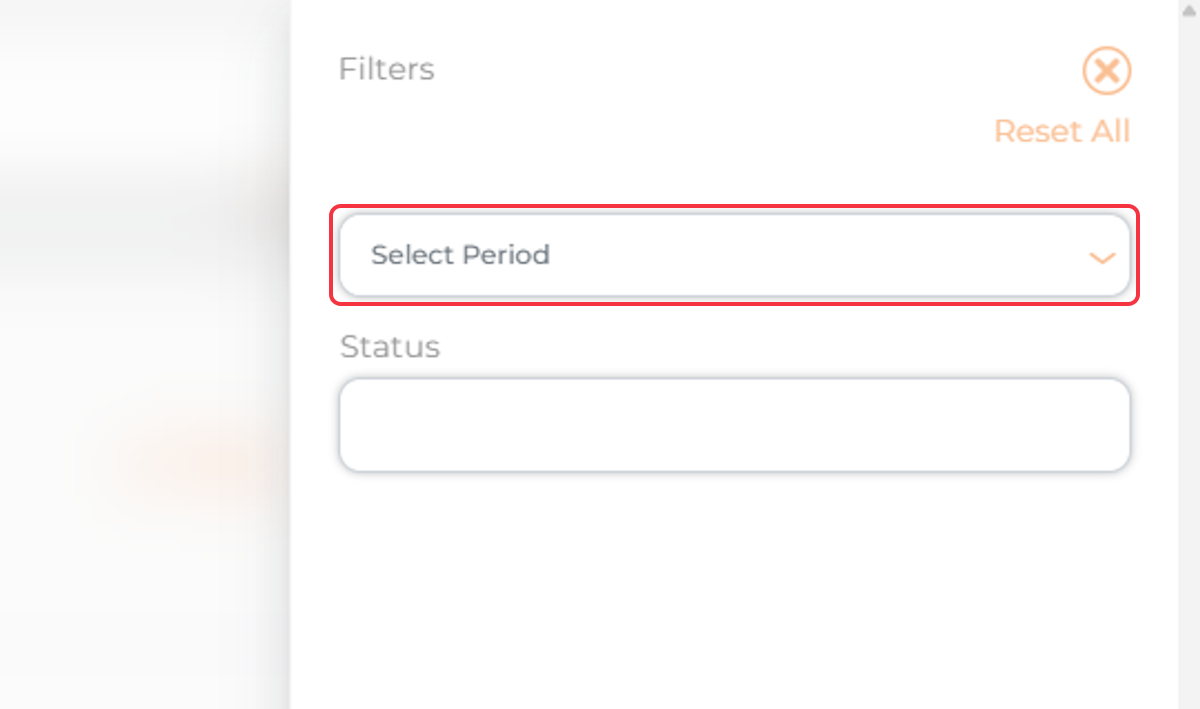
5. Select the Desired Period for Your Report
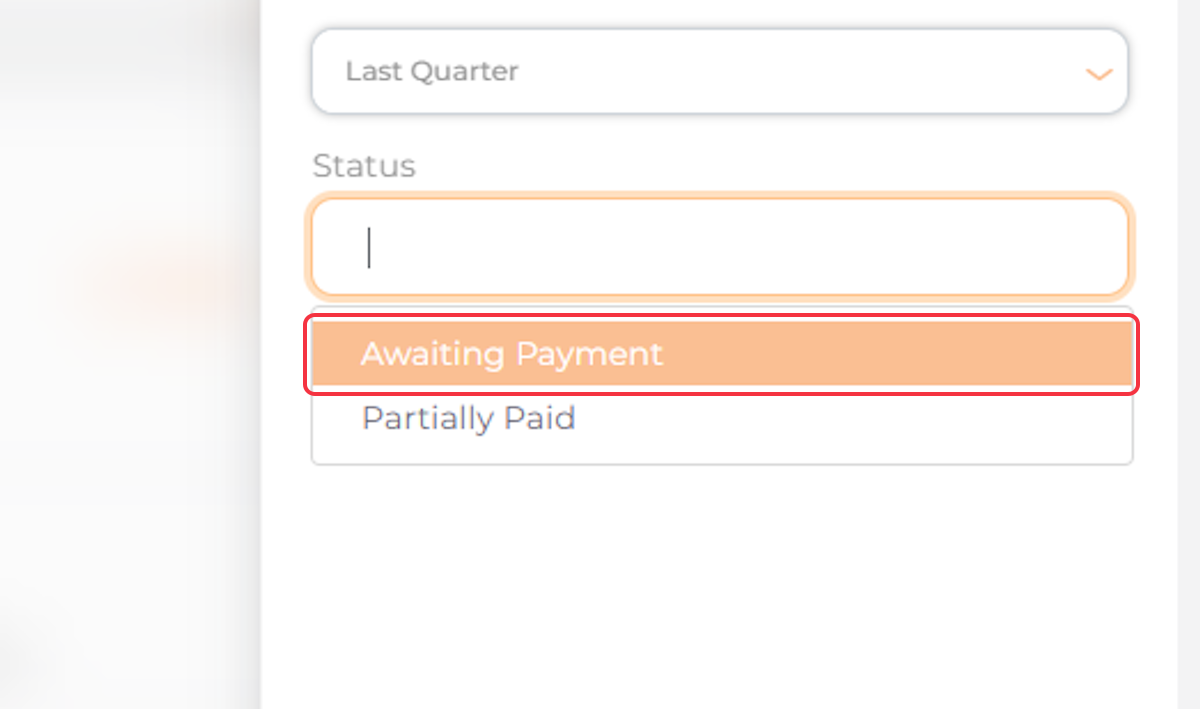
6. Select Status
7. Click Apply

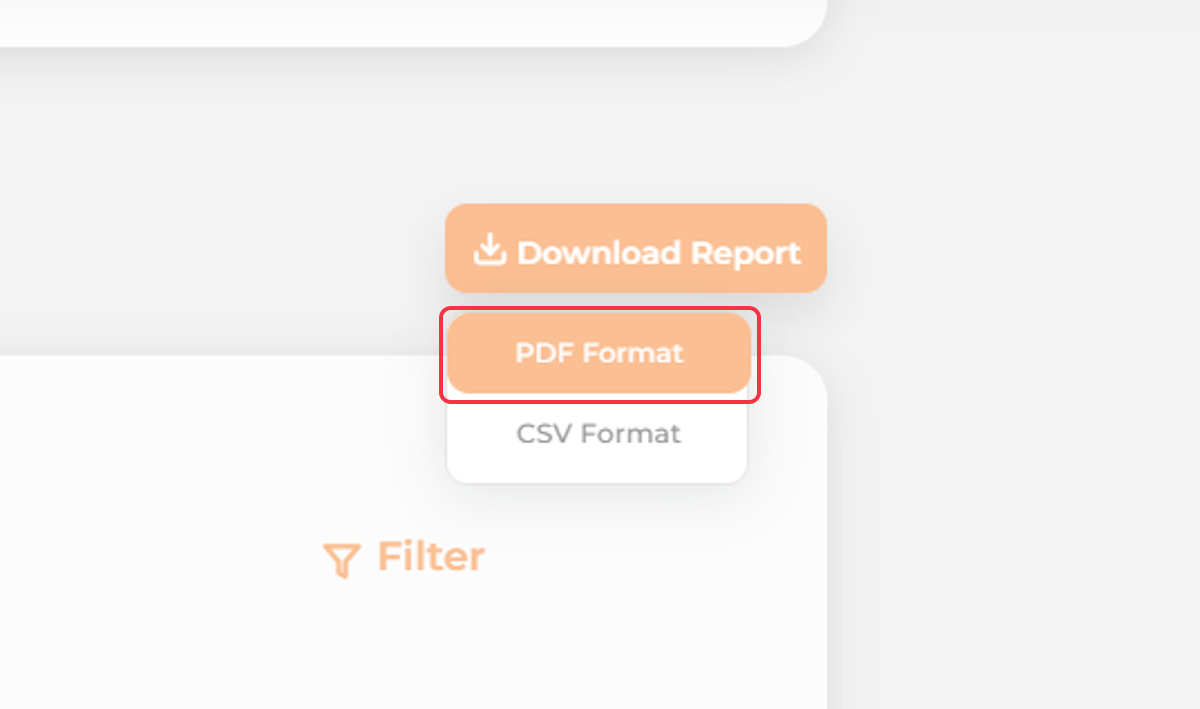
8. Click on Download Report
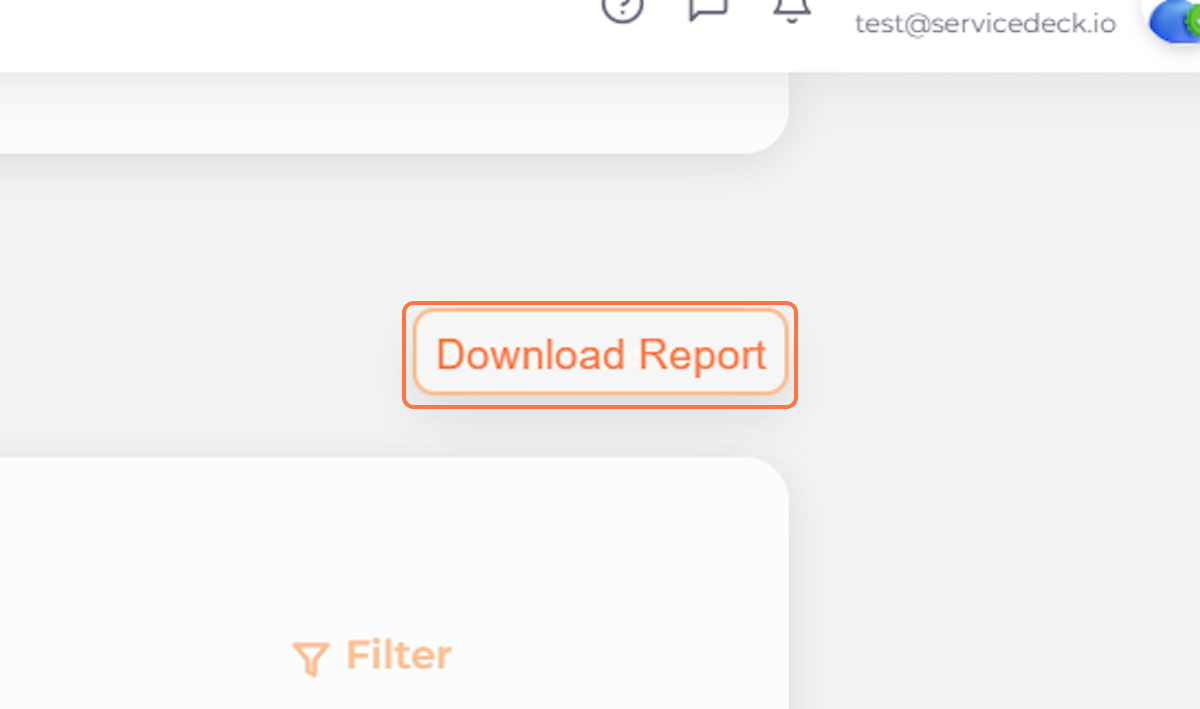
9. Select the Desired Format