
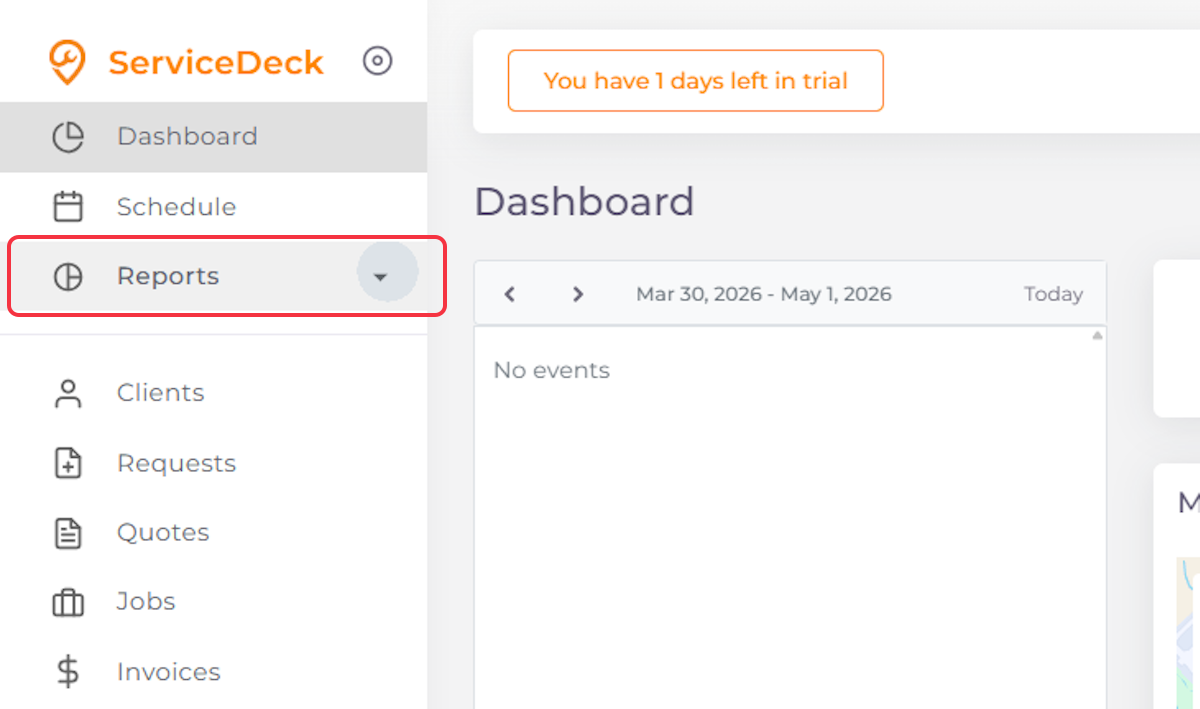
1. Click on Reports
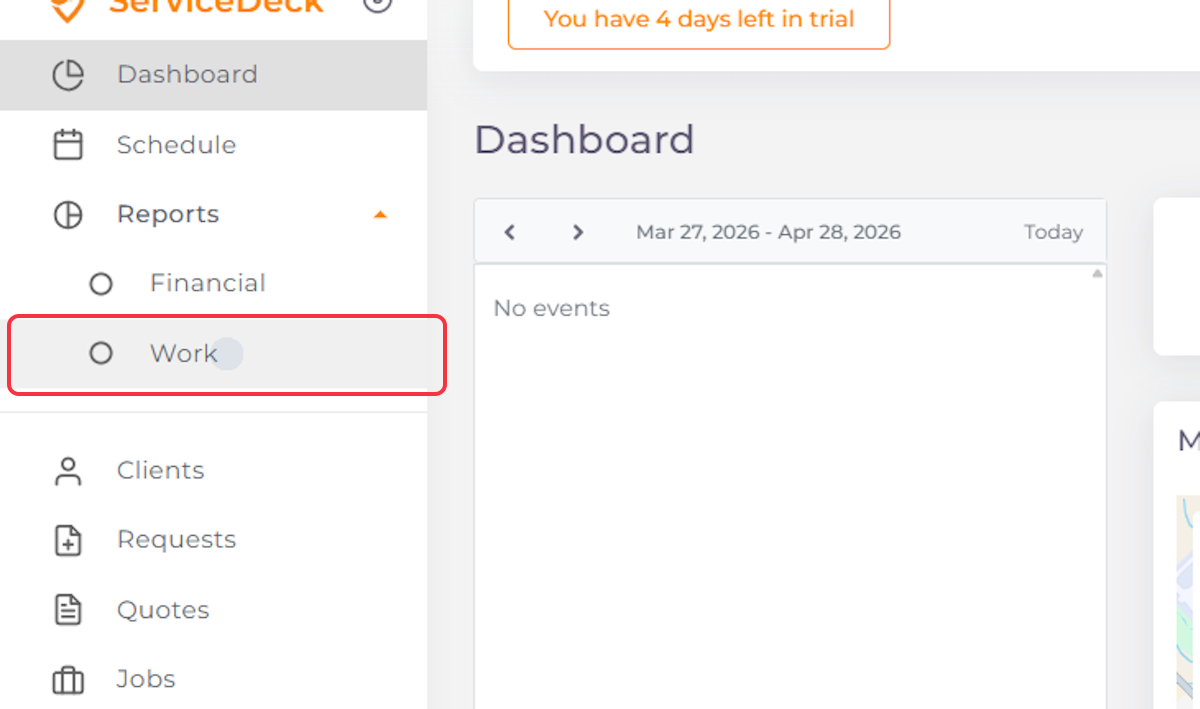
2. Click on Work
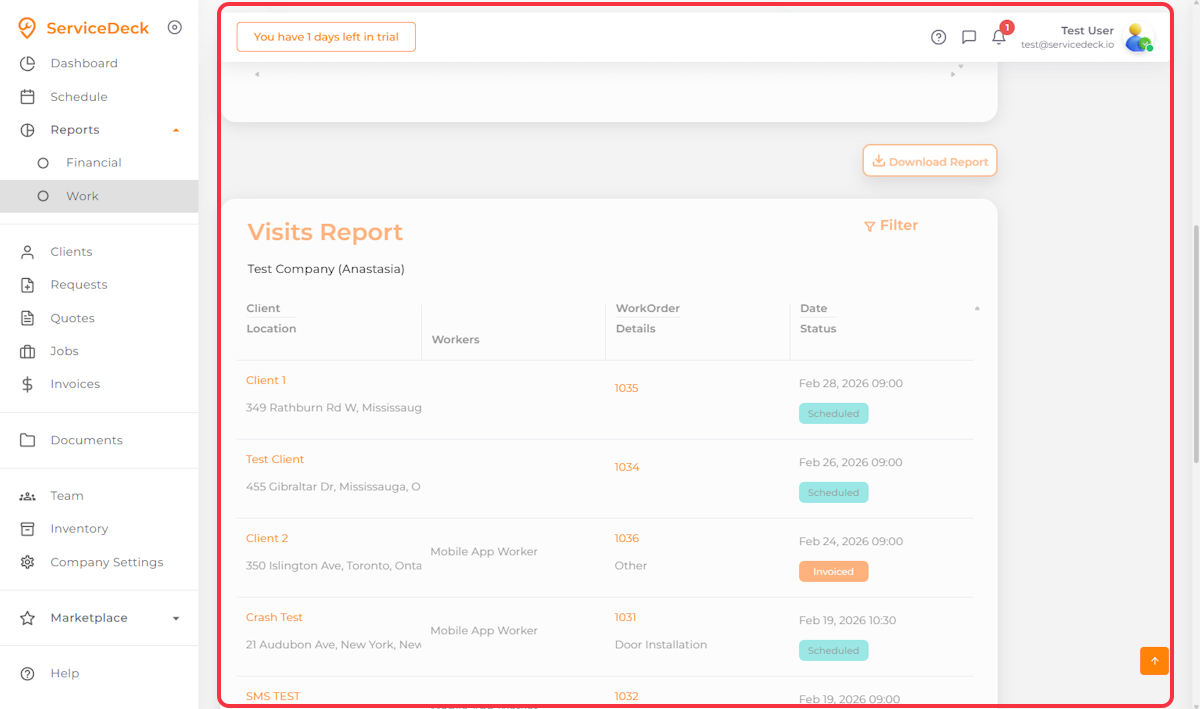
3. Scroll down to see the Visit Report + Click Download
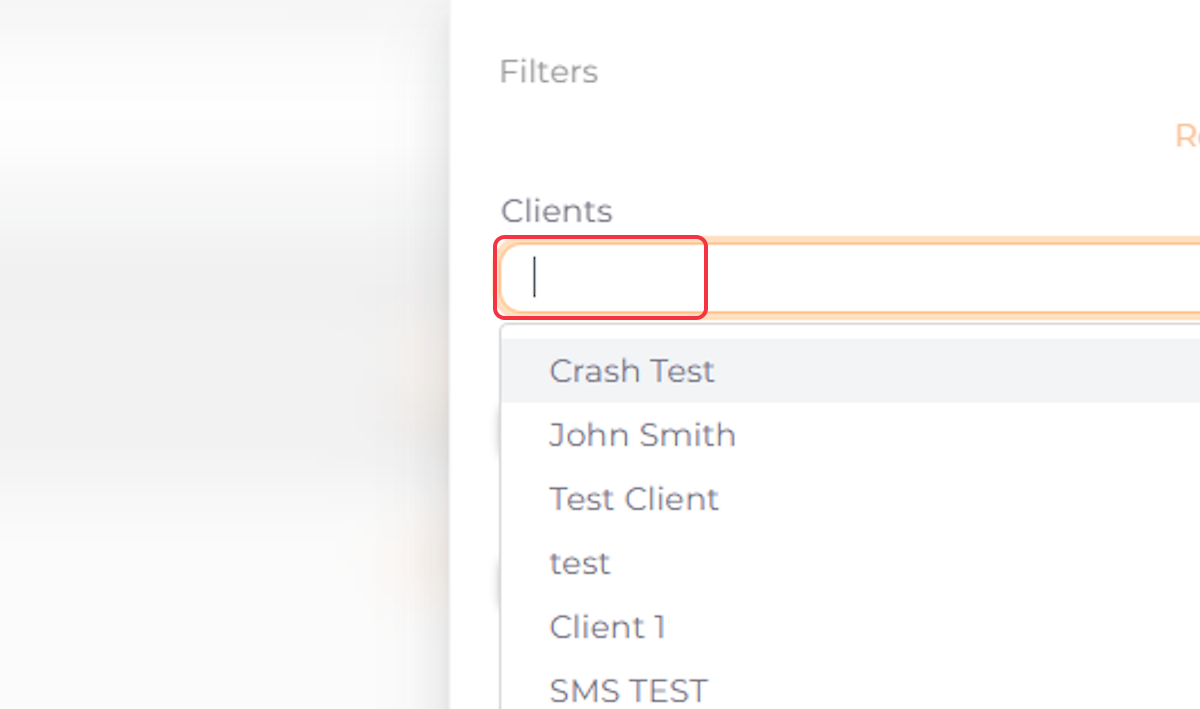
4. Select the Desired Client for Your Report
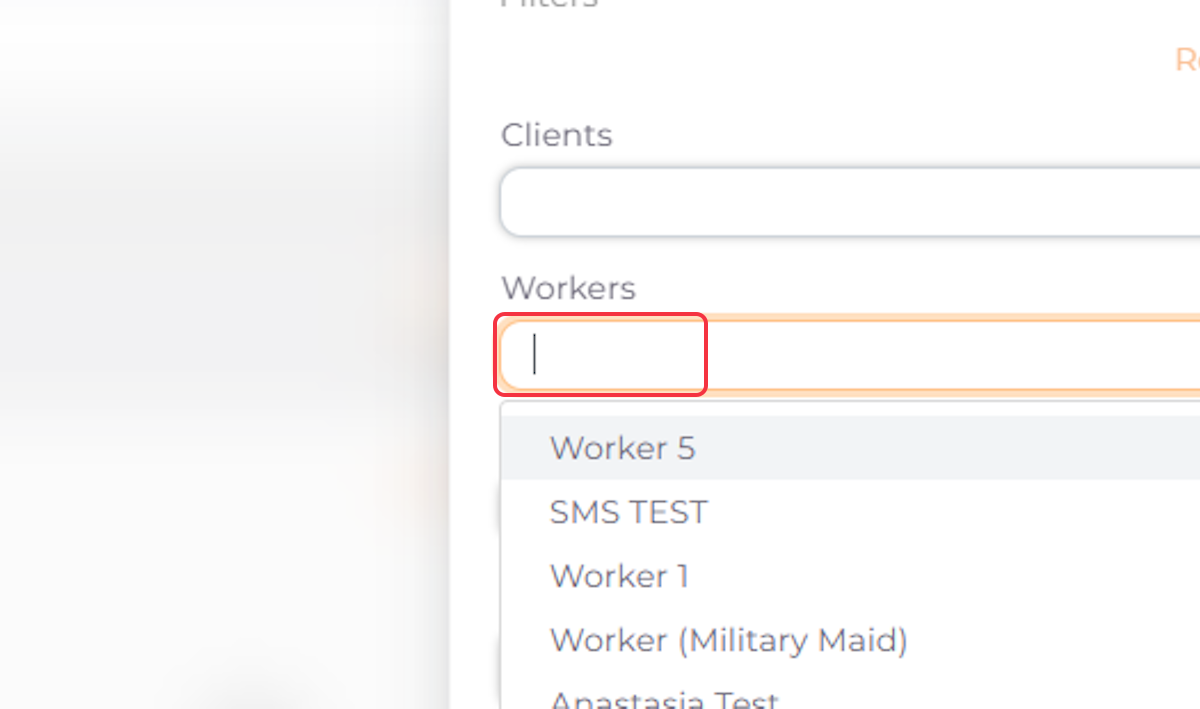
5. Select the Desired Workers for Your Report
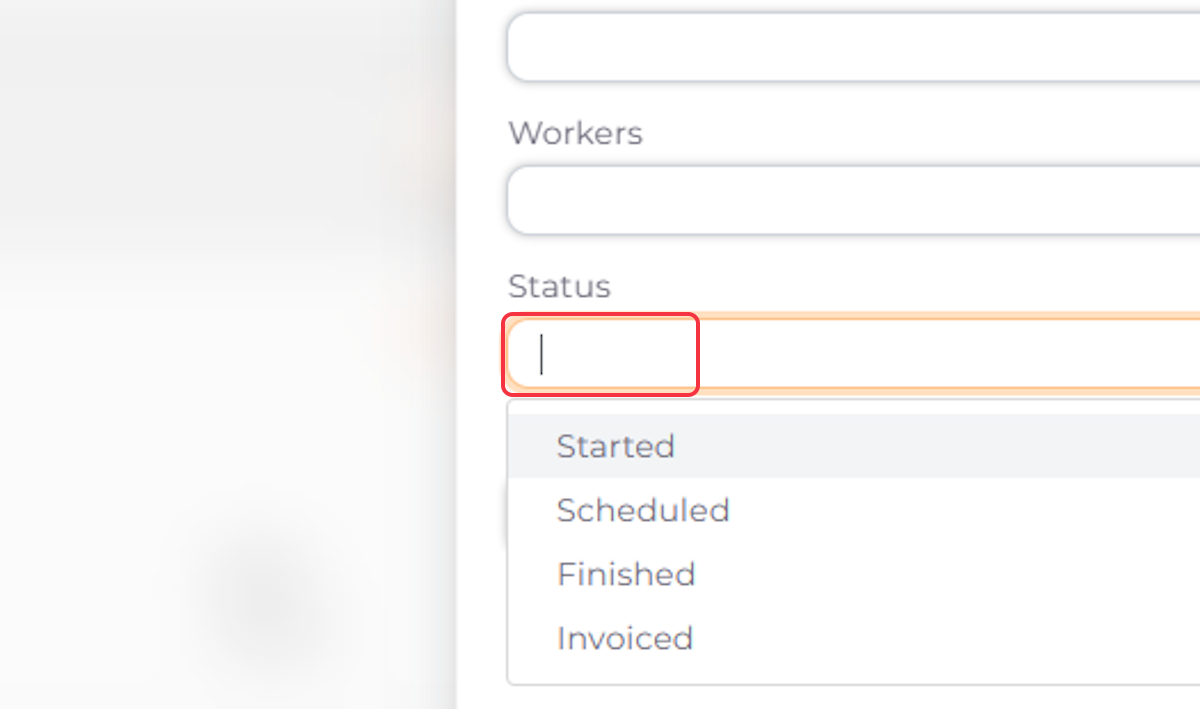
6. Select Status
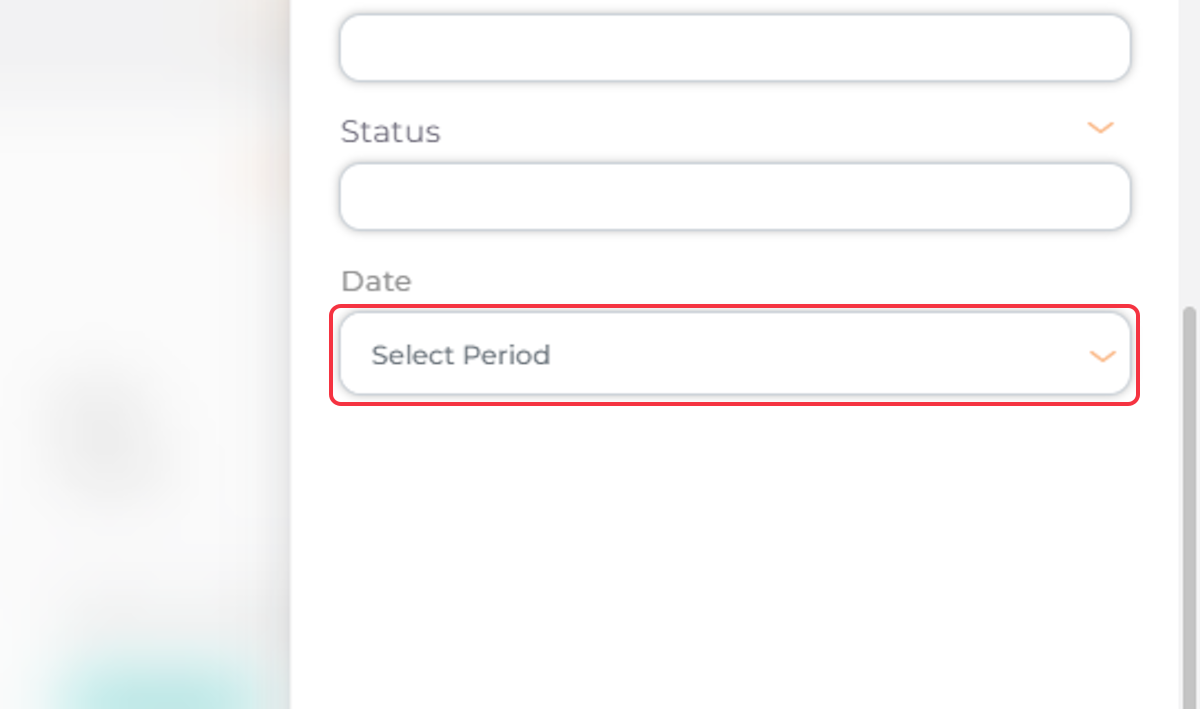
7. Select the Date
7. Click Apply

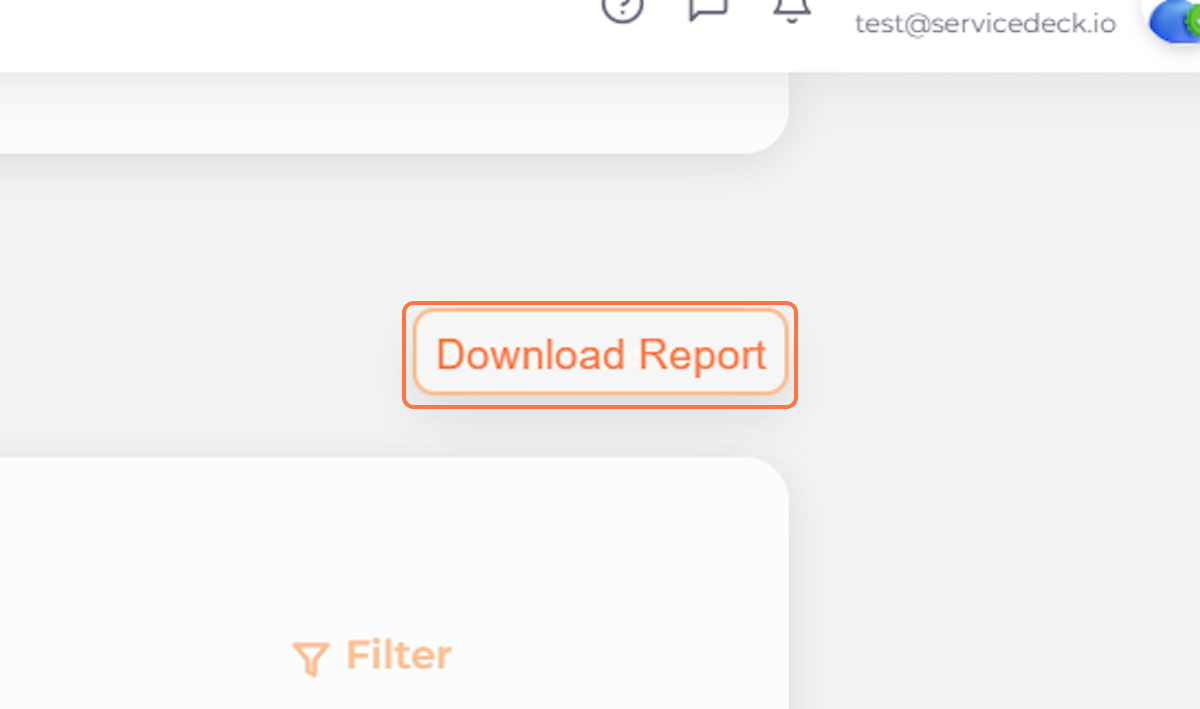
8. Click on Download Report
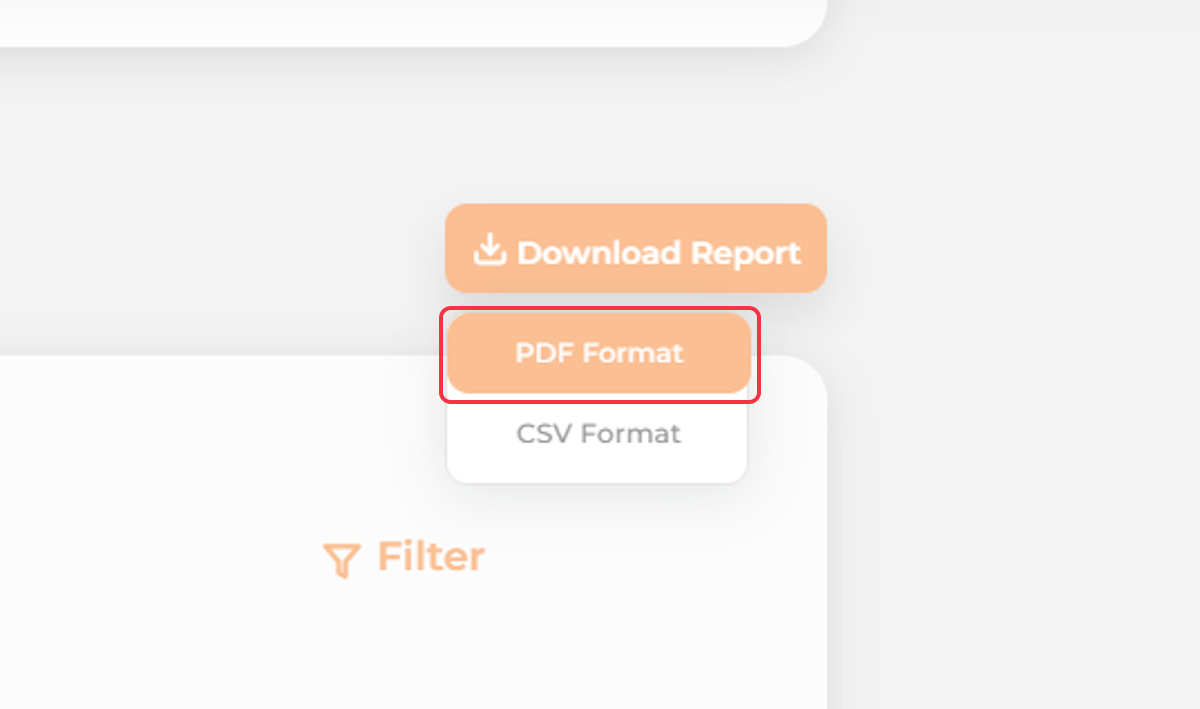
9. Select the Desired Format