
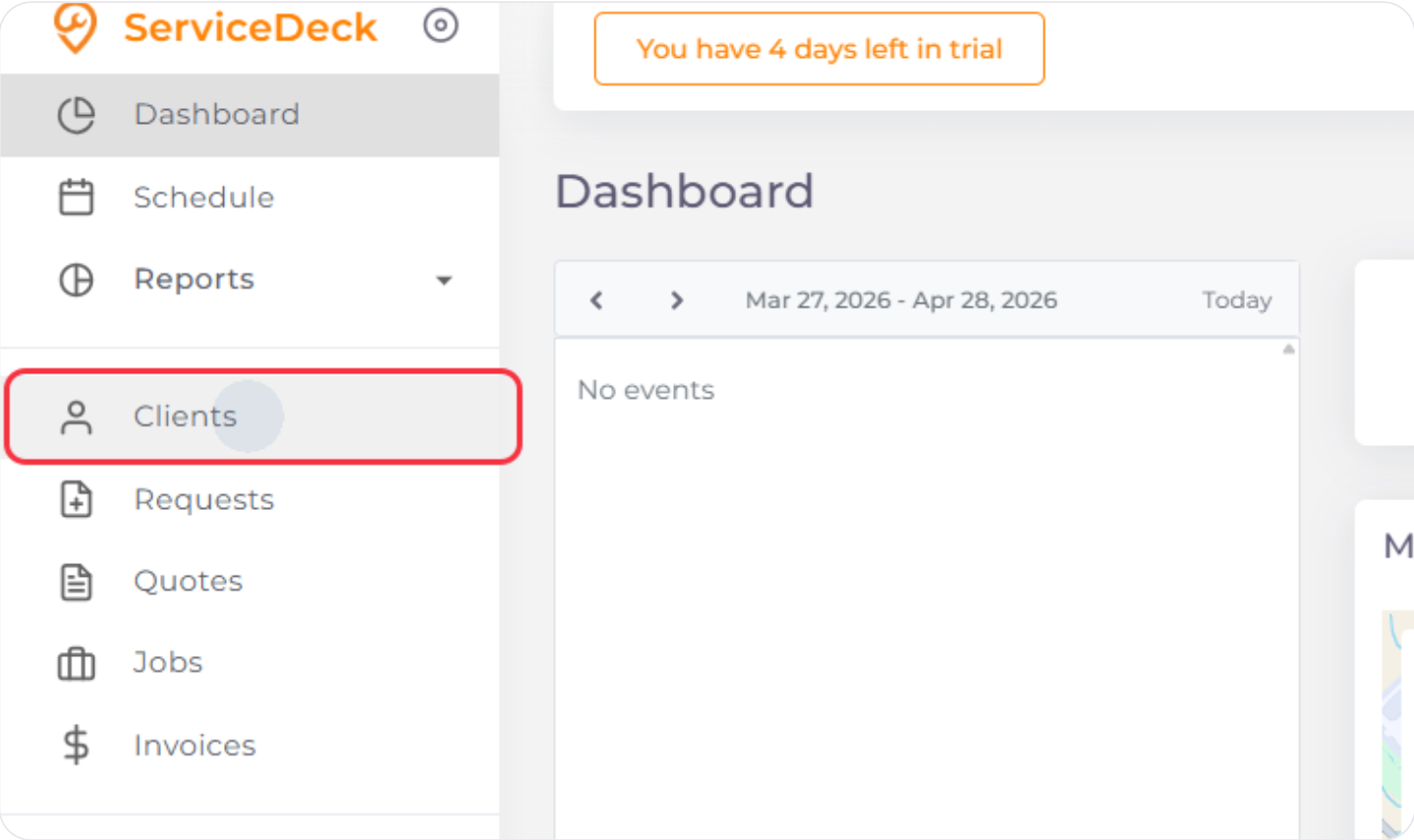
1. Navigate to Clients
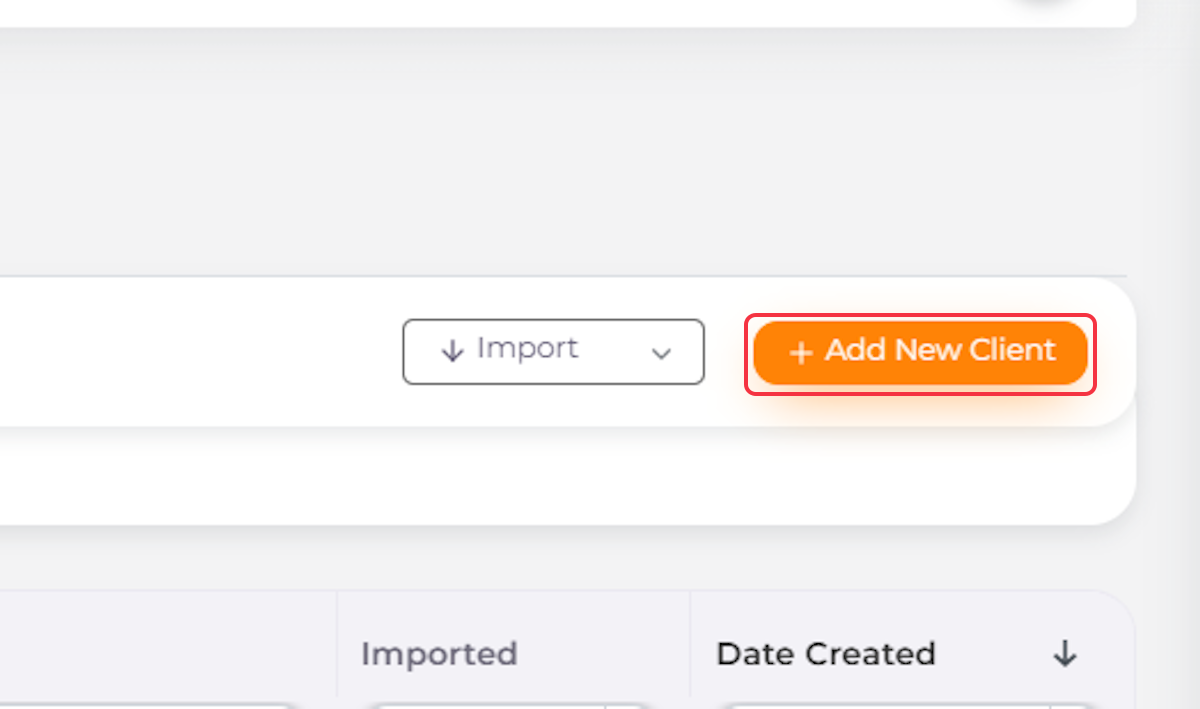
2. Click on Add New Client
3. Enter Client’s Name
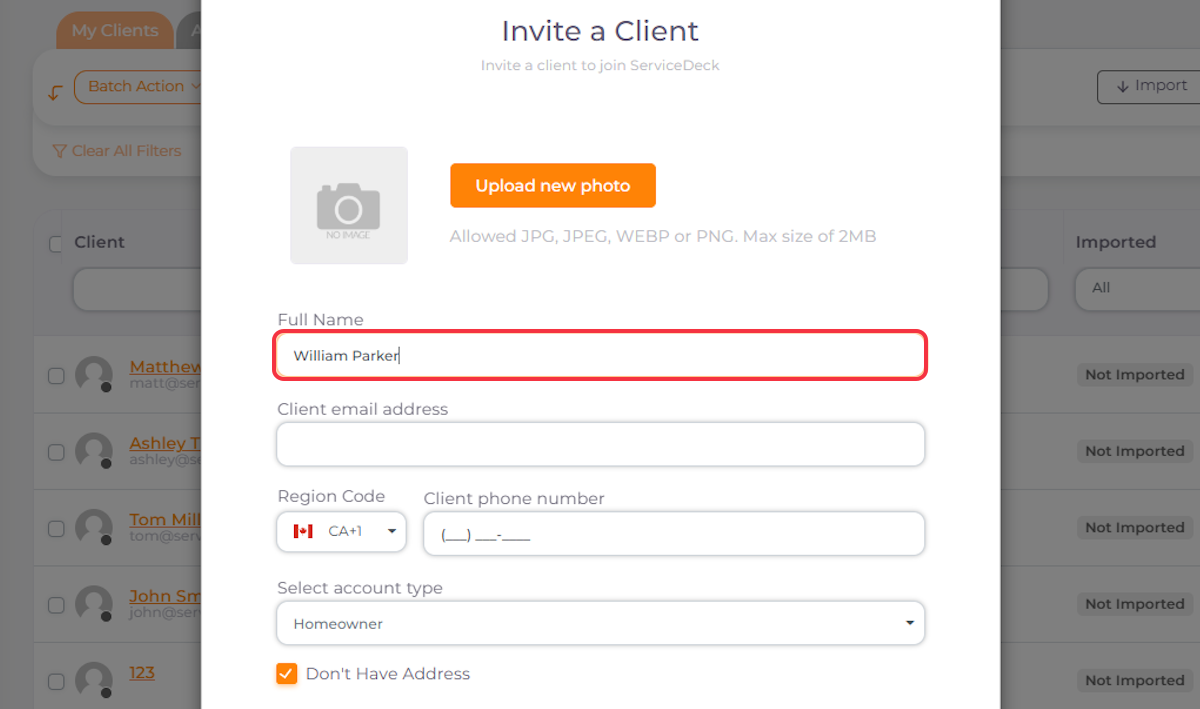
4. Enter Client’s Email
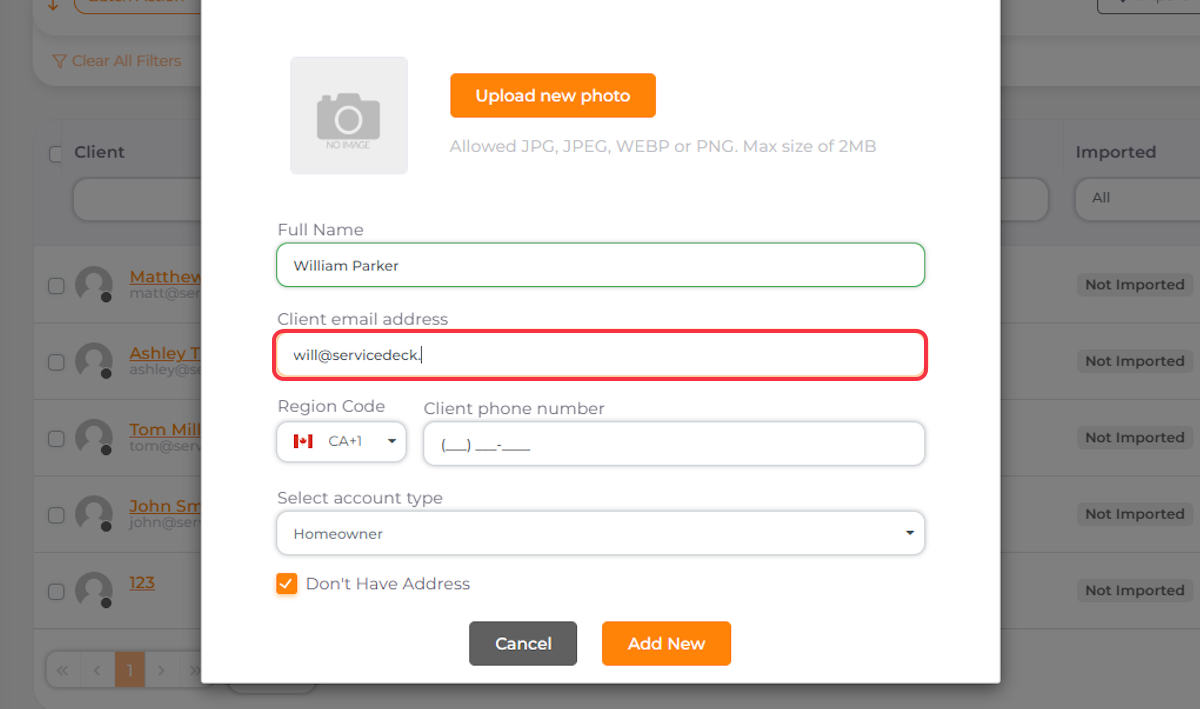
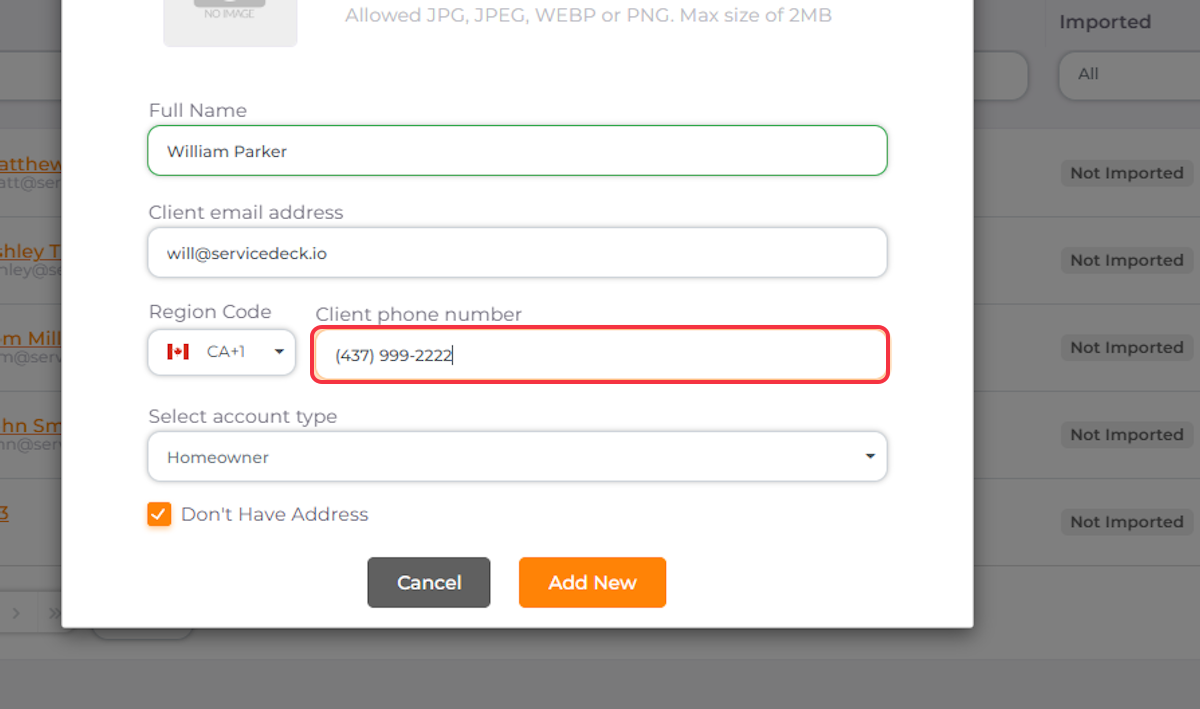
5. Enter Client’s Phone Number
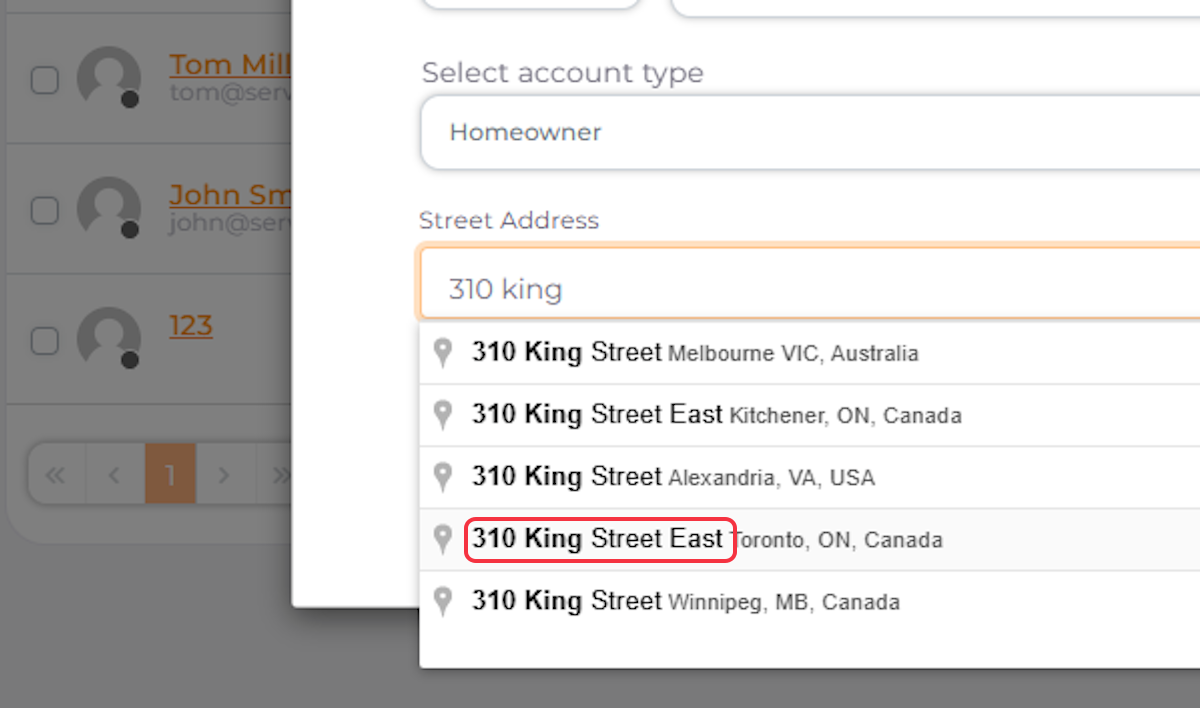
6. Enter Client’s Address if Needed
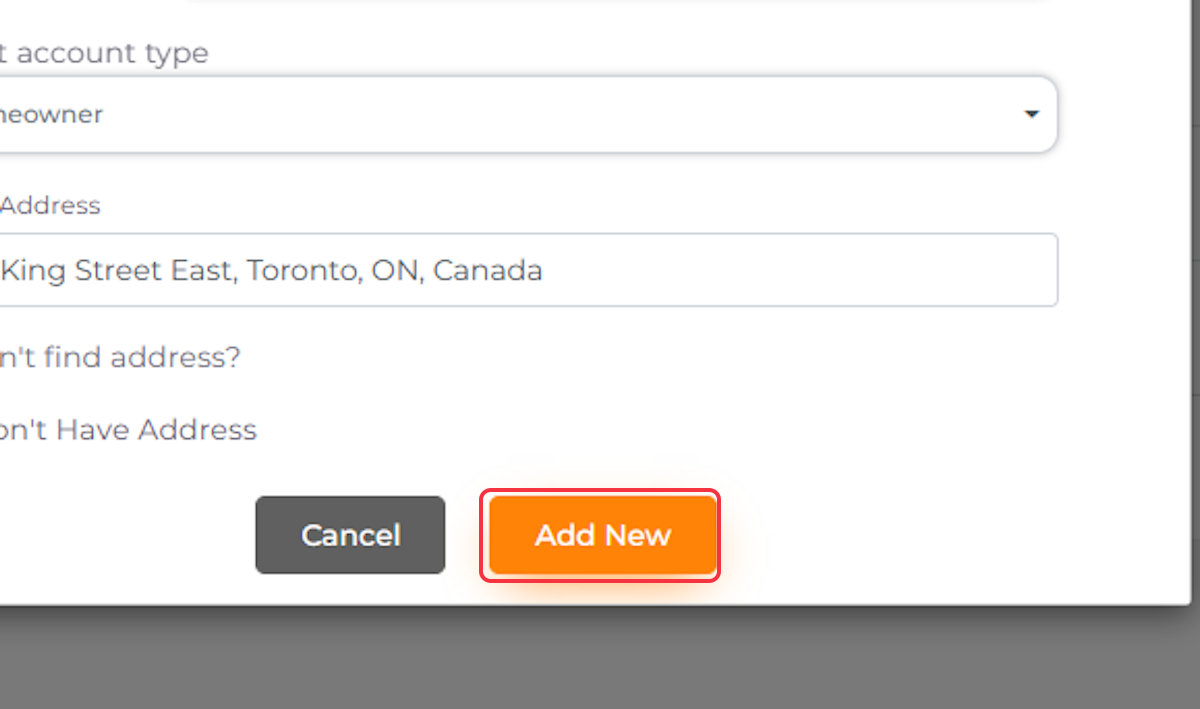
7. Click on Add New
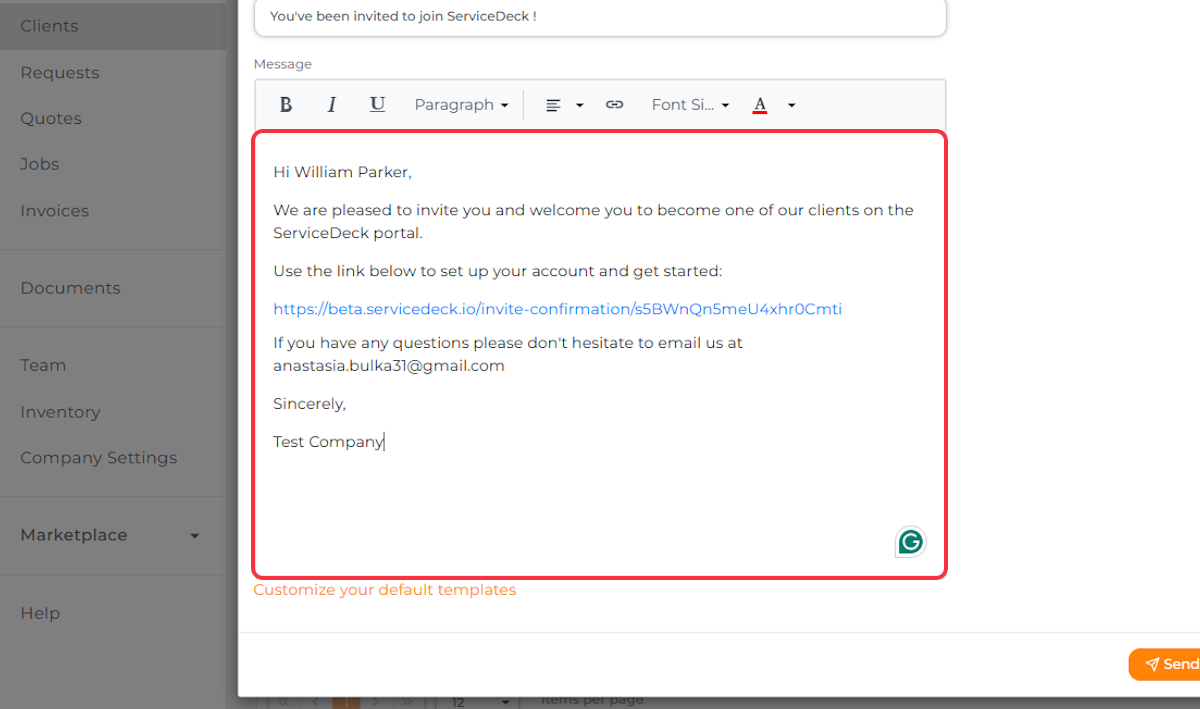
8. An Email Invitation Will Appear. Send It to Your Client so They Can Join ServiceDeck
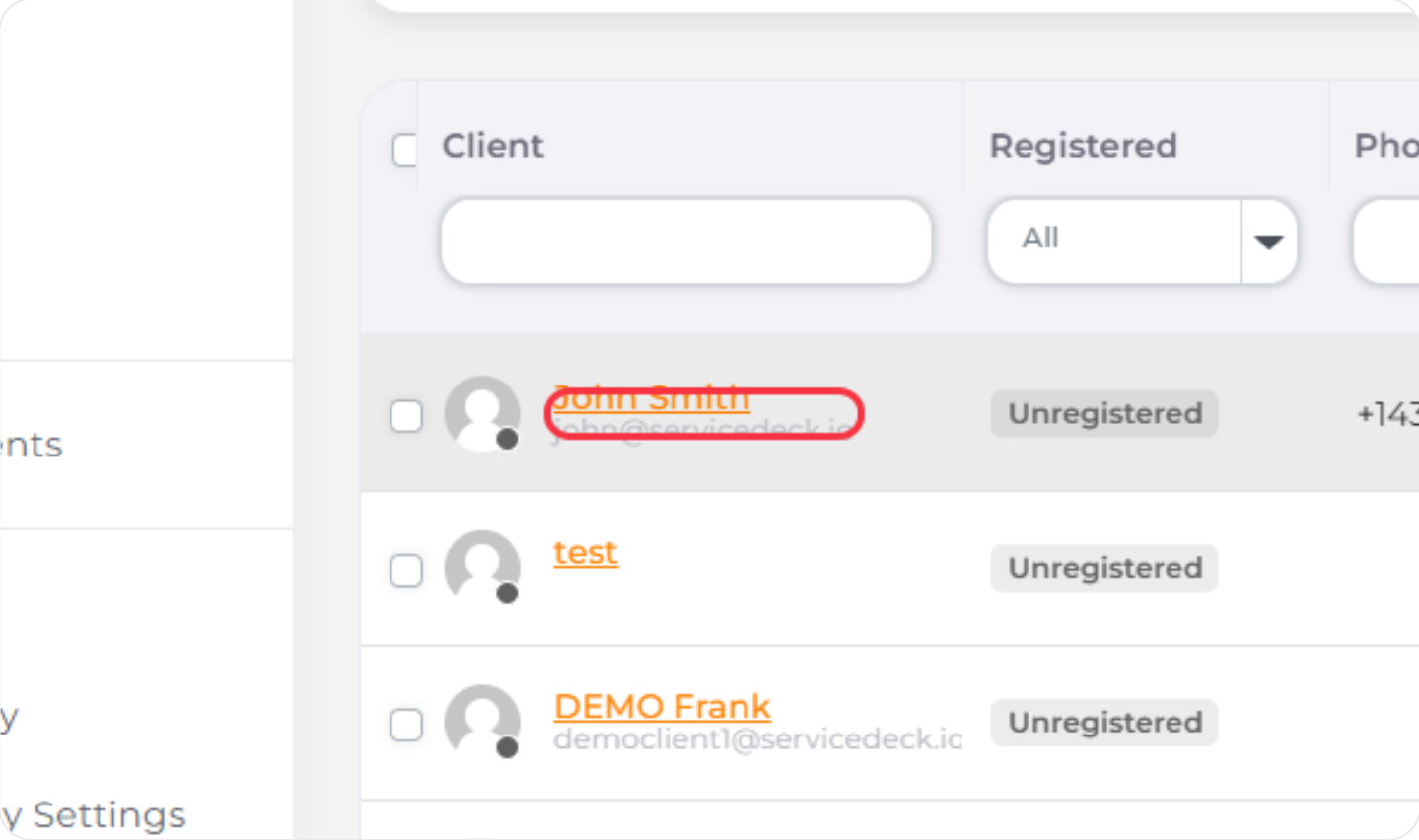
The Client Will Appear on the Clients List