
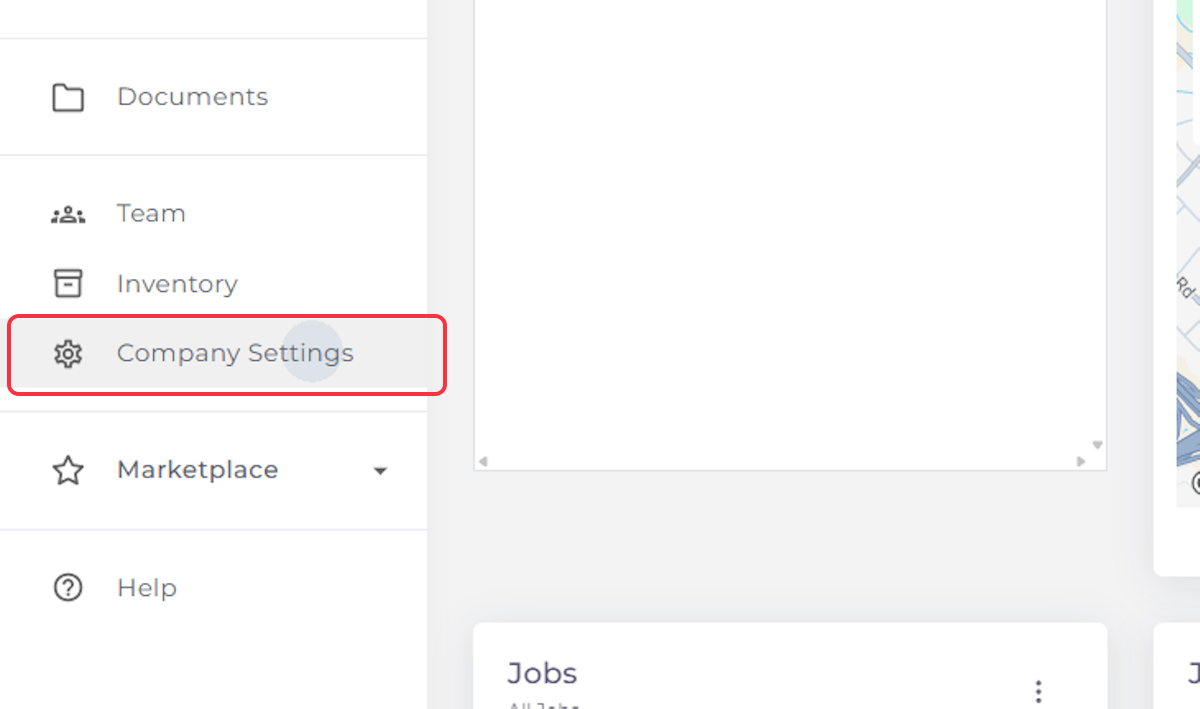
1. Click on Company Settings
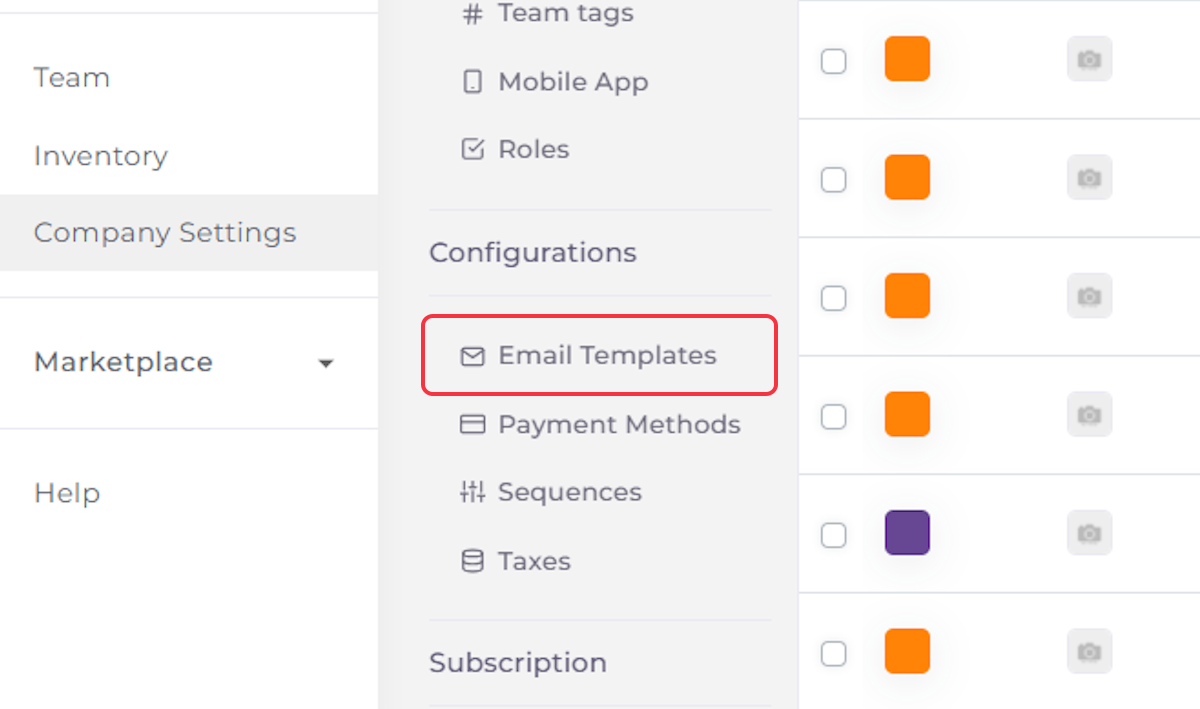
2. Click on Configurations

3. Click on Email Templates
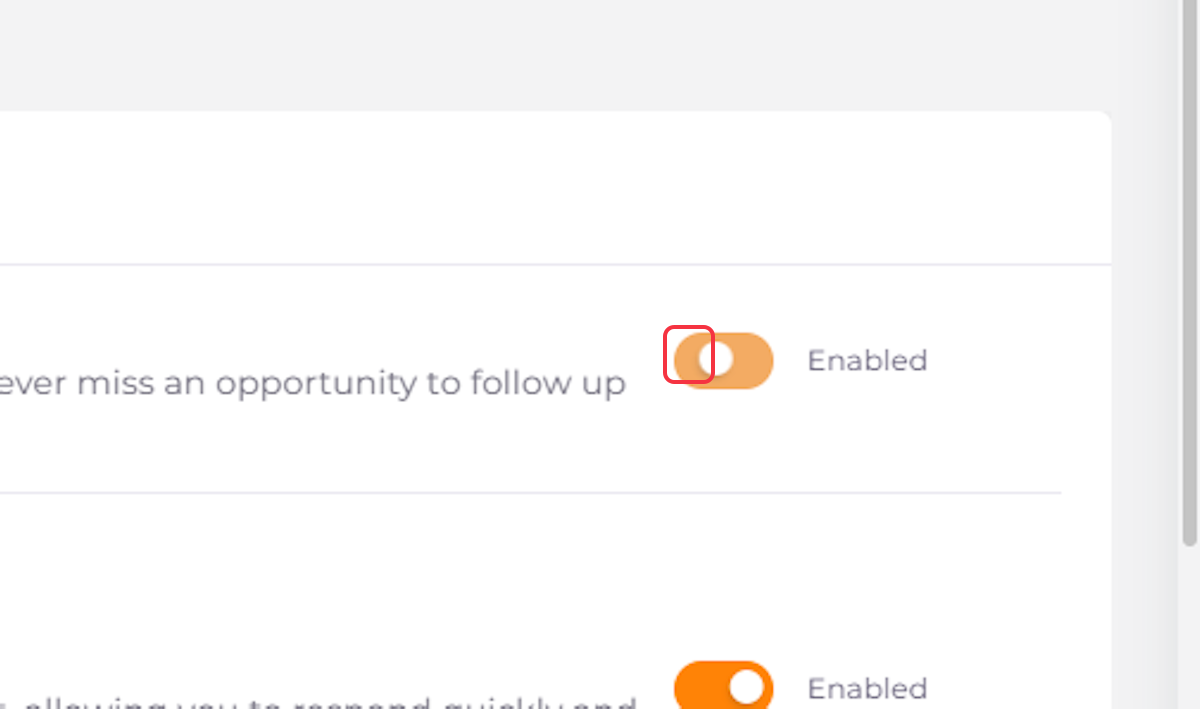
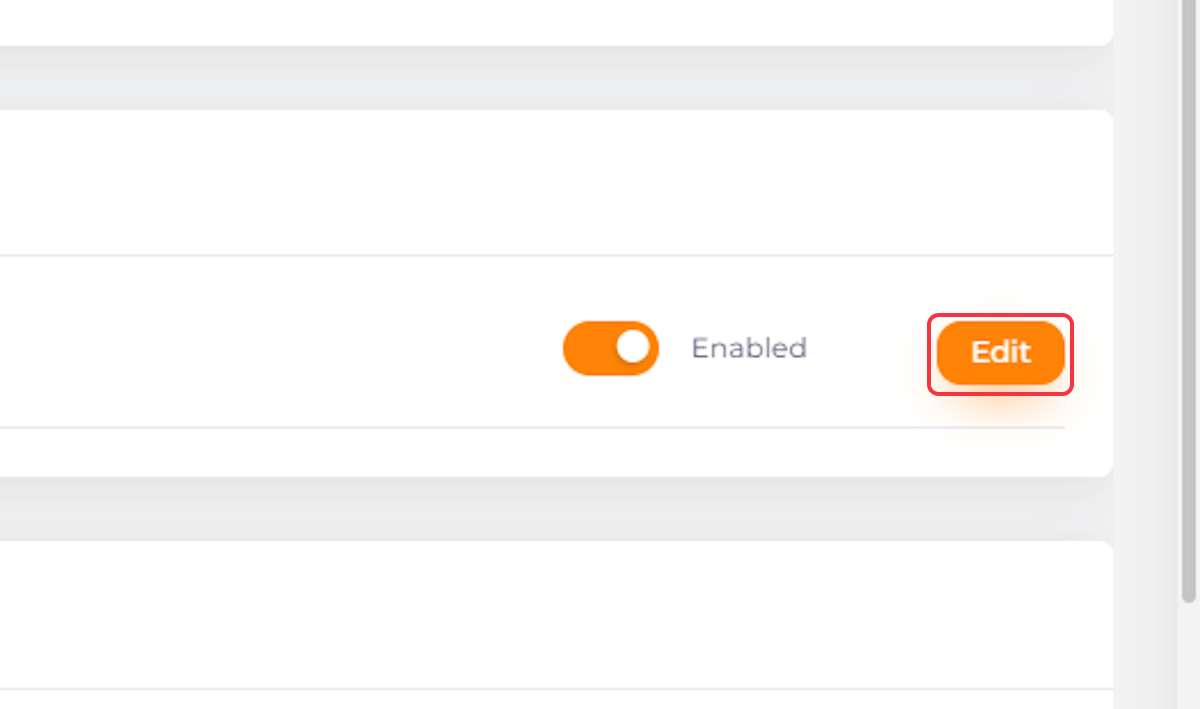
4. Use the Toggle to Enable or Disable the Email Template
5. To Edit an Email Template, Click on “Edit”
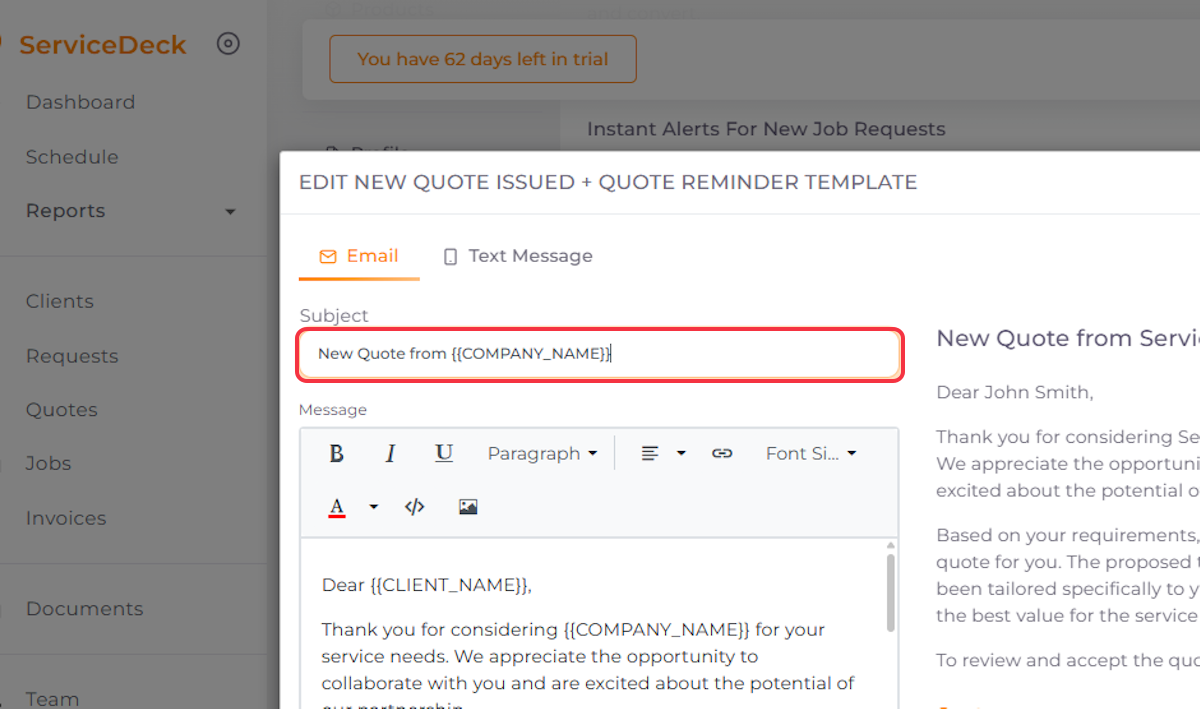
6. Edit Email Subject if Needed
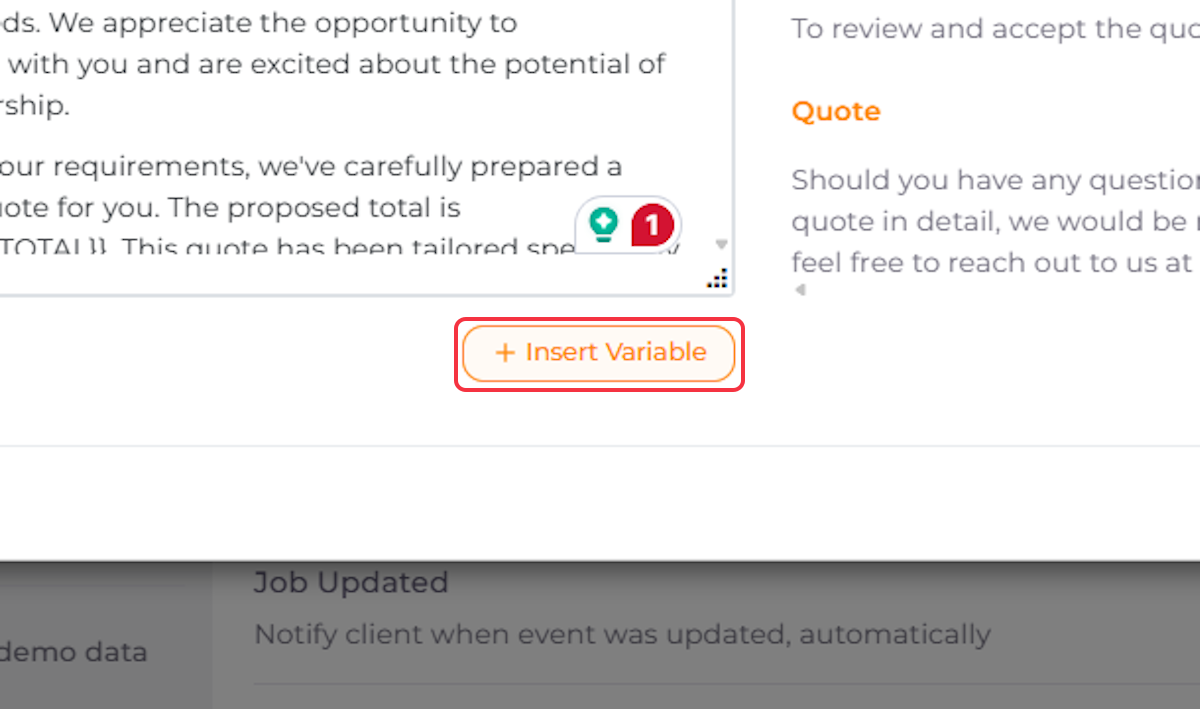
7. Edit Email Text if Needed

8. Click on Insert Variable to Add More Elements if Needed
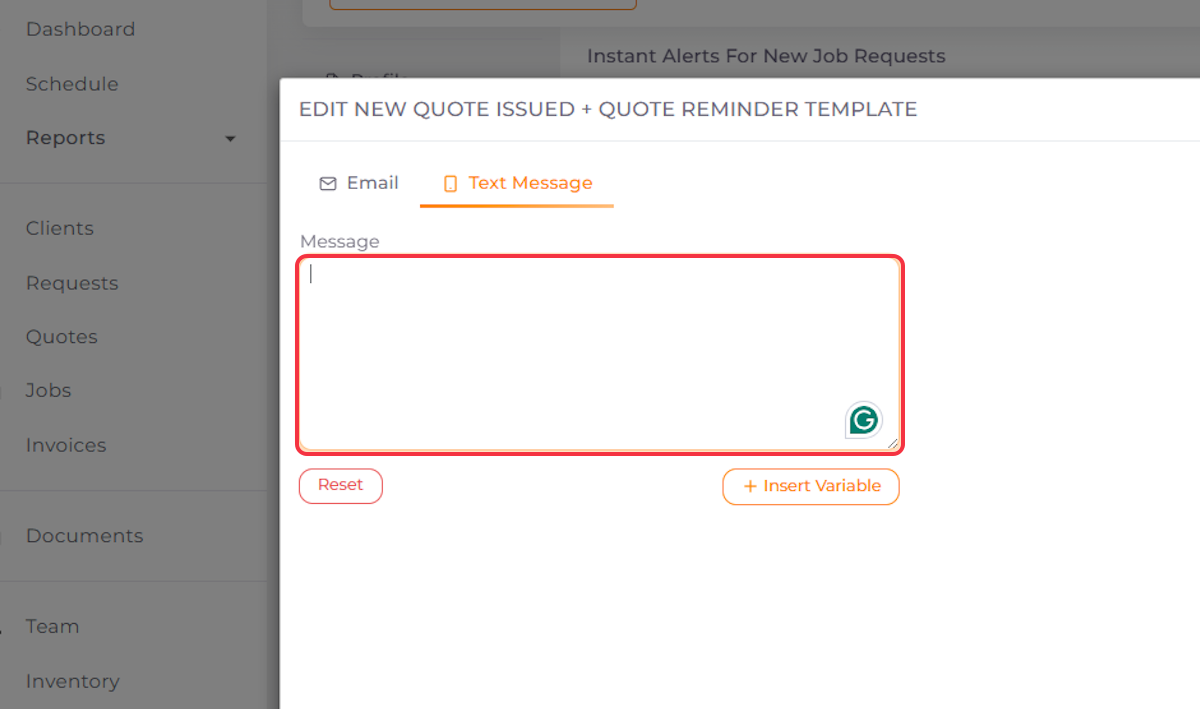
9. Switch to Text Messages

10. Create a Text Message if Needed
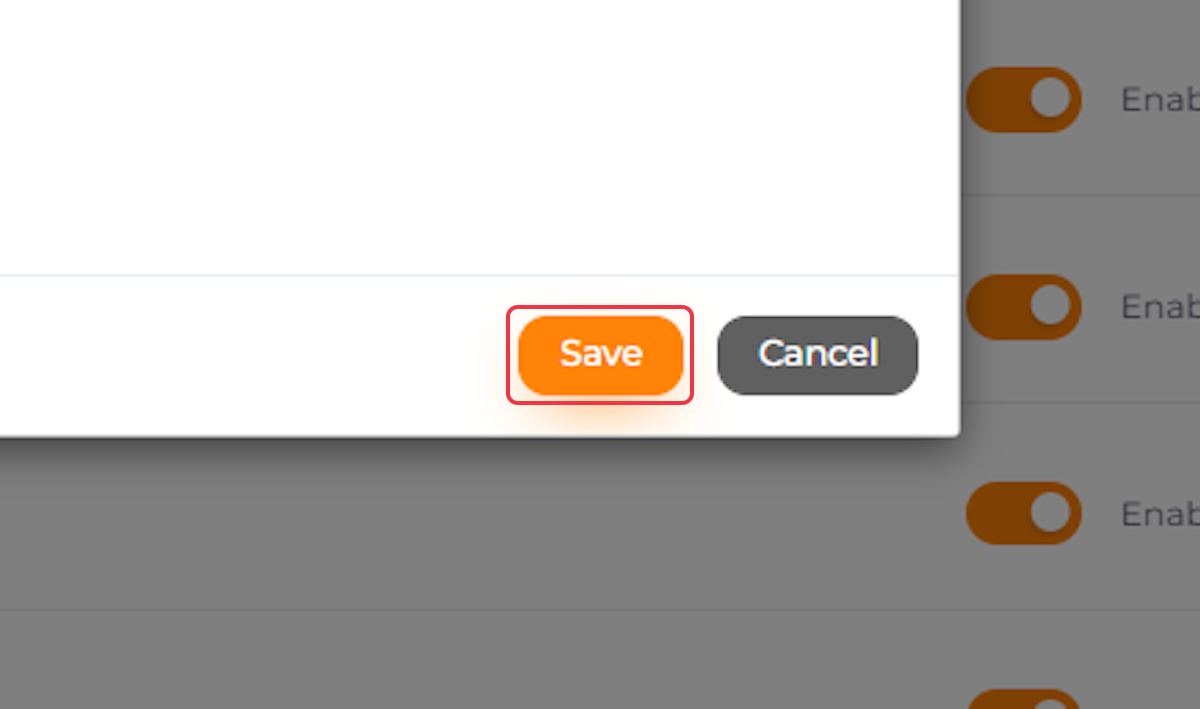
11. Click on Save
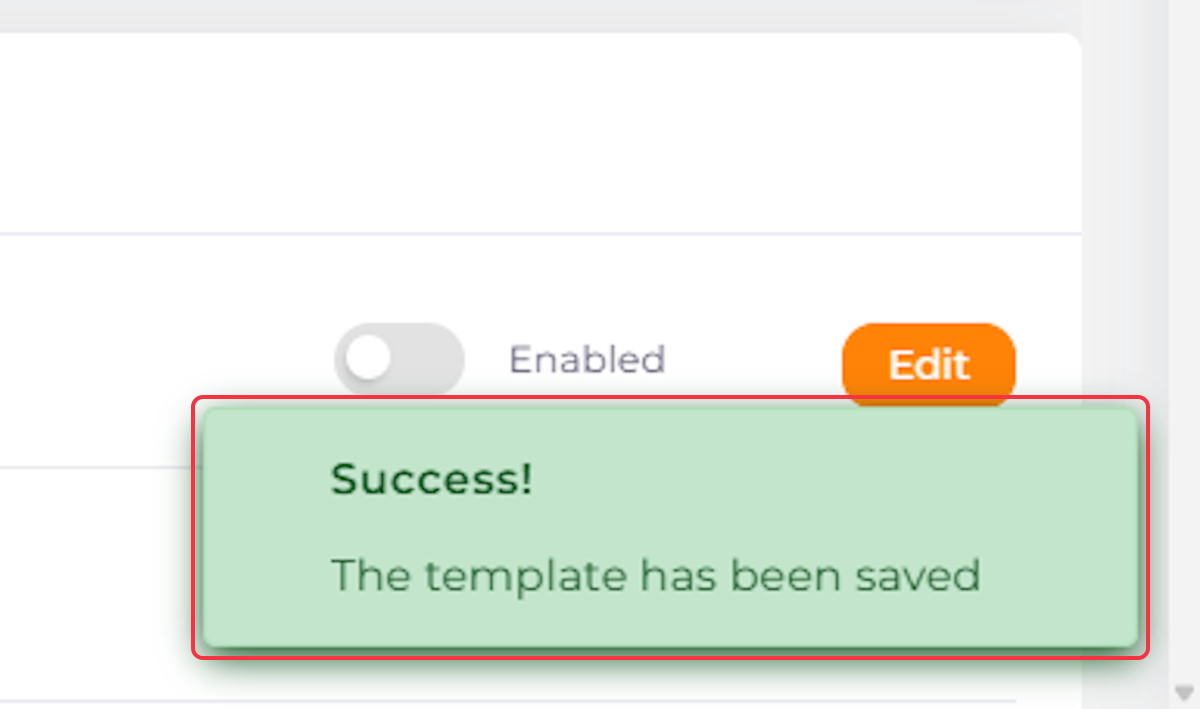
12. A Confirmation Pop-Up will appear to show that your Edits have been saved Successfully