
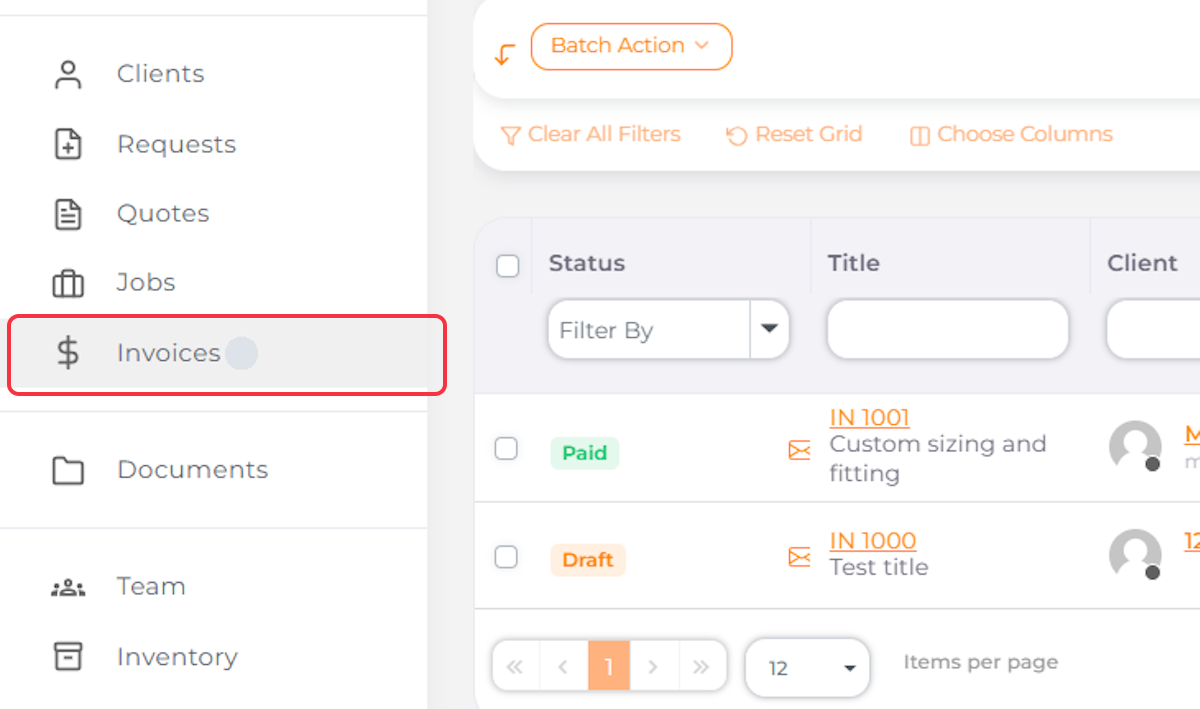
1. Navigate to Invoices
2. Click on Add New Invoice

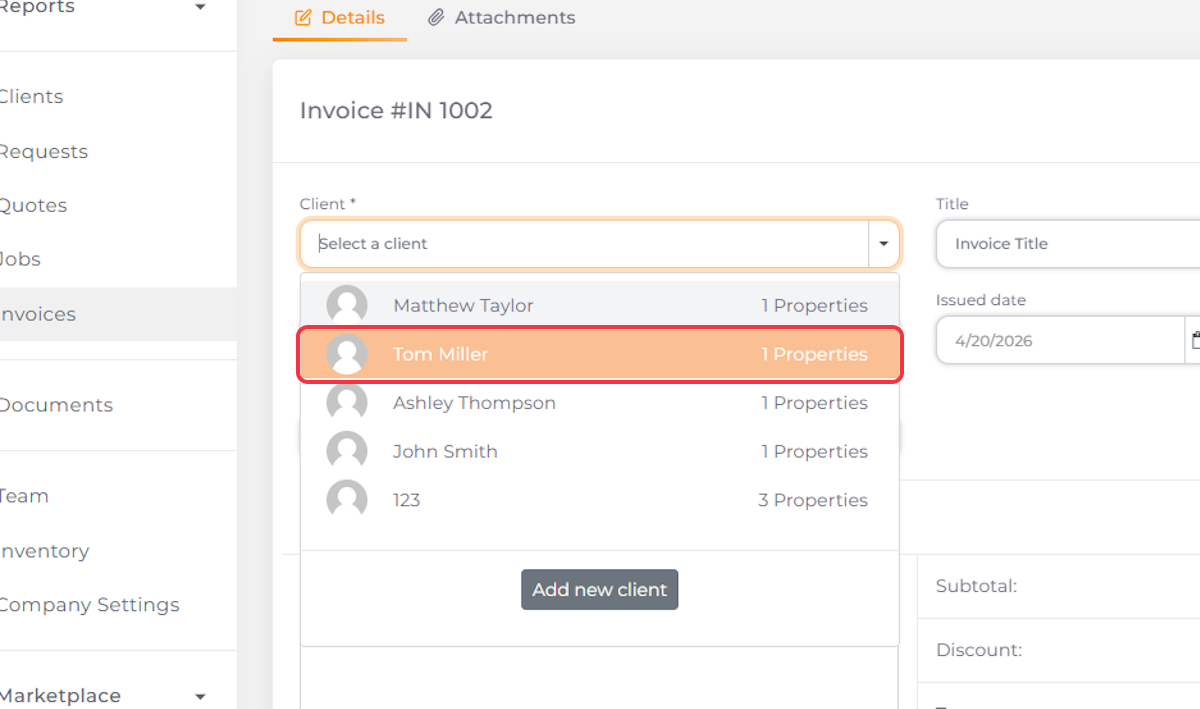
3. Select Client
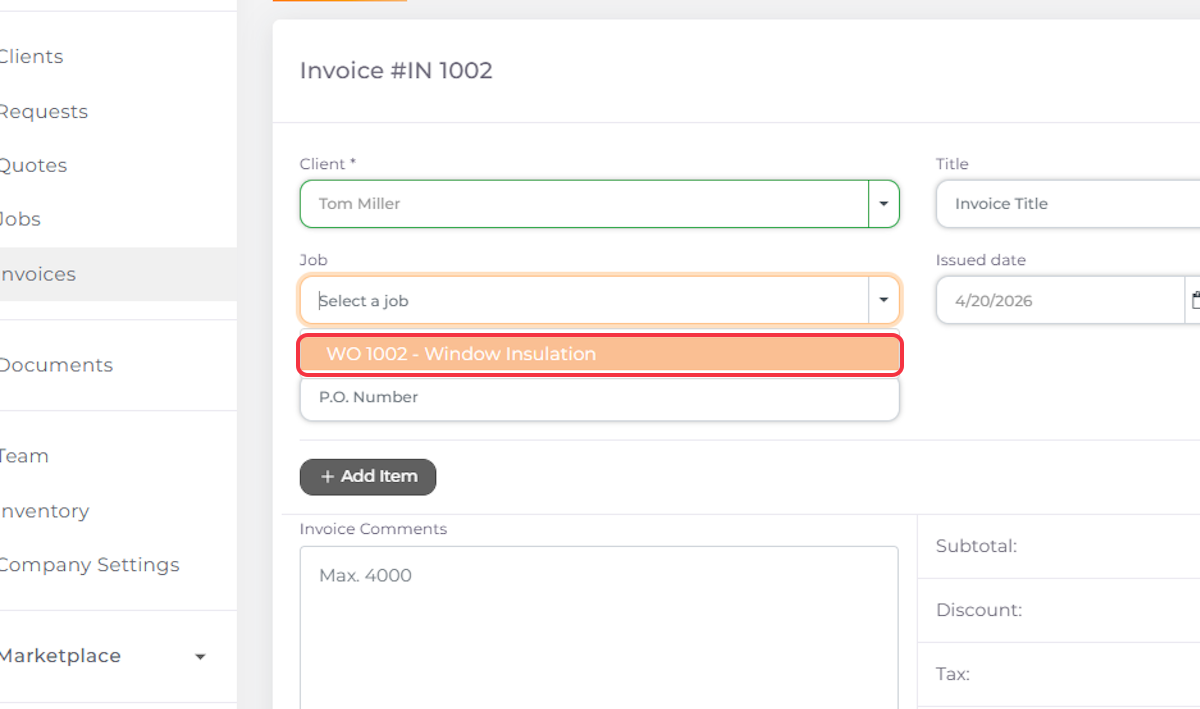
4. Select the Job You Want to Generate an Invoice For
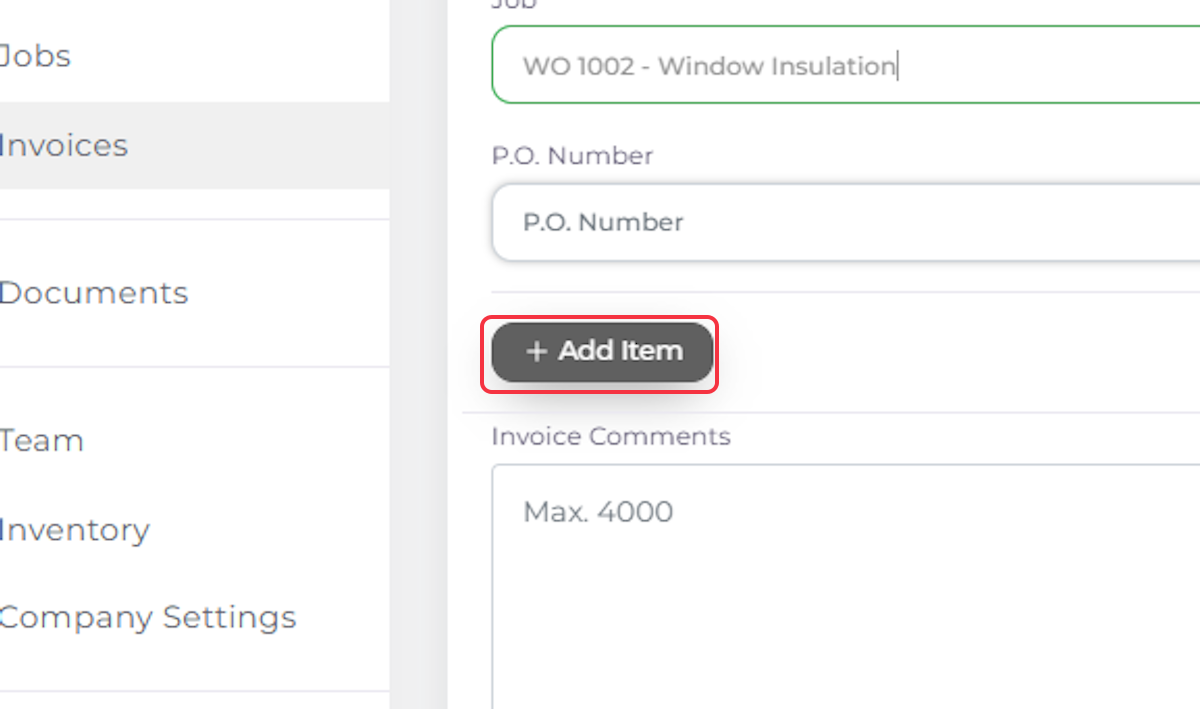
5. Click on Add Item to Add Products and Services
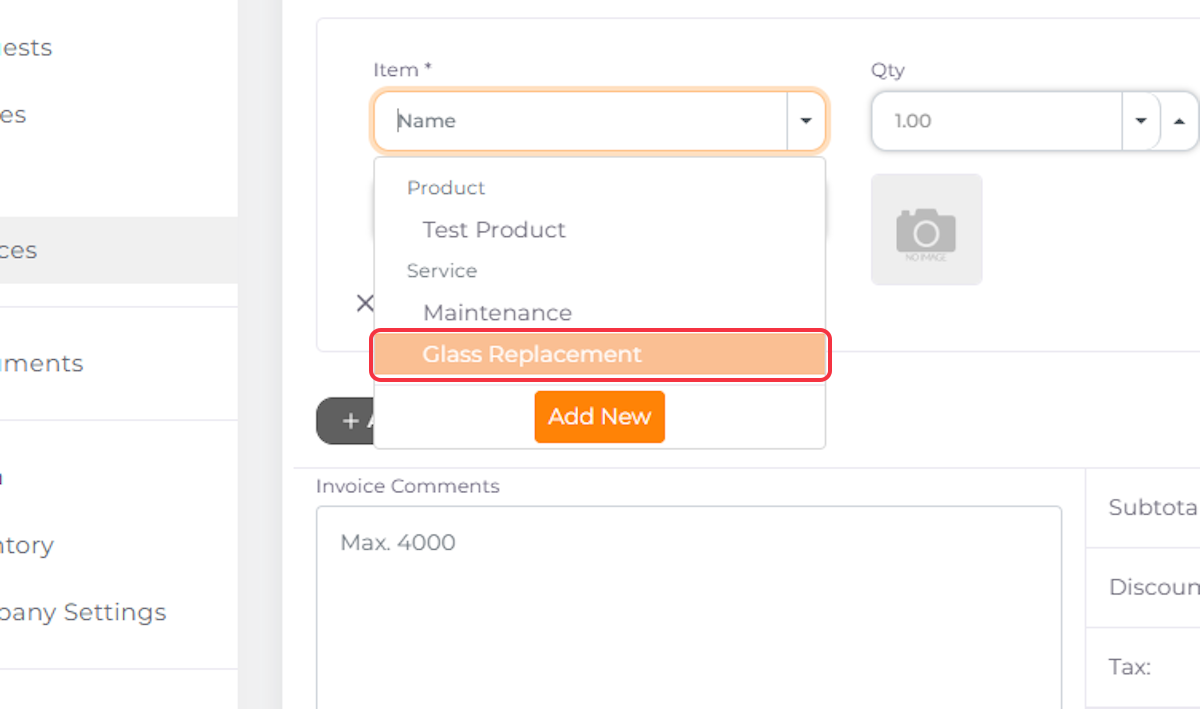
6. Select Items from the Dropdown
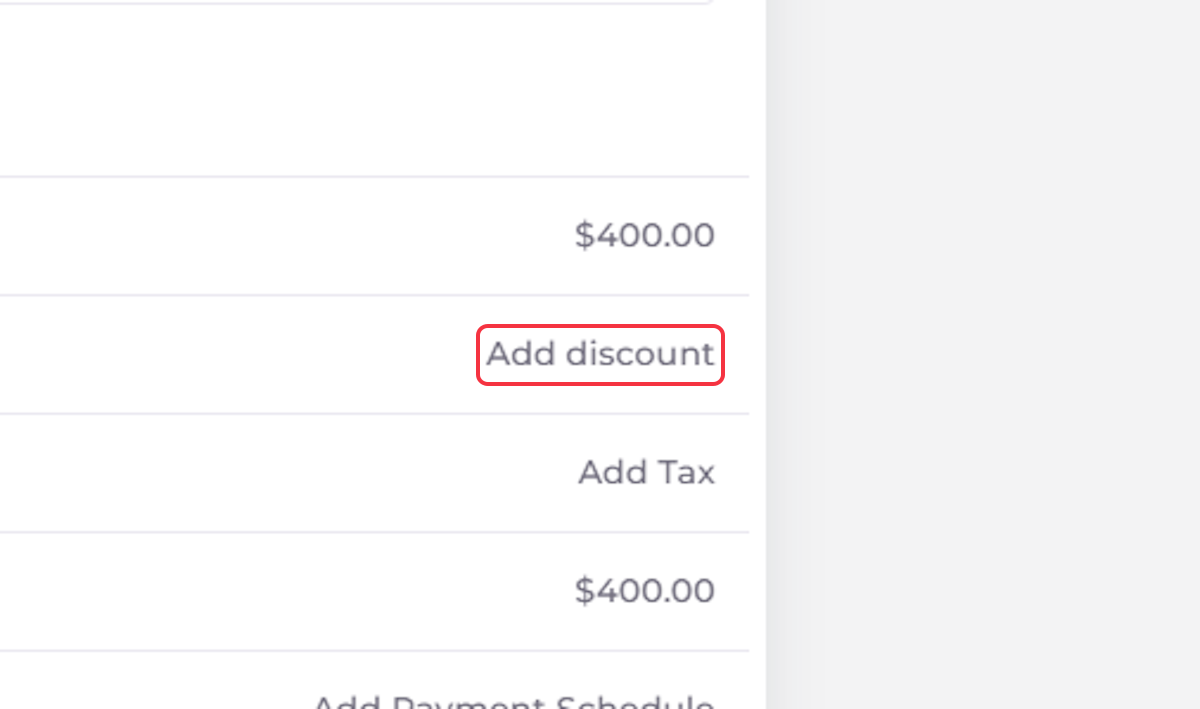
7. Add a Discount if Applicable
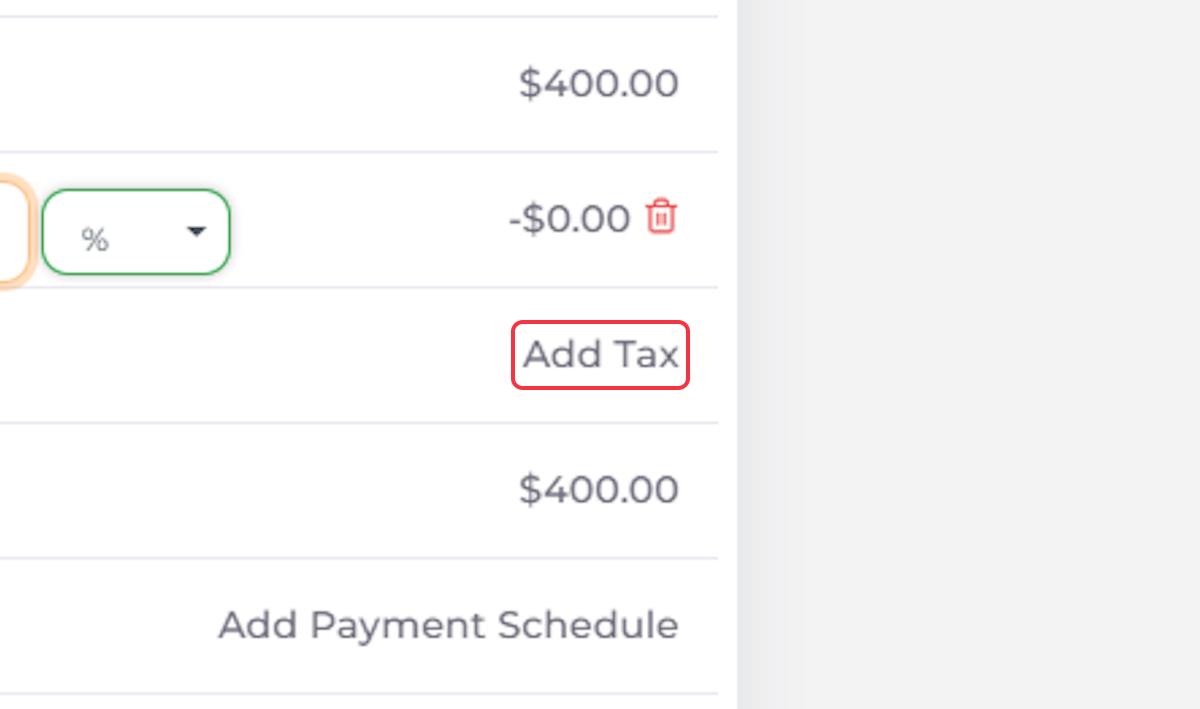
8. Add Taxes if Applicable
9. Add a Payment Schedule if Applicable
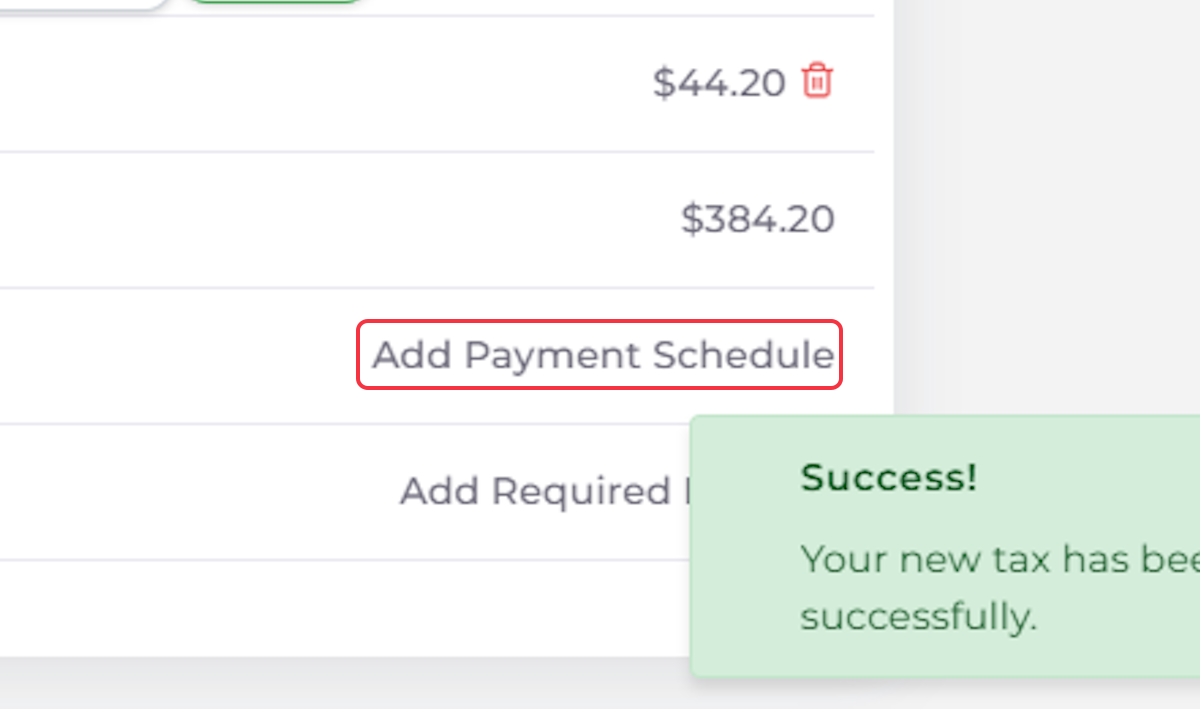
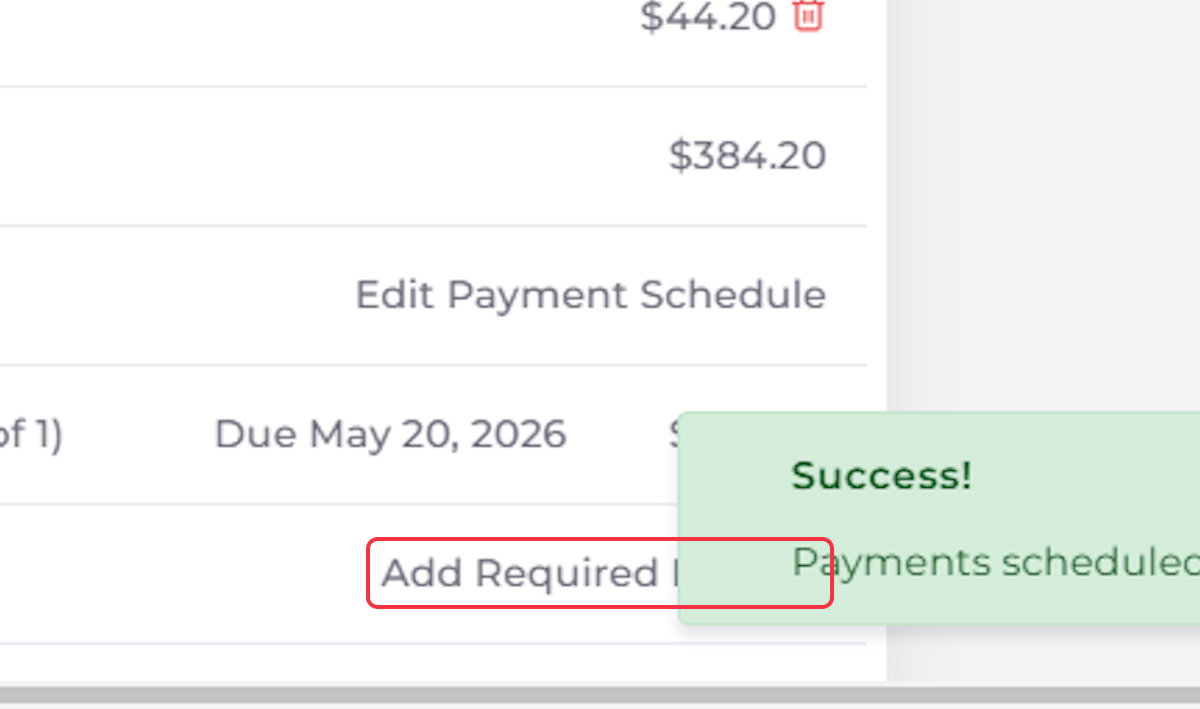
10. Add Required Deposit if Applicable
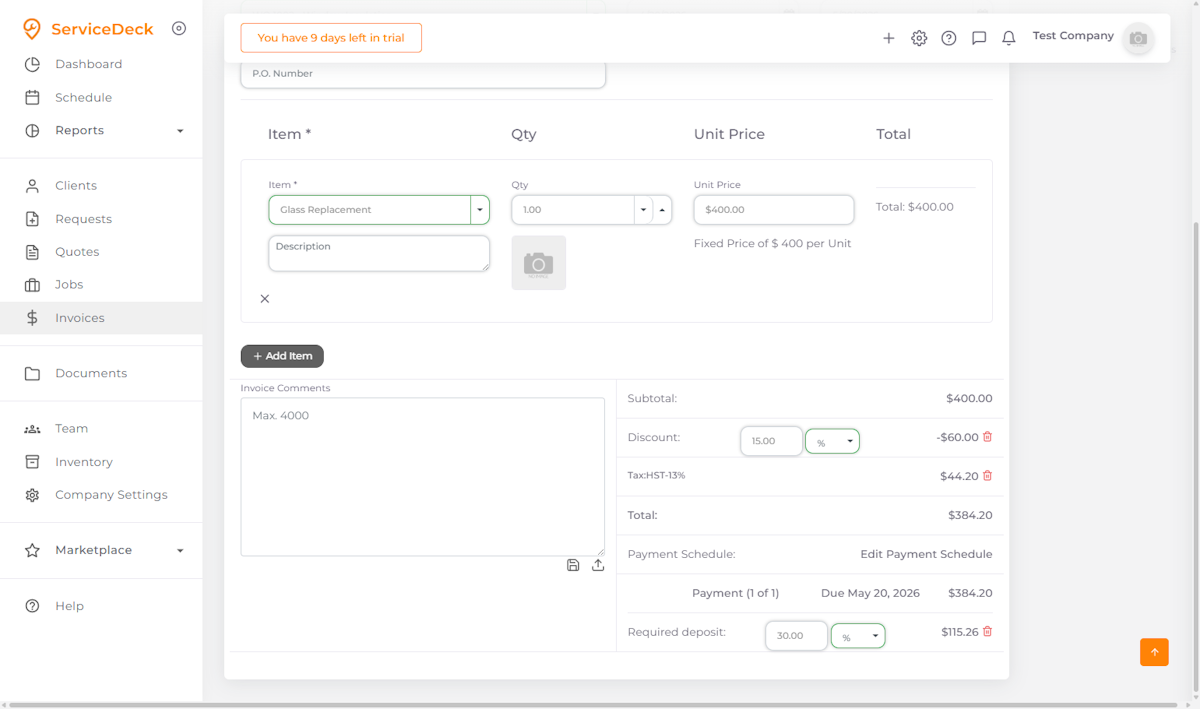
11. Review the Invoice
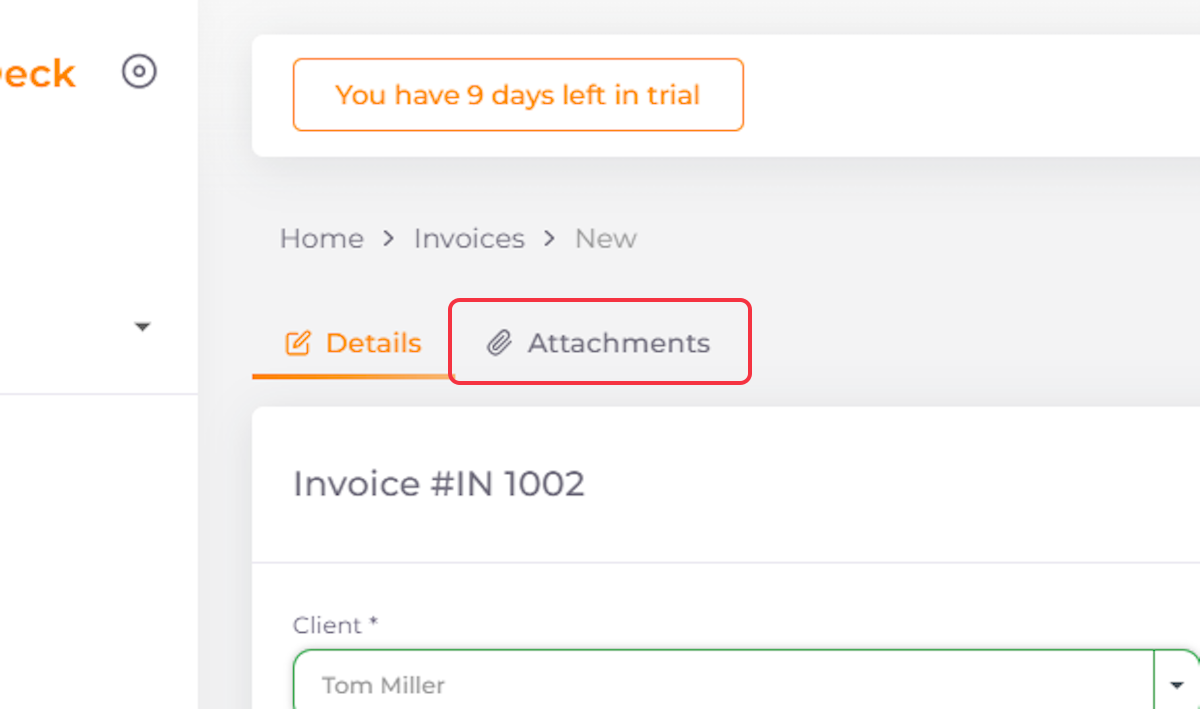
12. Navigate to Attachments to add Files
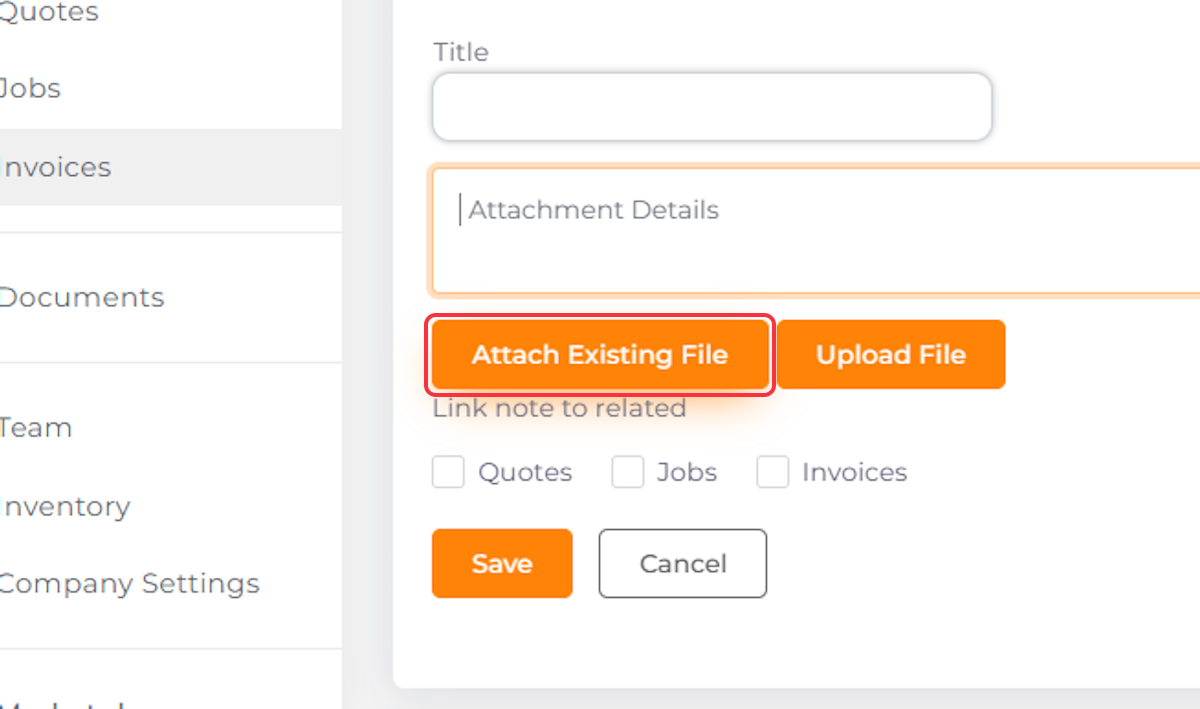
13. Attach an Existing File and Add a Title and Description
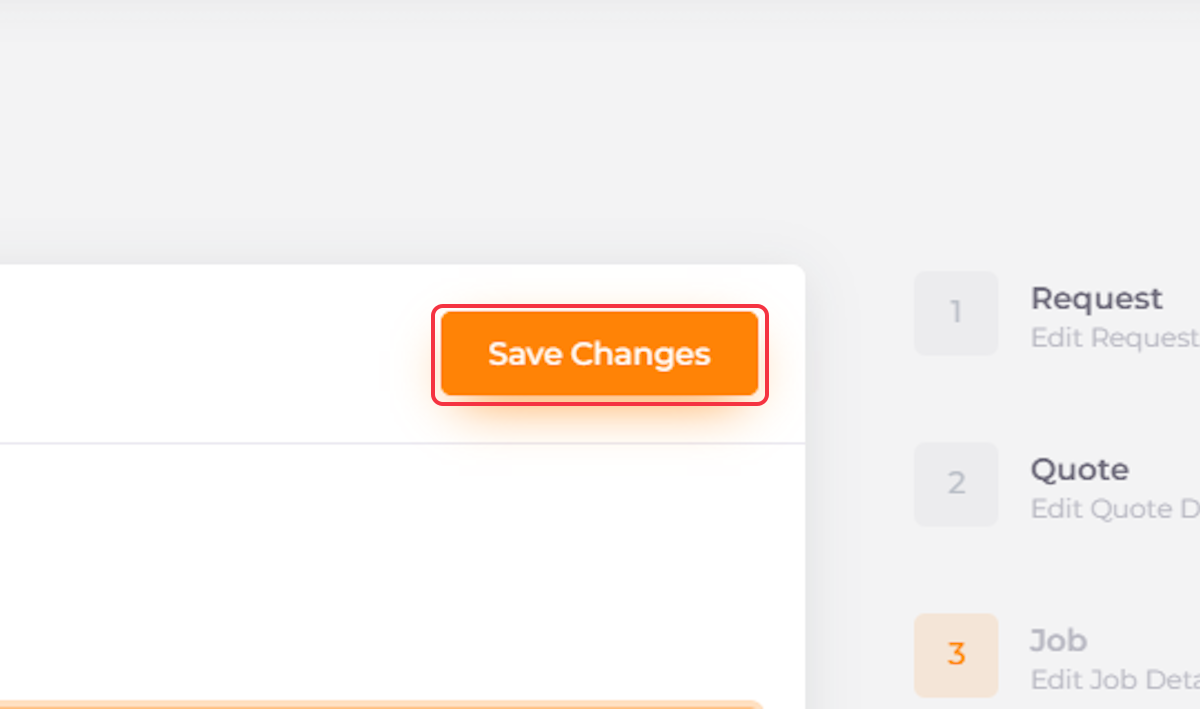
14. Click on Save Changes
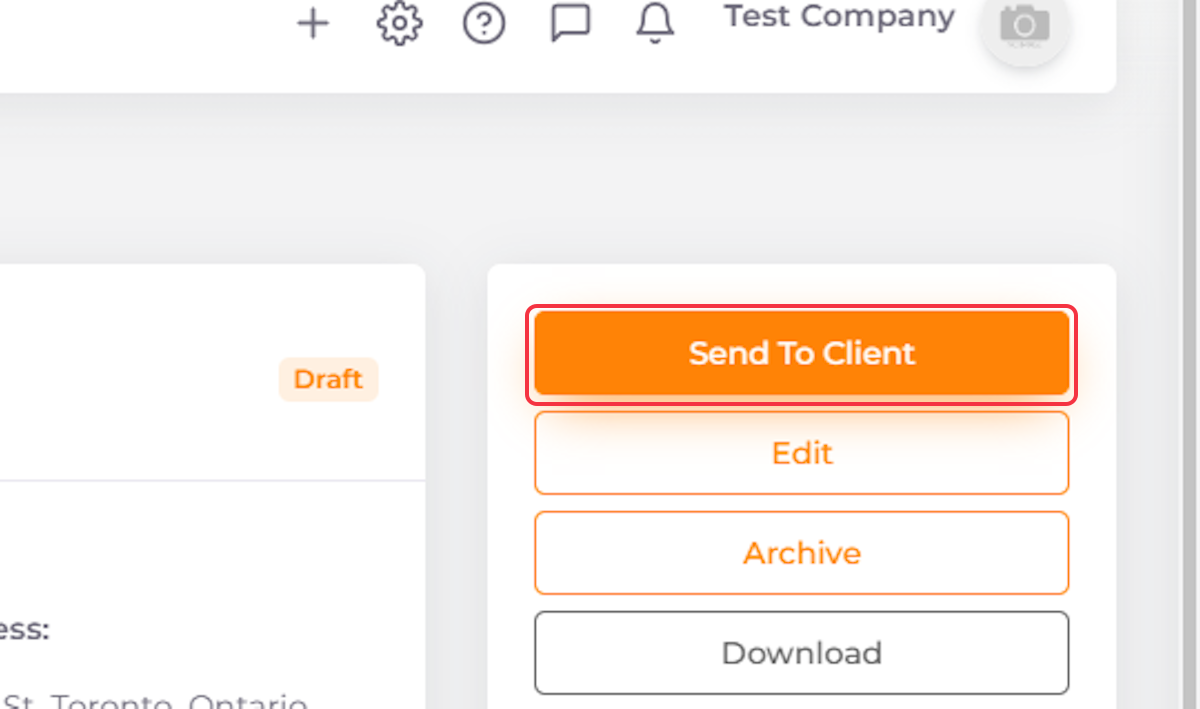
15. Click on Send to Client
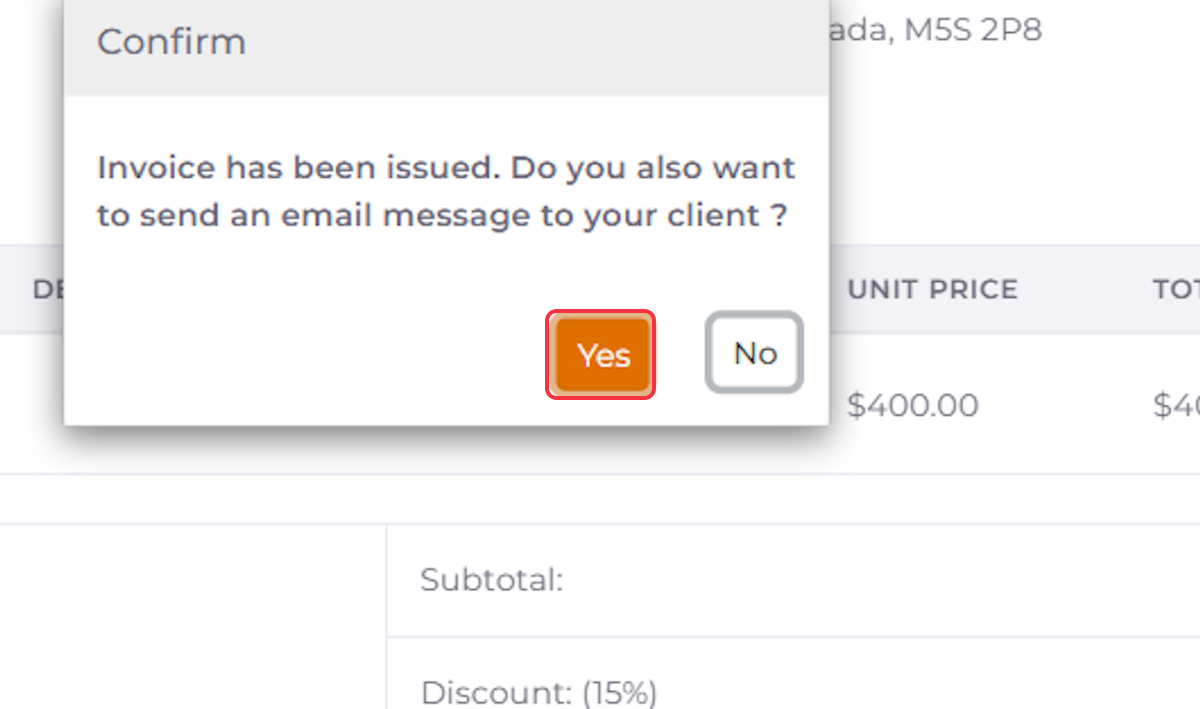
16. Click Yes to Send the Email to Your Client
17. Edit the Email if Needed
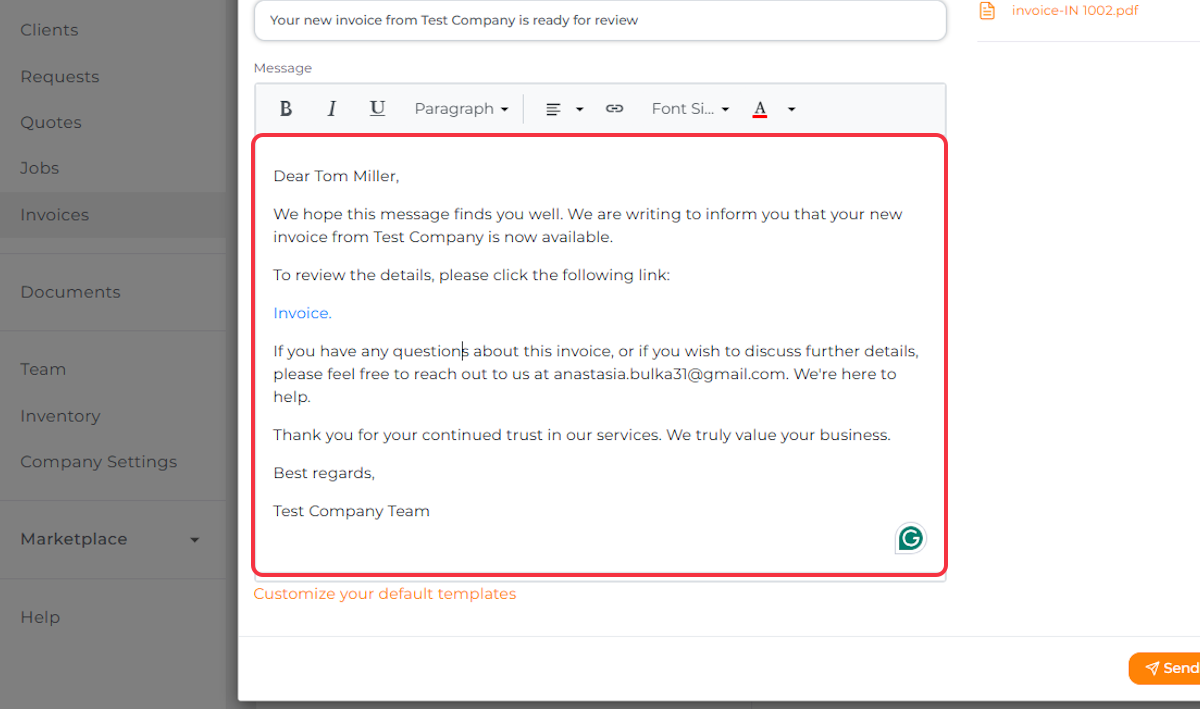
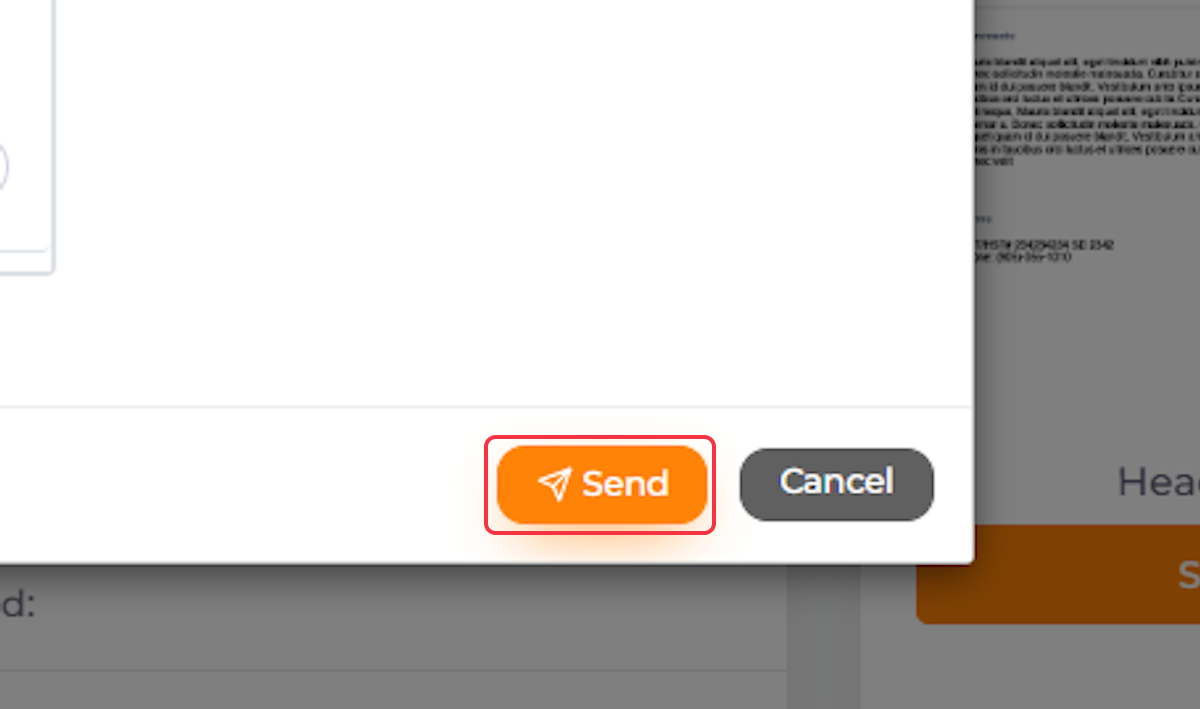
18. Click Send to Send the Email to Your Client