

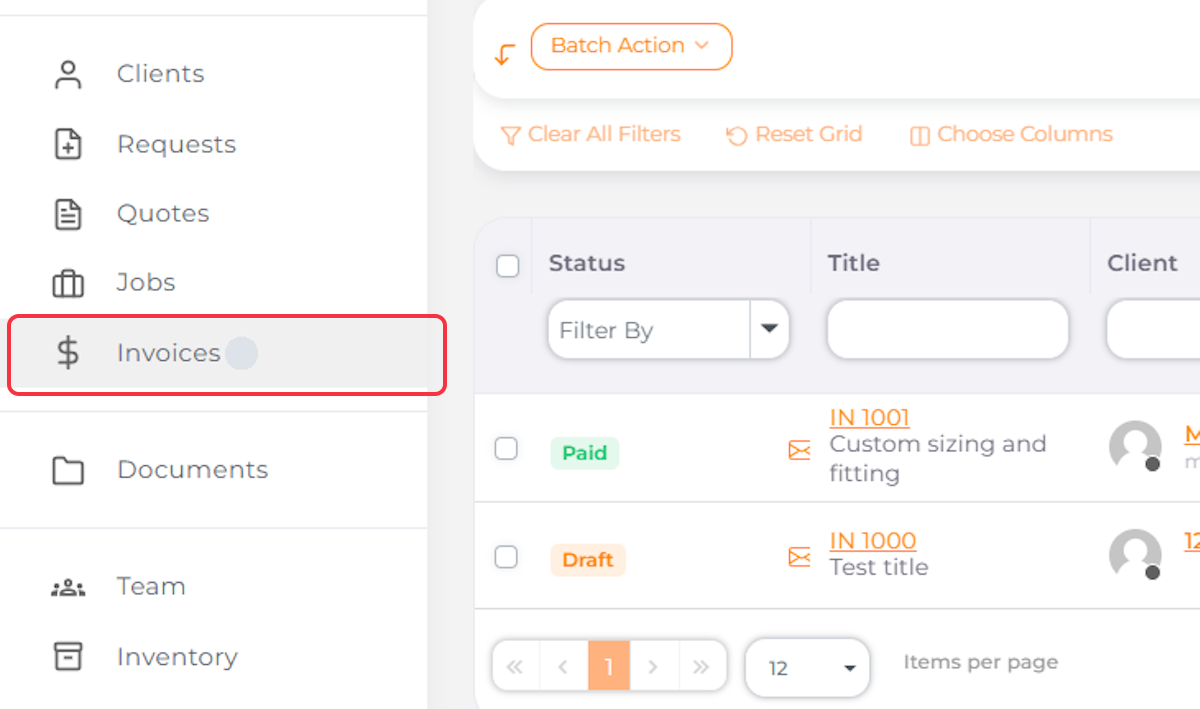
1. Navigate to Invoices
2. Click on Existing Invoice

3. Click on Edit

4. Click on the Arrow Next to the Save Changes Button
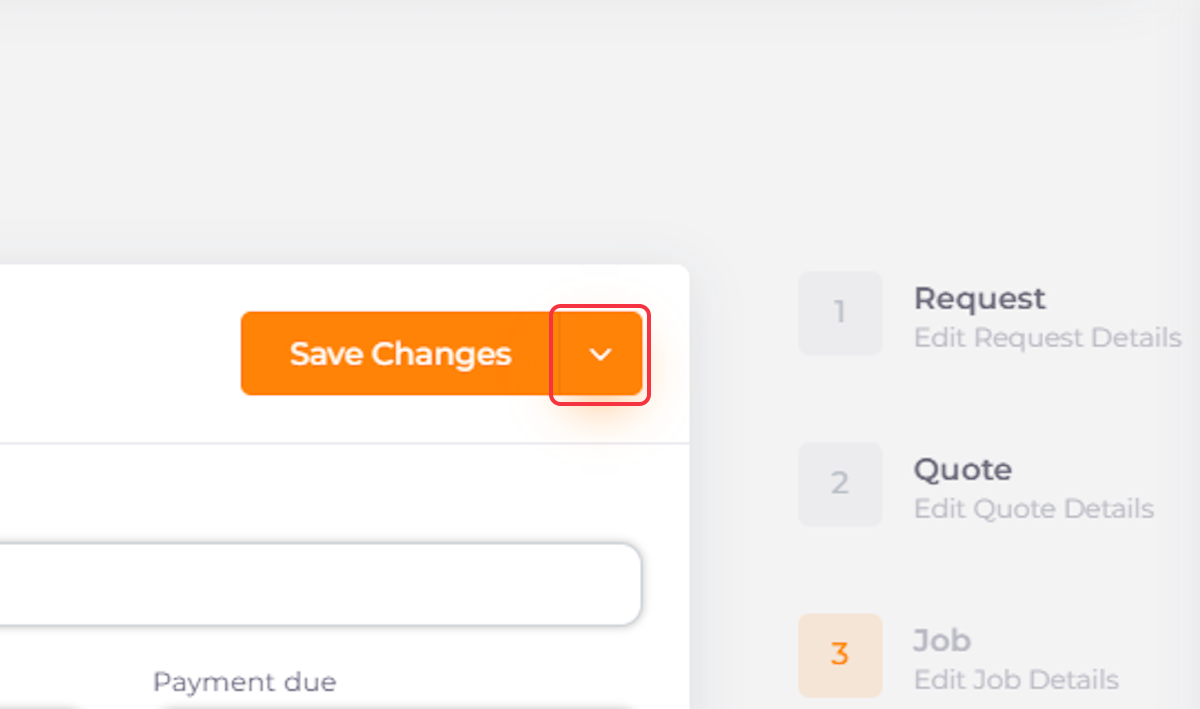
5. Click on Add Payment

6. Select Payment Method
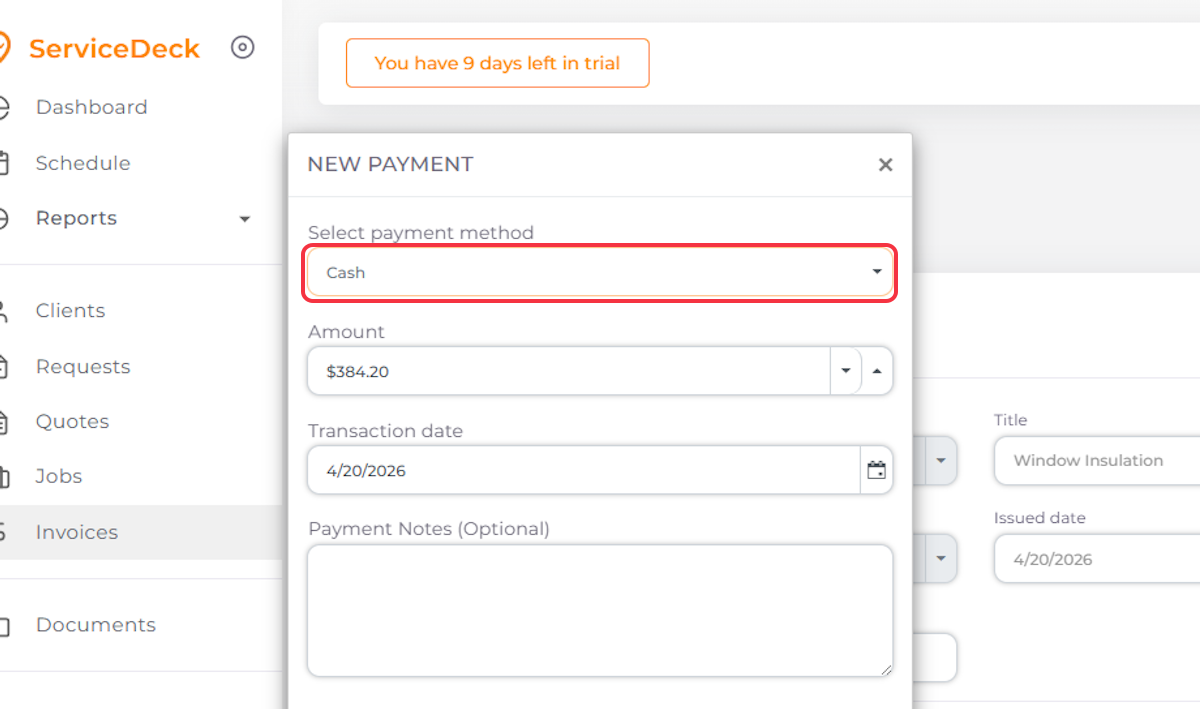
7. Enter the Amount in $

8. Add Transactional Date

9. Add Notes if Needed
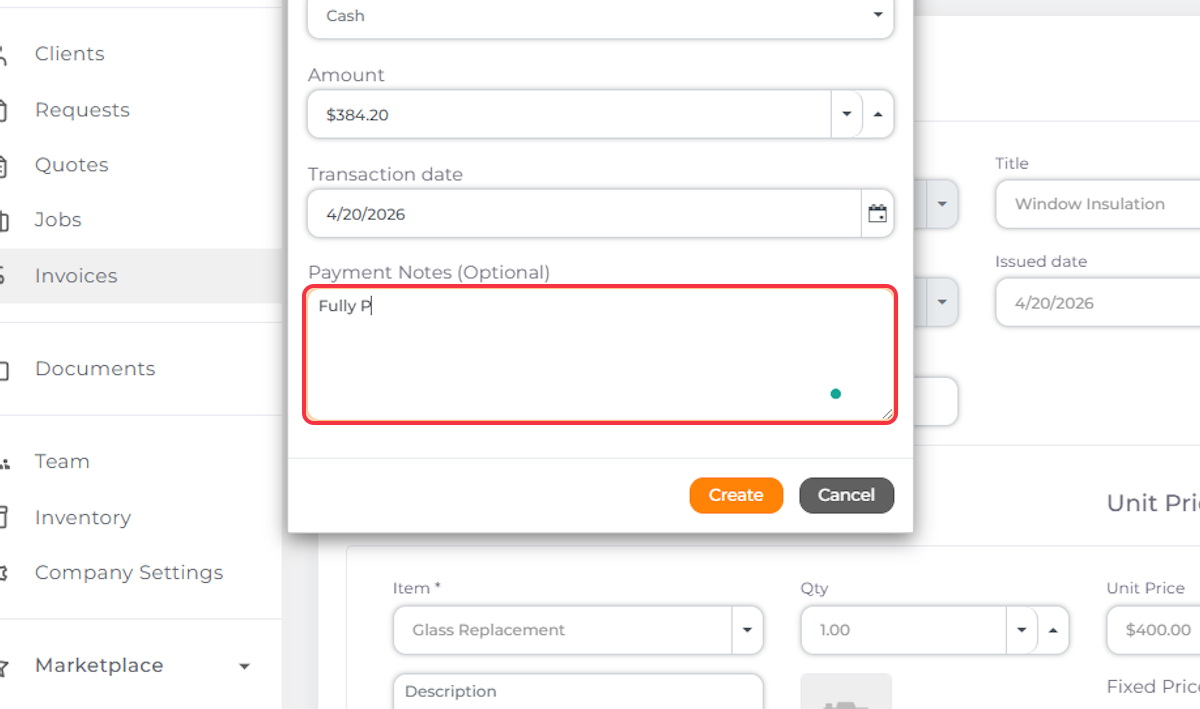
10. Click on Create

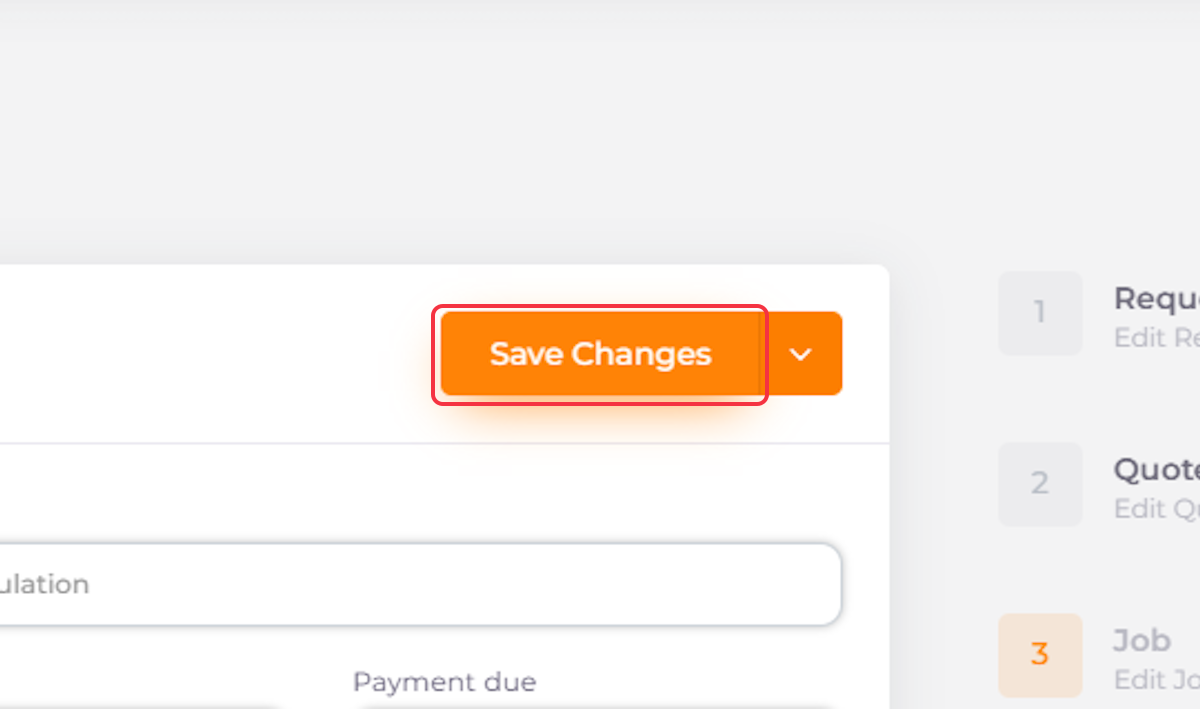
11. Click on Save Changes
12. Go Back to the Selected Invoice

The Invoice Status Is Now Paid


