
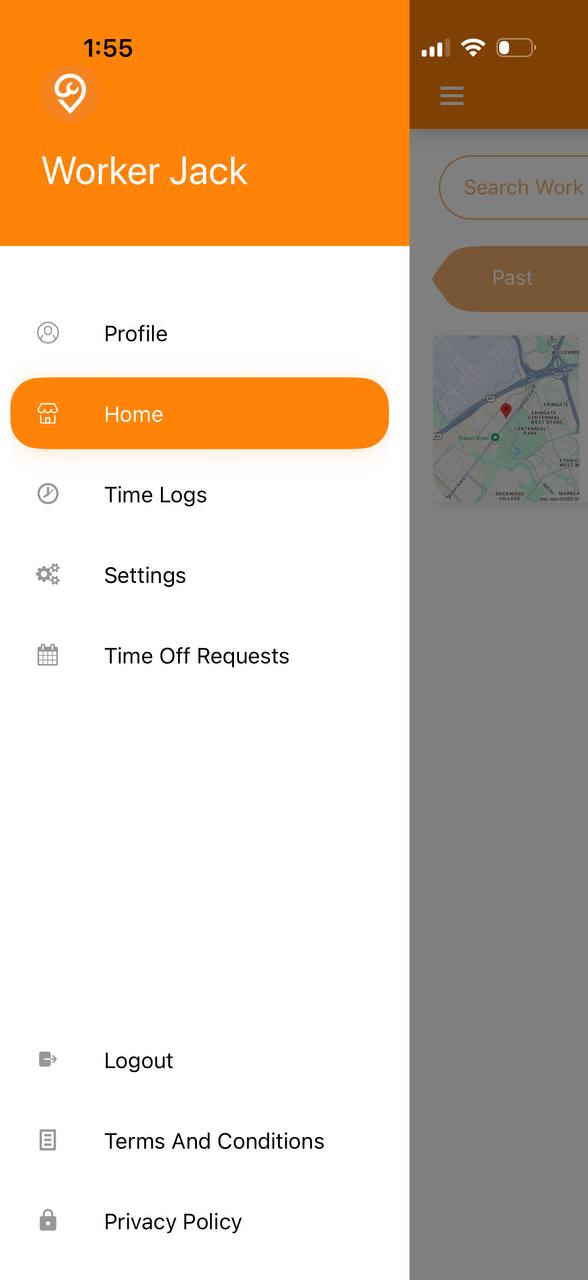
1. Navigate to Home
2. Select a Job

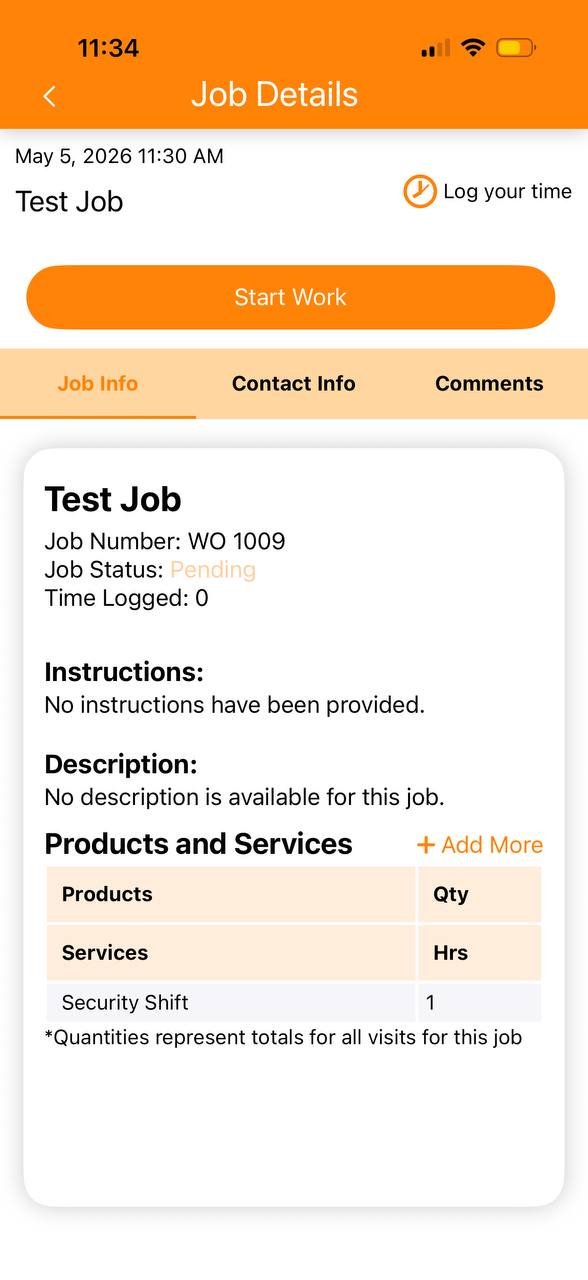
3. Open the Job > Click Start Work to Clock in
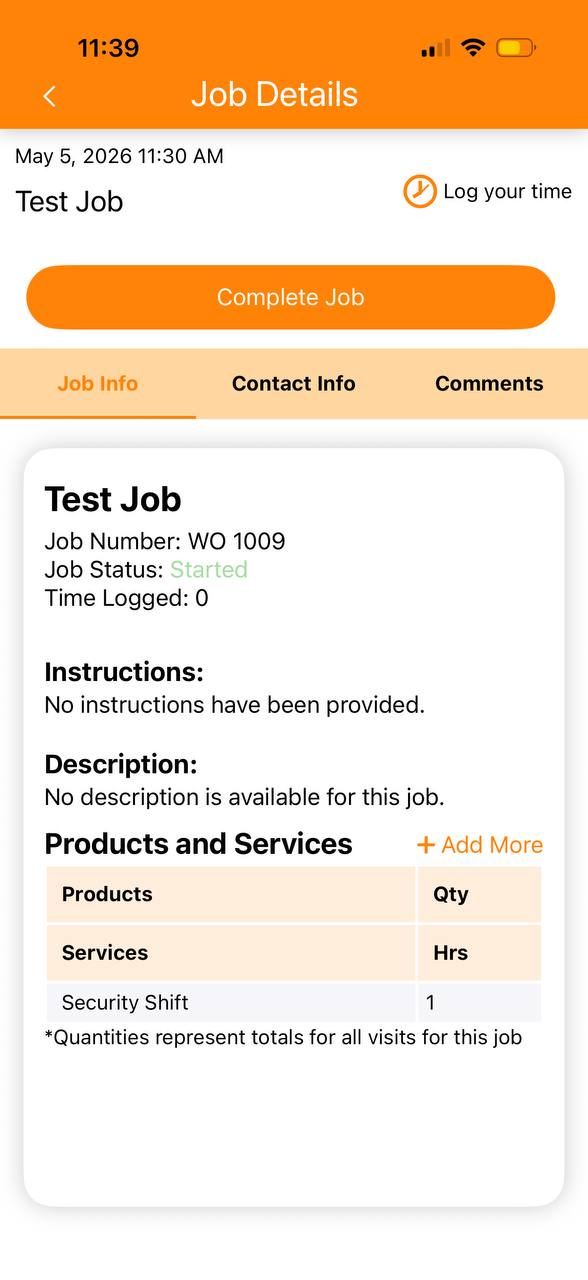
4. Click Complete Job to Clock Out
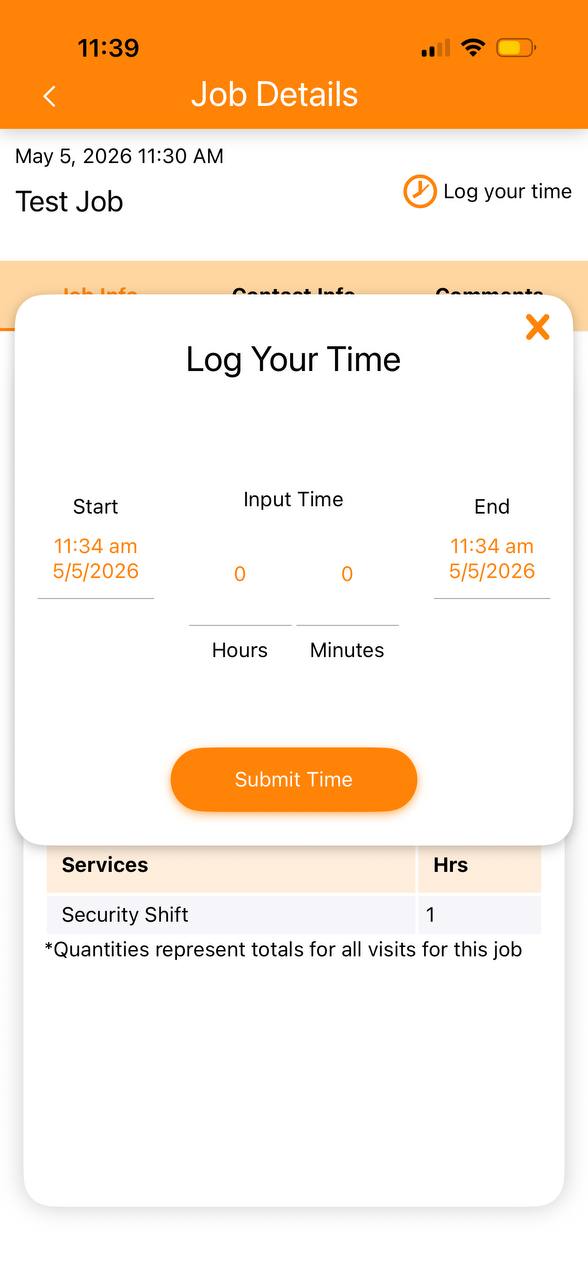
5. If the company owner has disabled automatic time logging, a pop-up will appear, and you’ll need to enter the hours manually.