

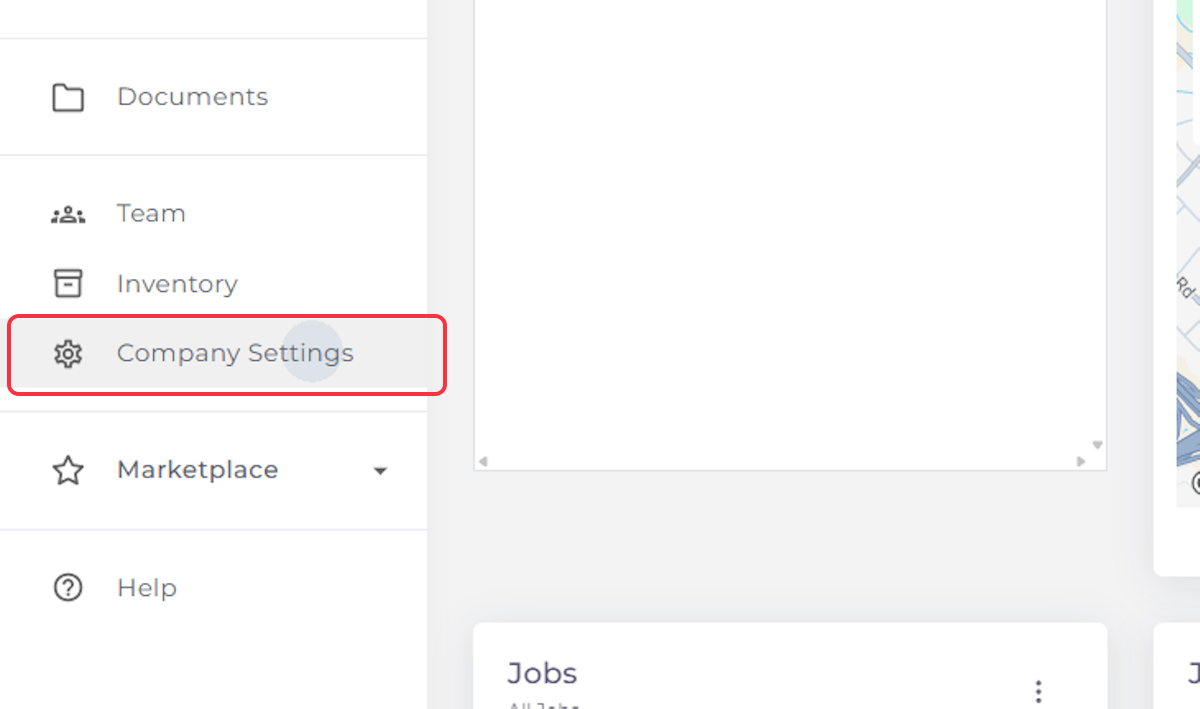
1. Click on Company Settings
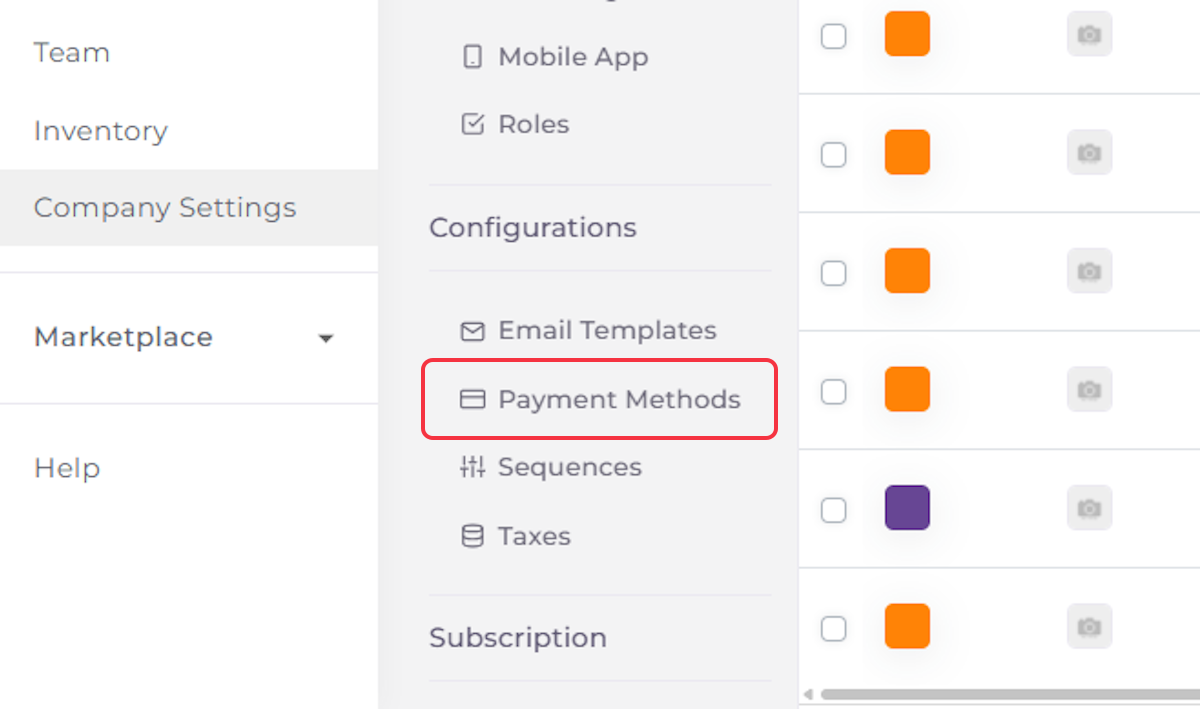
2. Click on Payment Methods
3. Enable Cash, Check
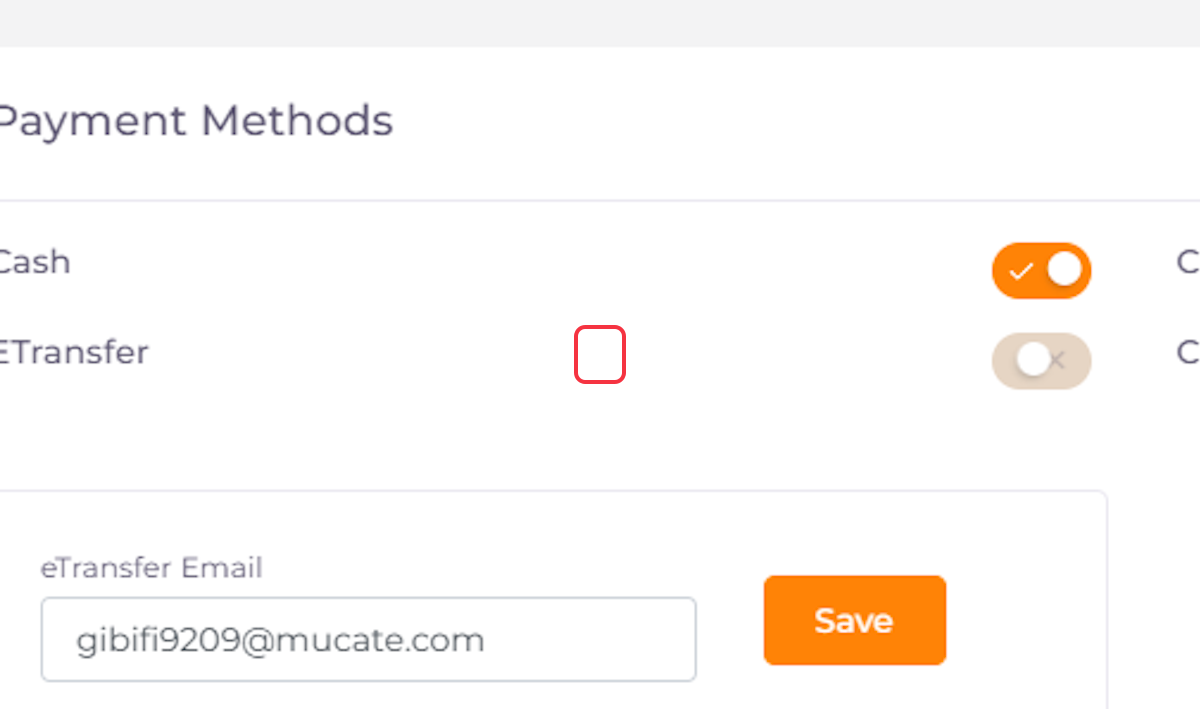
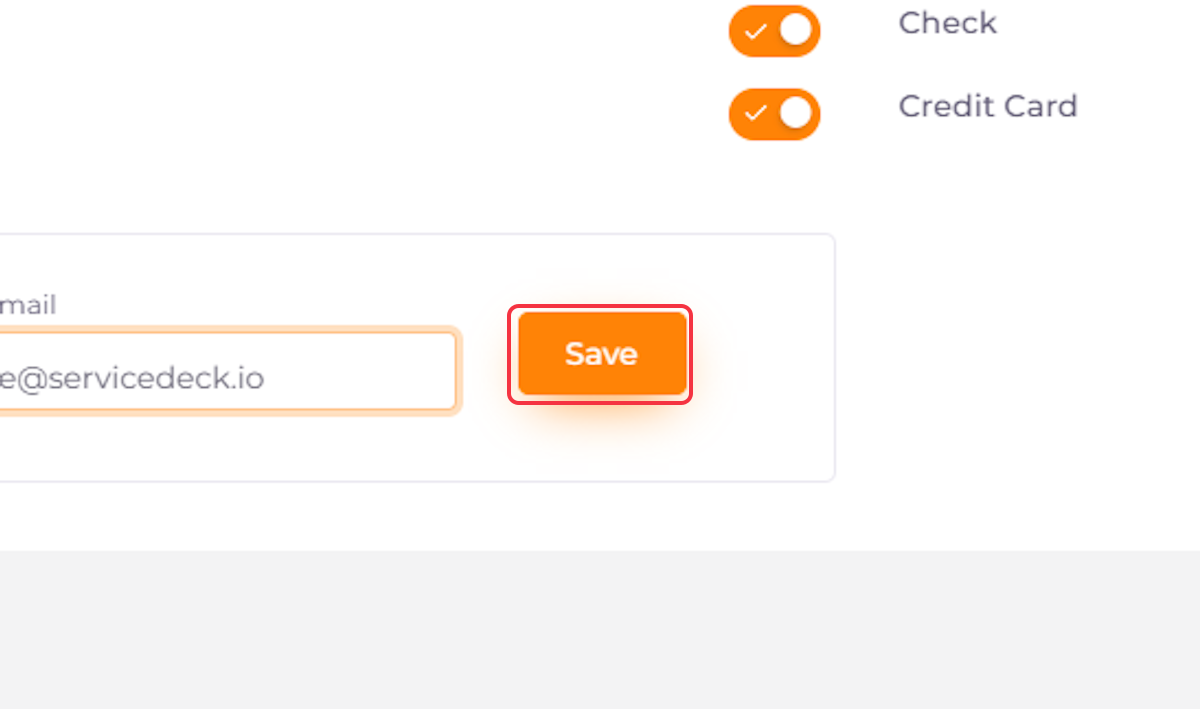
4. Enable E-Transfer. Add The Correct Email Associated With Your Payment Institution.
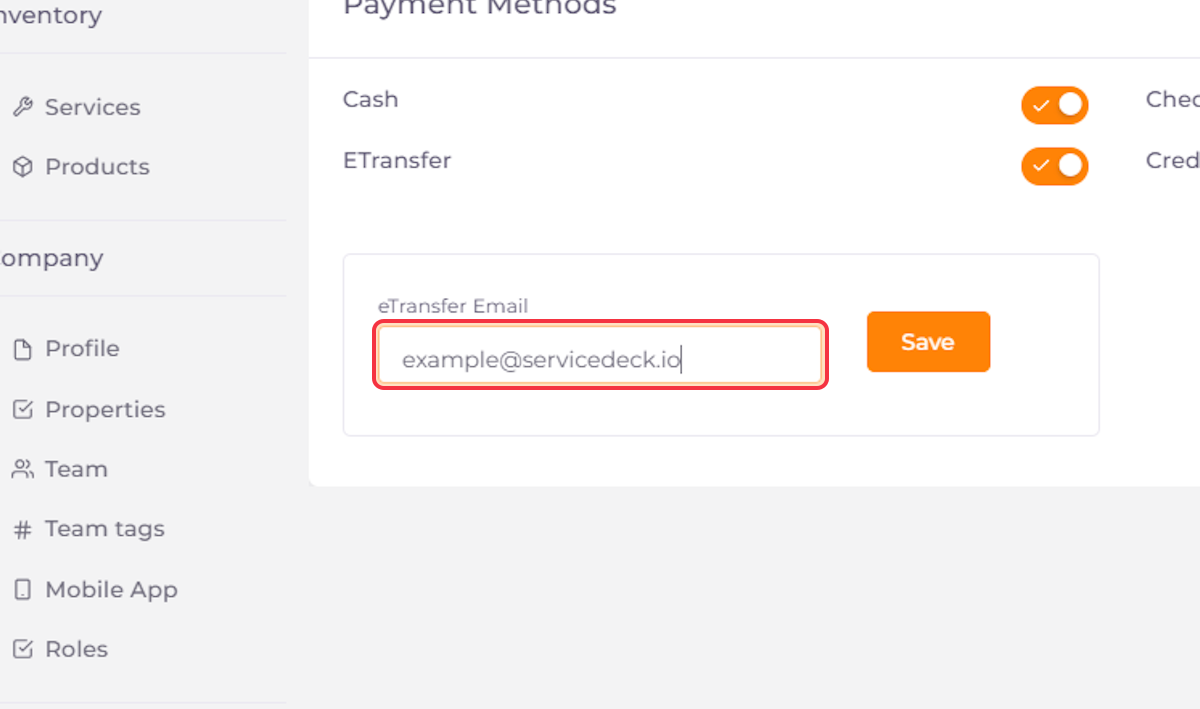
5. Click on Save
6. Enable Credit Card To Receive Payments Automatically Through ServiceDeck.
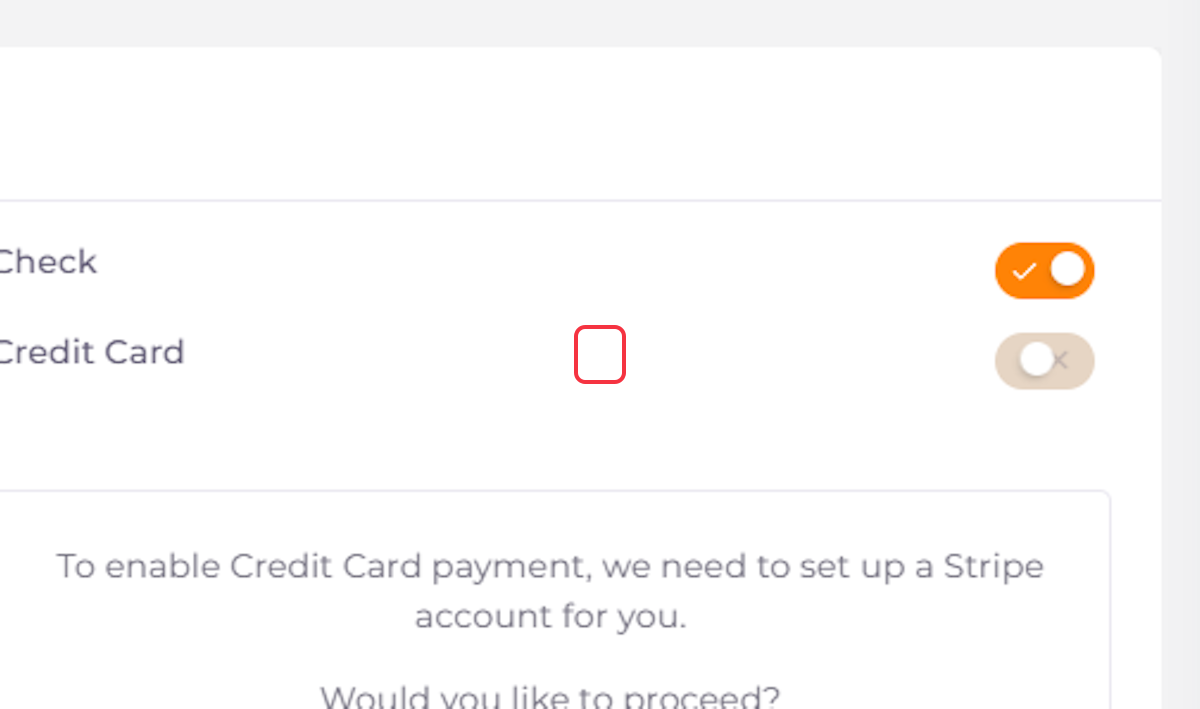
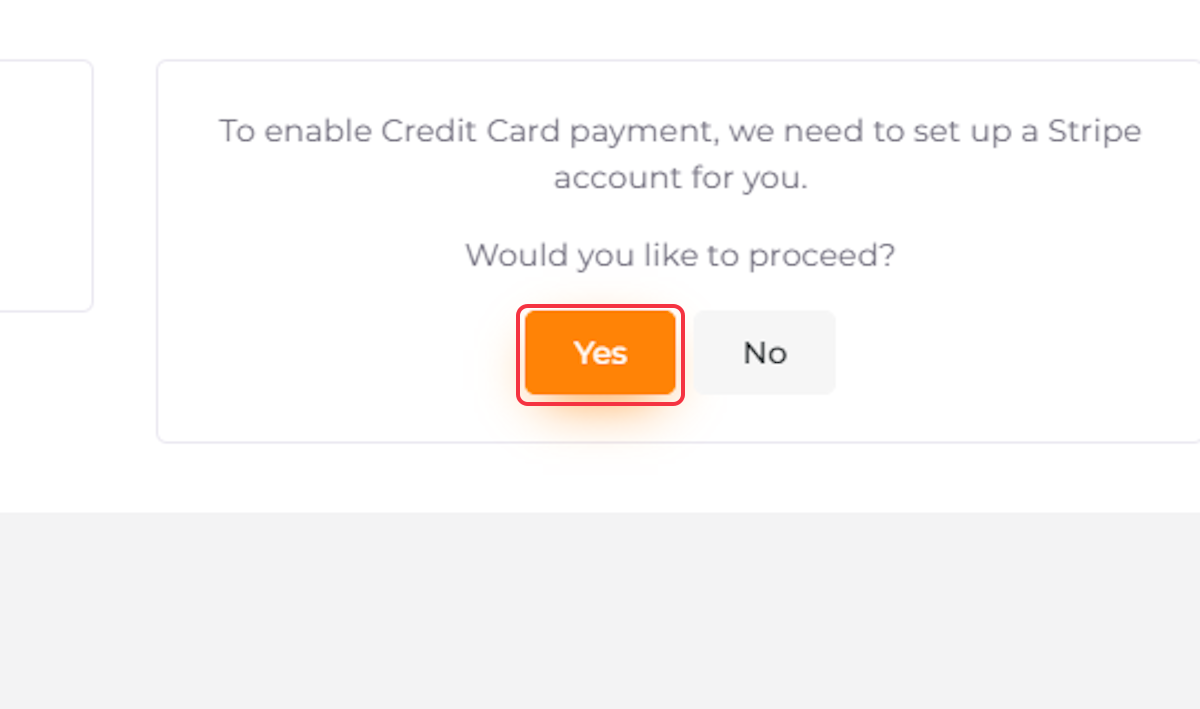
7. Click On Yes. Stripe Integration Is Required To Receive Credit Card Payments.
8. ServiceDeck | Set up payments with Stripe. Register or log in to your account and proceed with the instructions on Stripe.


